




Wie können wir helfen?
Wie logge ich mich ein?
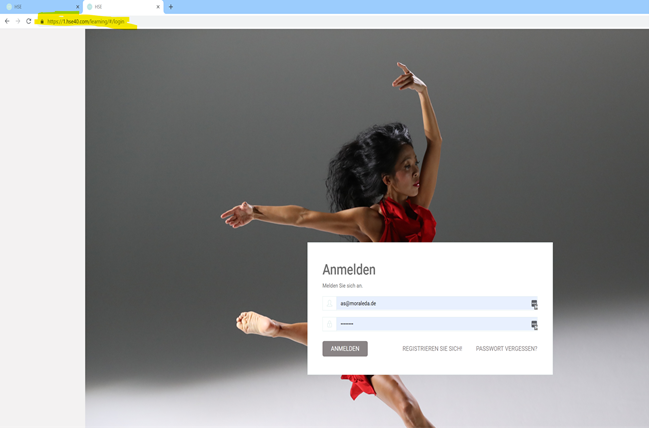 Als Du Deine Login Daten zugeschickt bekommen hast, war dort ein Link dabei, welcher Dich zur Startseite im Web (xx.hse40.com) führt. Dort gibst Du Deine Anmelde ID ein. Dies ist häufig Deine Email Adresse. Nach Eingabe Deines Passworts kannst Du dich einloggen. In der App gibst Du als Organisations-ID die Nummer der Domäne an, zum Beispiel 25.hse40.com und gibst danach Deine AnmeldeID/E-Mail und Dein Passwort ein.
Es kann sein, dass Du direkt nach Deinem 1. Einloggen aufgefordert wirst, ein neues Passwort zu vergeben.
Generell: Es ist immer sinnvoll, bei Deinem 1. Login ein neues Passwort zu vergeben. Du kannst alle Zeichen und Ziffern verwenden.