


Overview of the main features
Plan, carry out and document face-to-face, blended or online instruction in a legally compliant manner.
Always up to date: All activities and all people in 1 database with ongoing synchronization of all devices
Content: easy and quick to create yourself in 10 minutes
Checklists for inspections: can be individually created/adapted for all situations
Note function: upload your own notes and pictures
Documentation: all activities including carrying out the due surveys
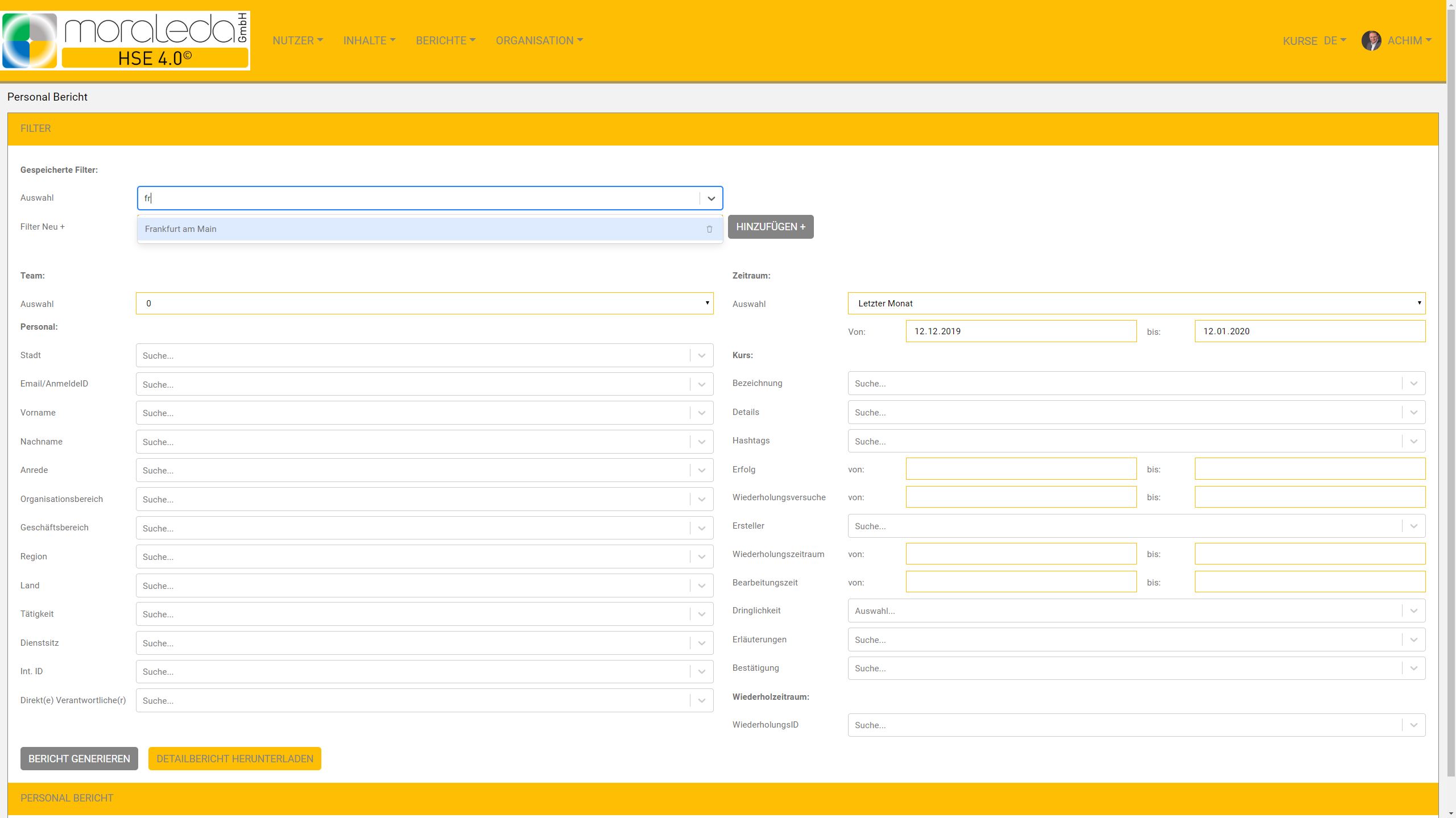
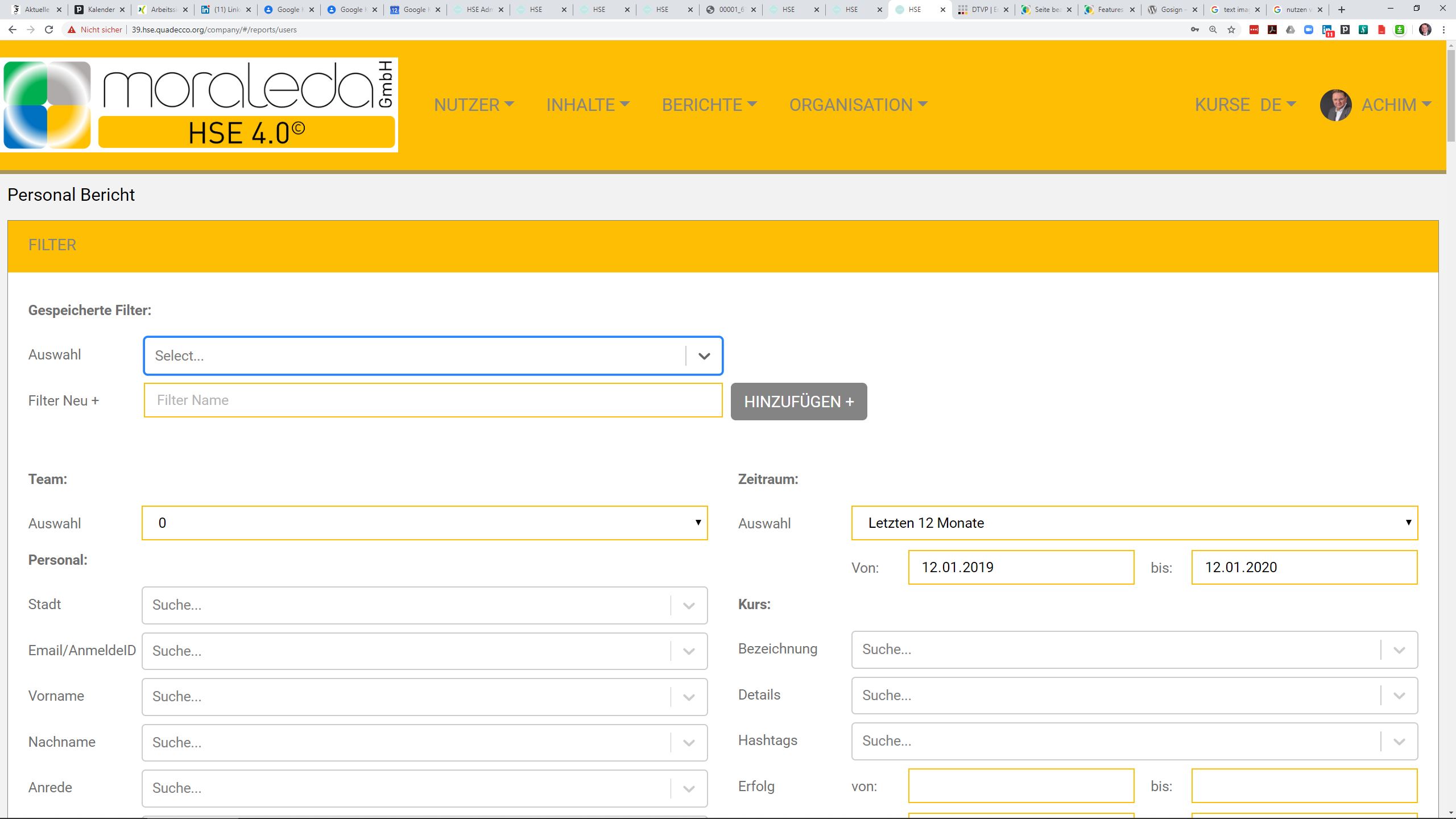
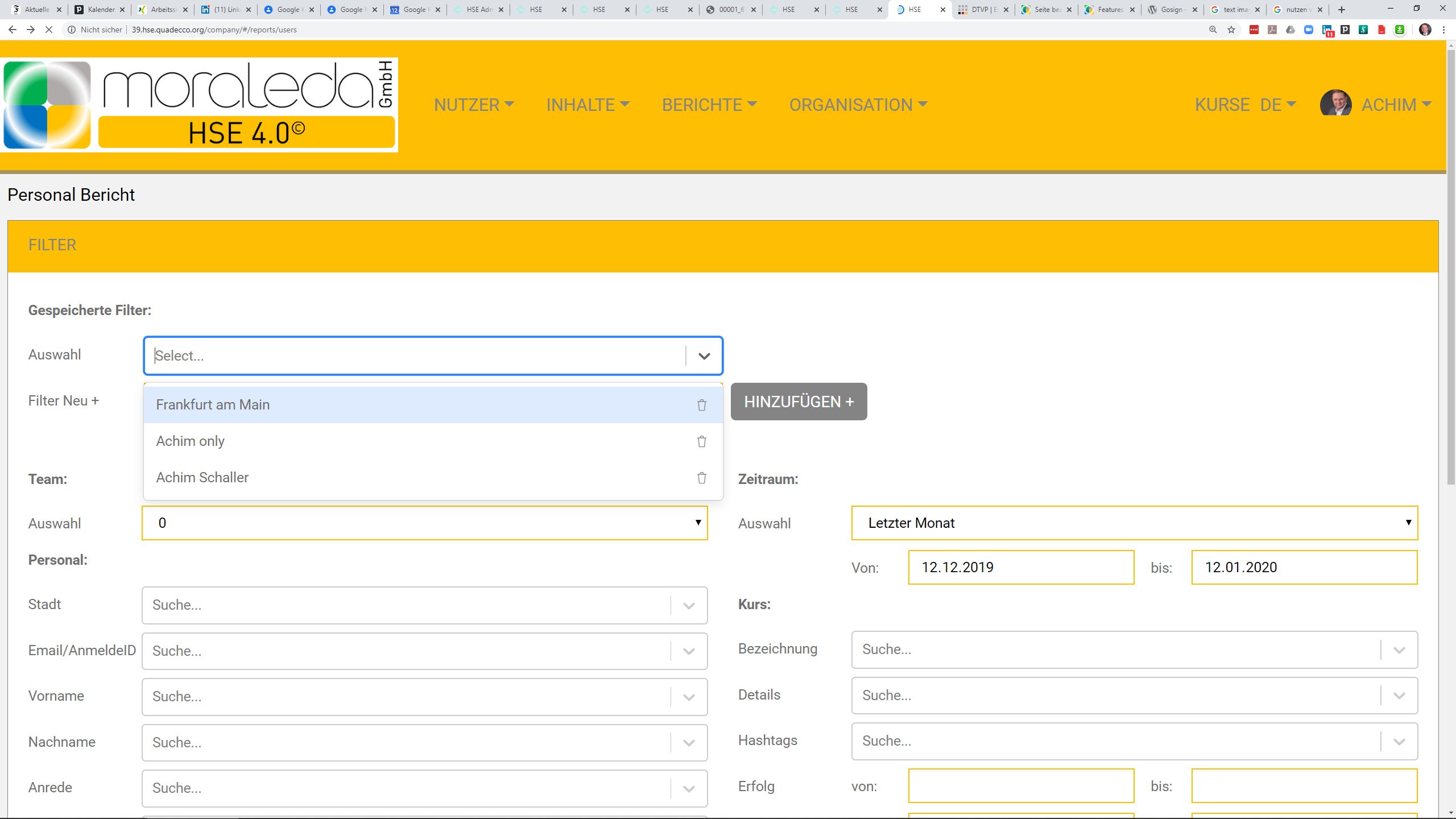
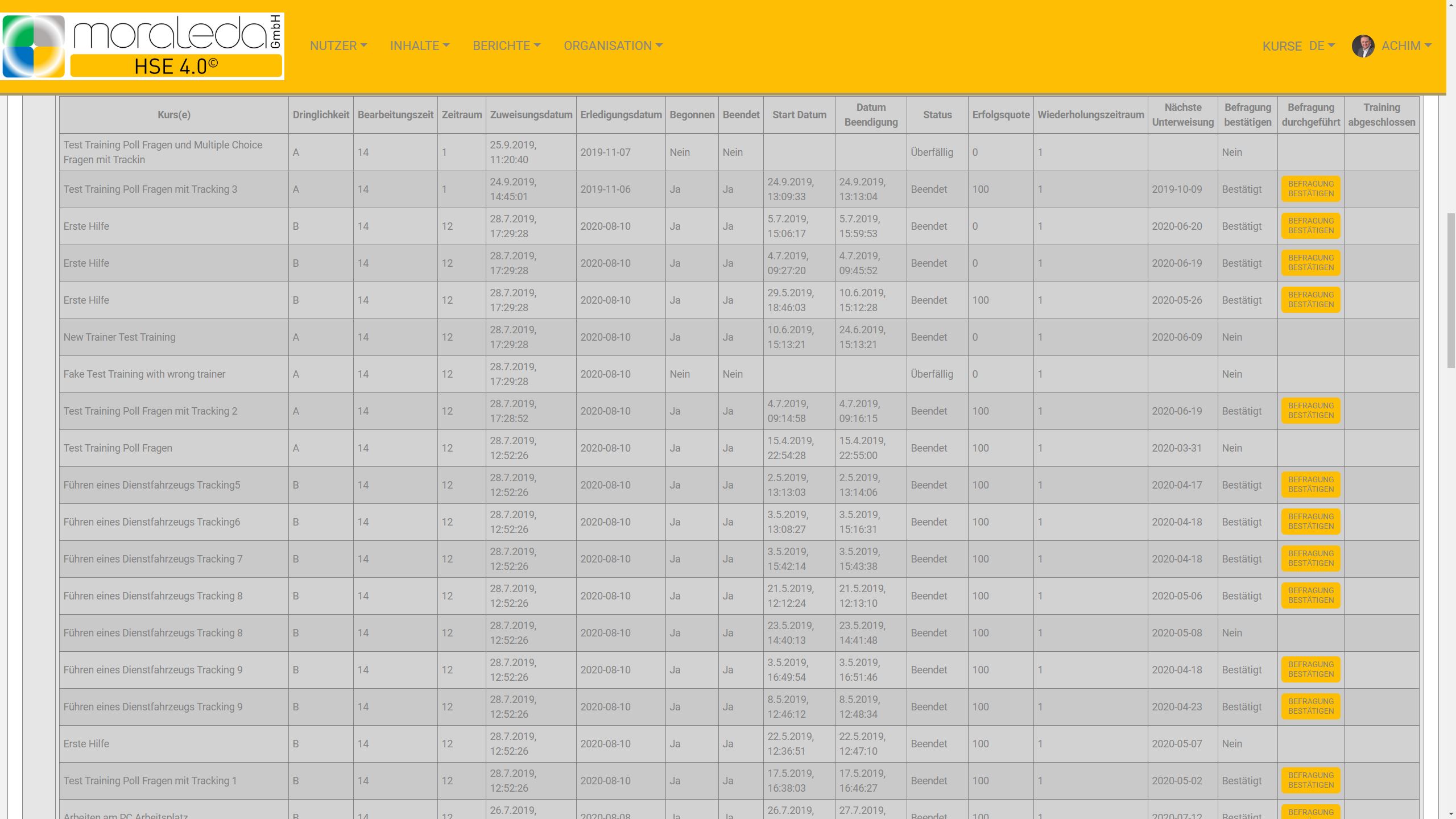
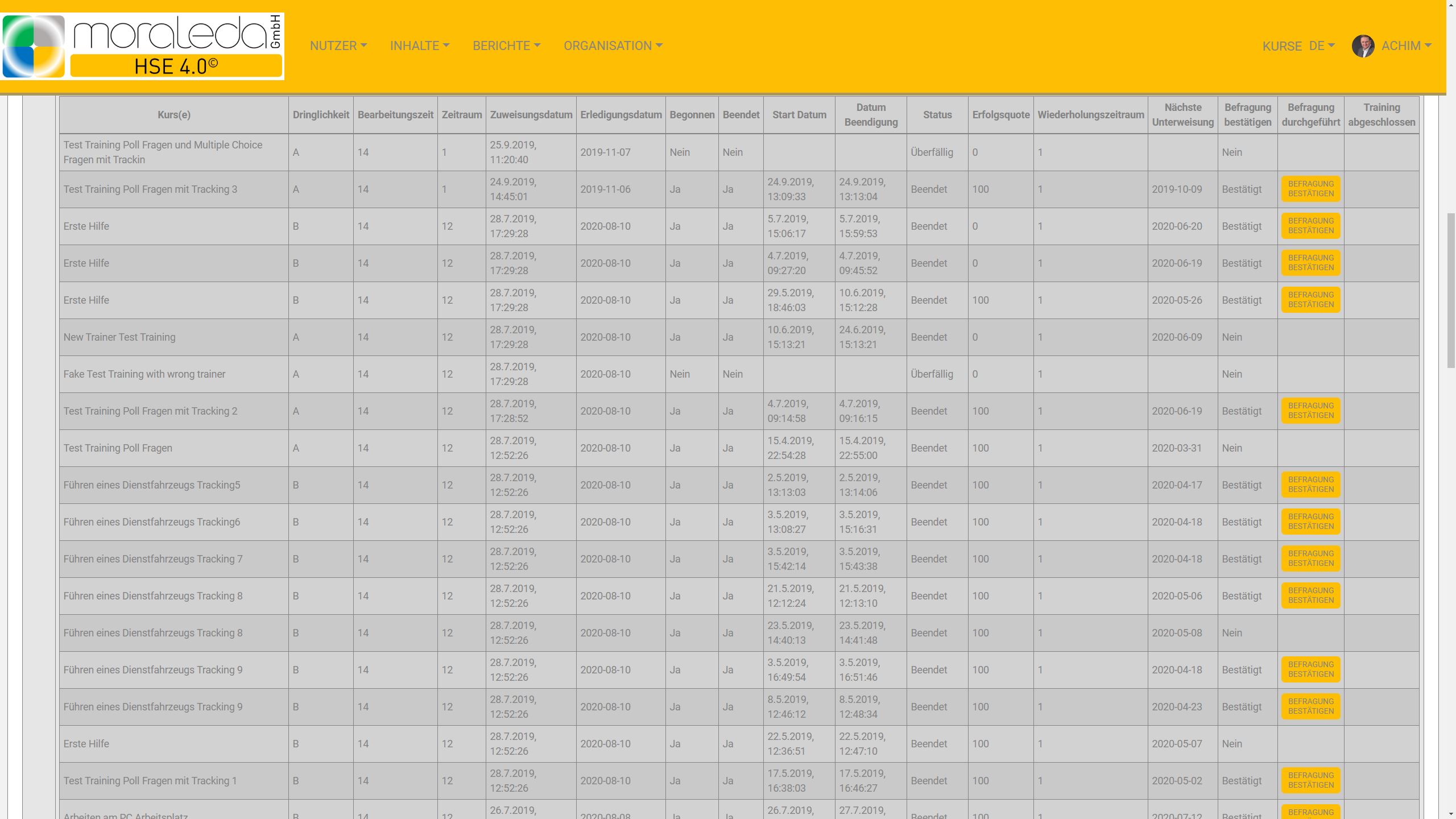
Reports: Based on people or content via hashtag filters (daily, weekly, monthly, yearly) available for download in Excel
Fast: Immediately transmit danger spots, questions and comments to those responsible in the chat (text, images, audio and video)
Easy to use: Available on web and app
Self-explanatory: no lengthy training required thanks to video tutorials
High level of data protection: Server locations in Germany
Ultimate flexibility: All compliance, safety, environmental, sustainability and disposal issues in 1 platform
languages: German, English, French (other languages possible)
UTF8 character set: can be used worldwide

Table of contents
HSE 4.0 on the web
Clear
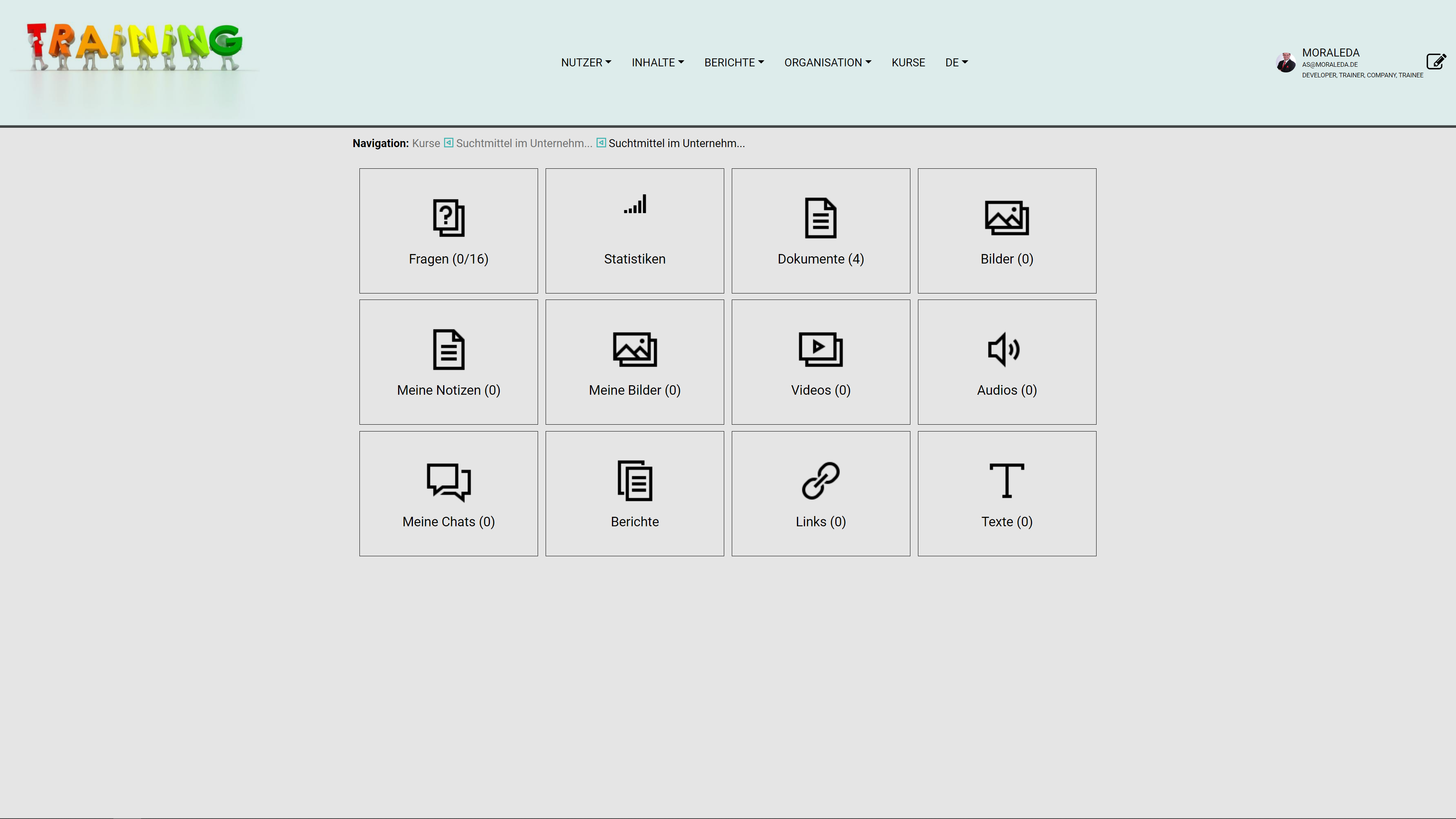
- All functions at a glance
- All courses at a glance
- All content at a glance
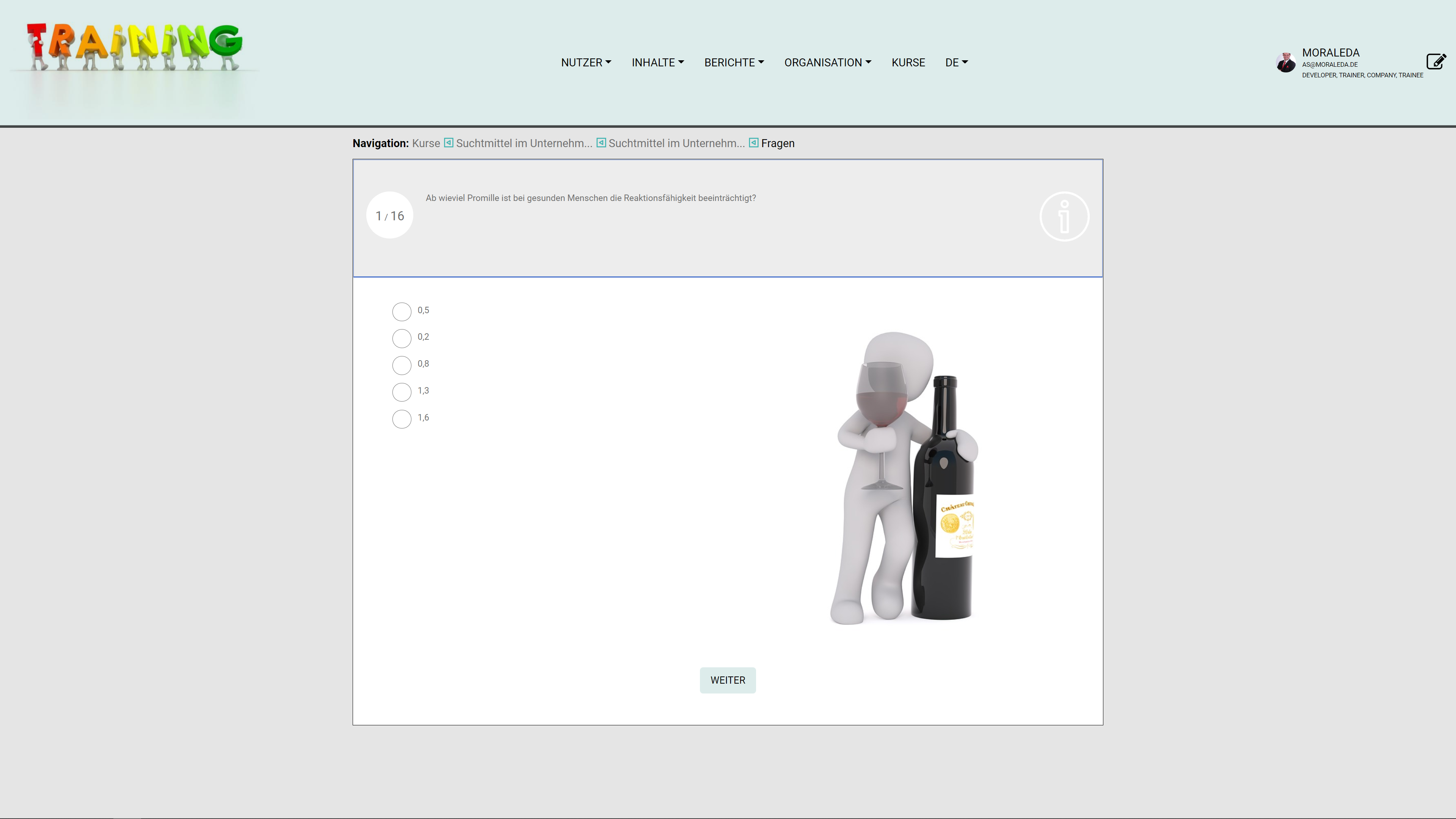
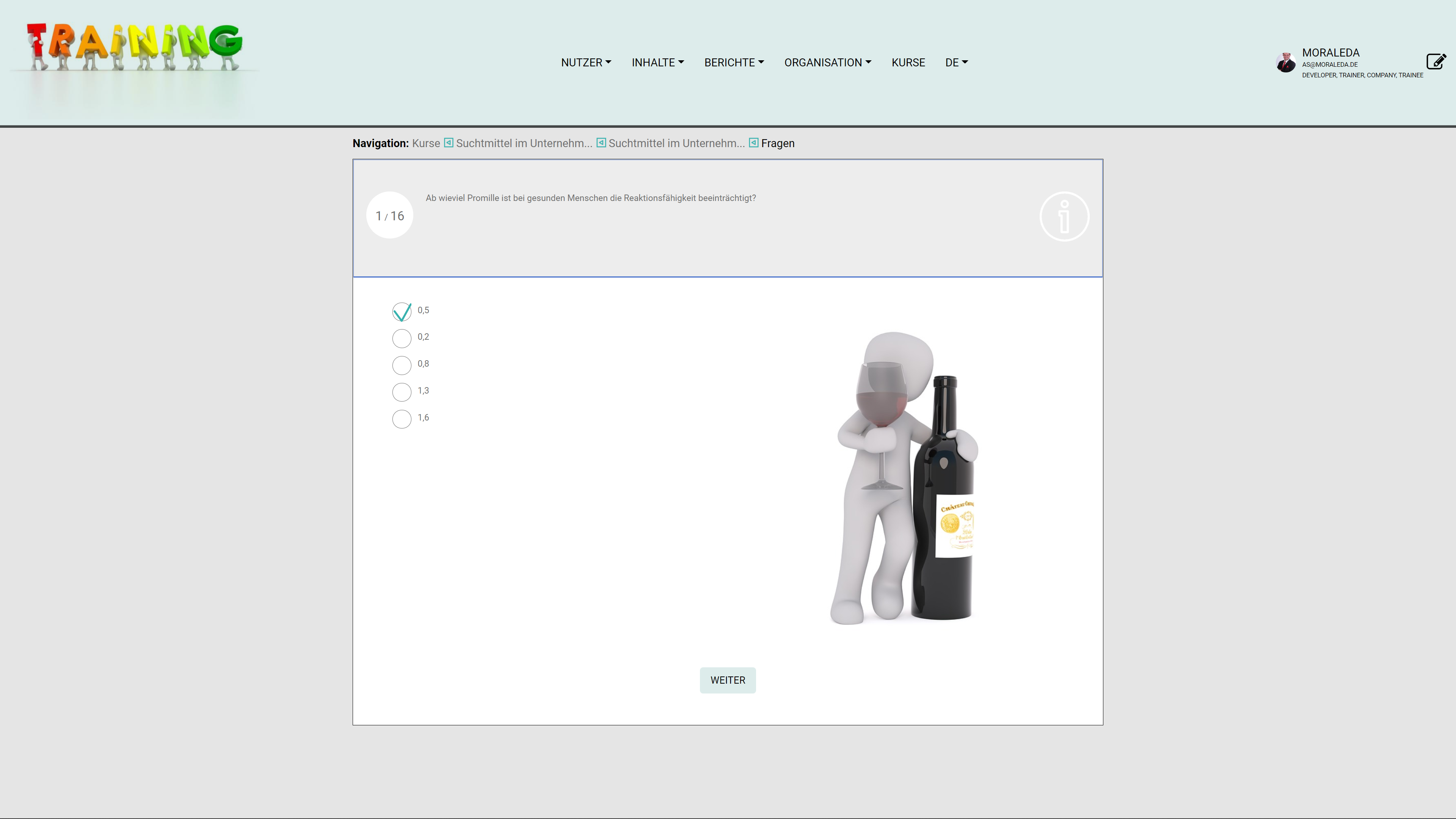
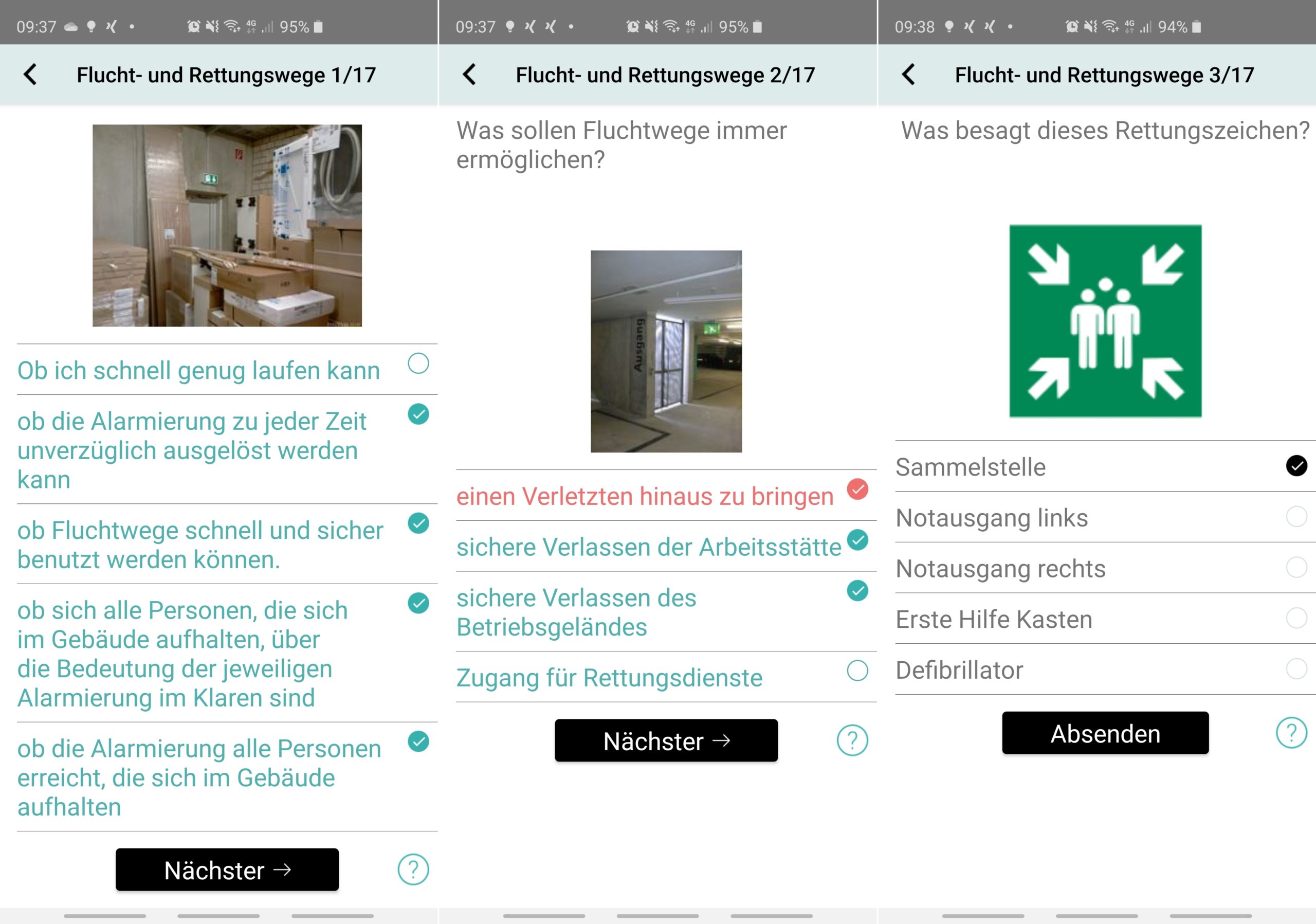
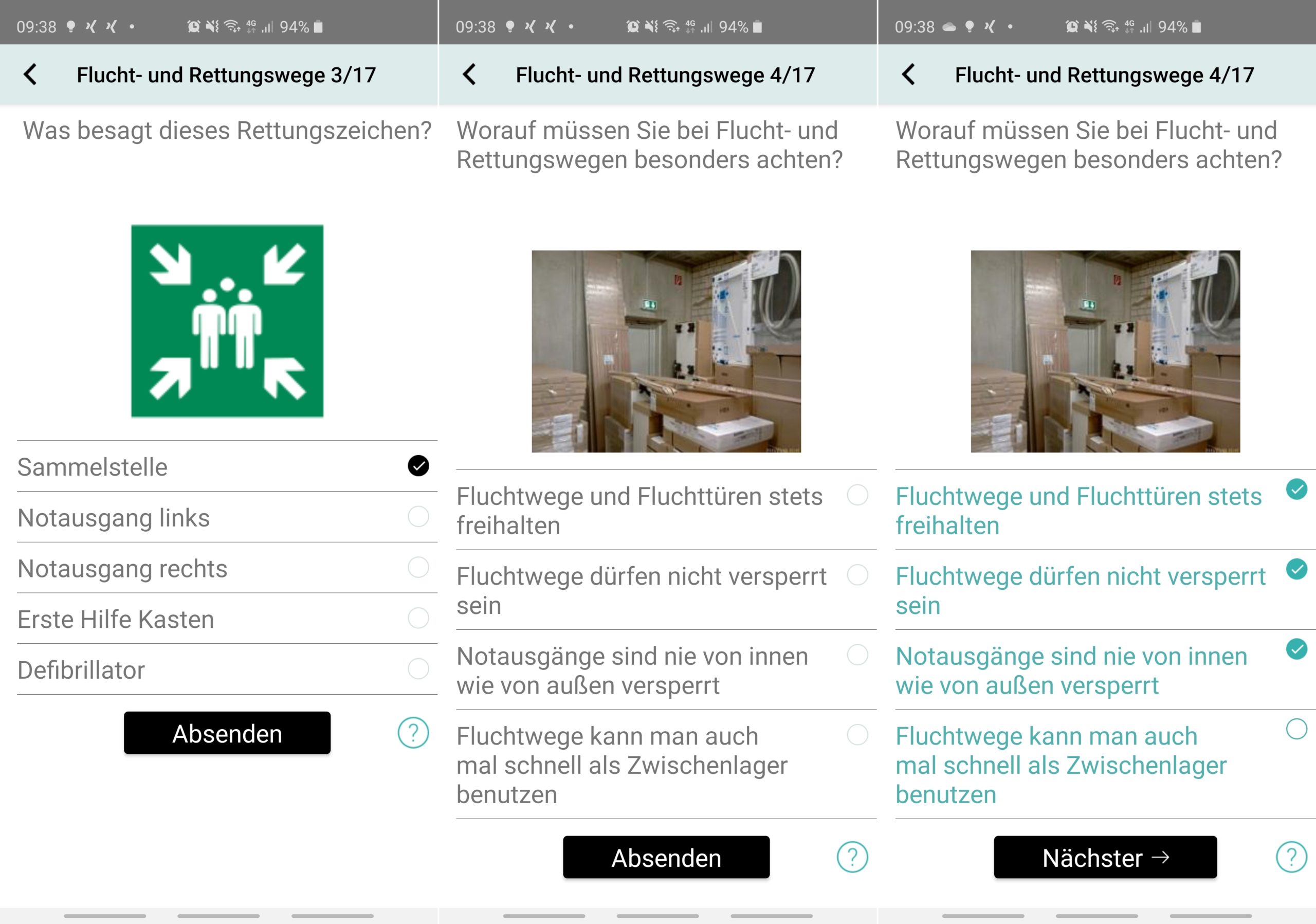
Excellent learning experience
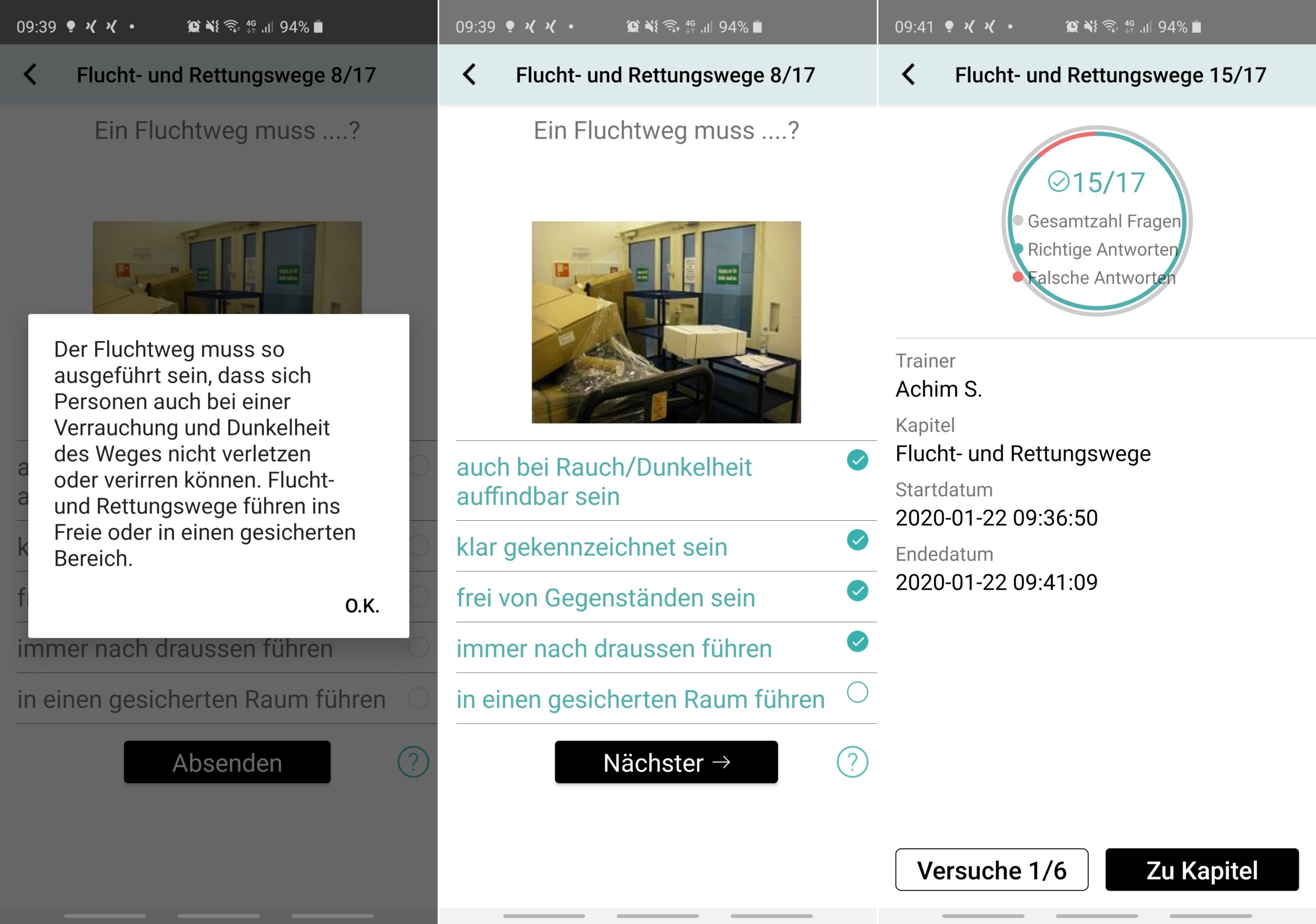
- Feedback after answering all questions on how many of the questions were answered correctly
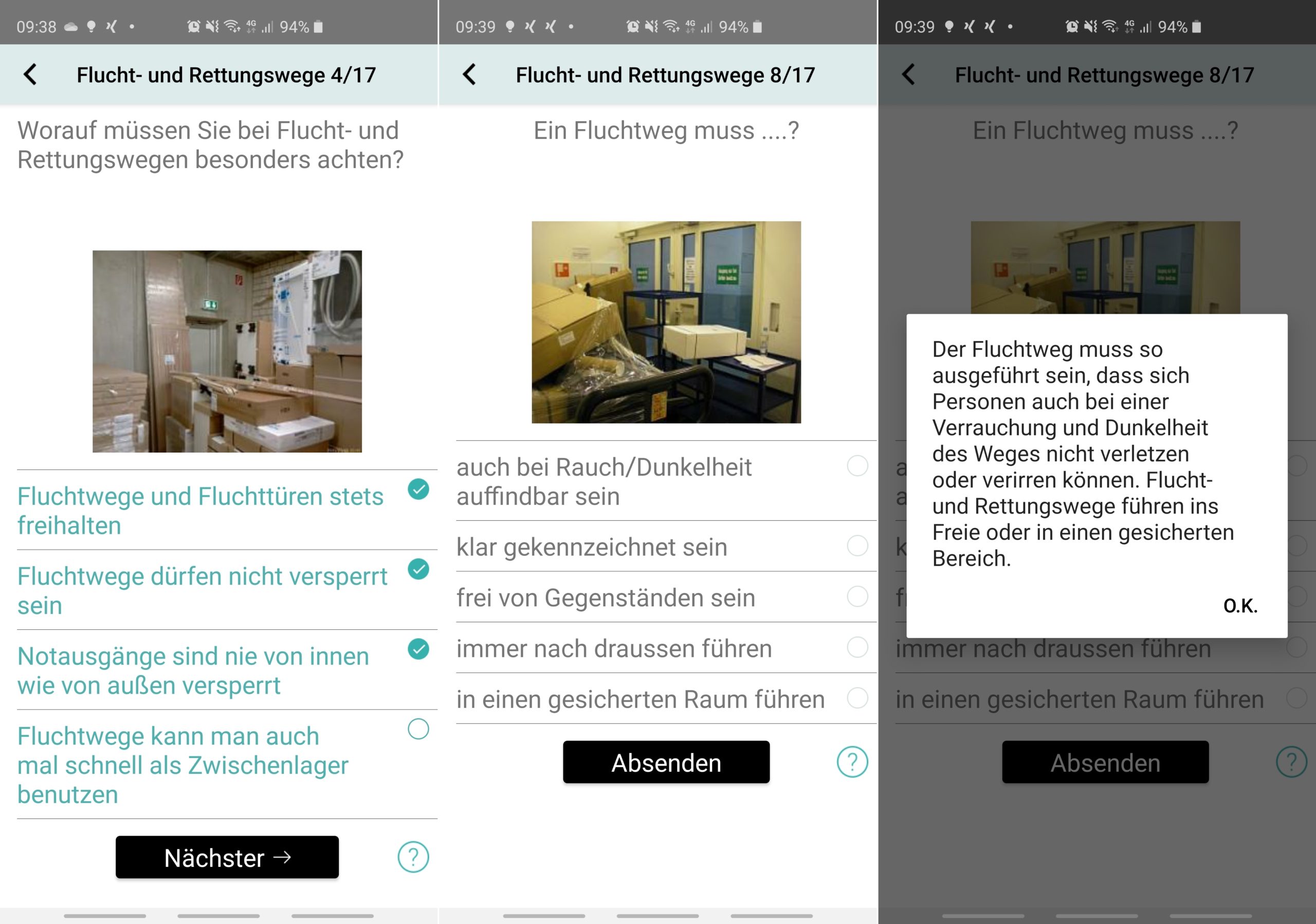
- Immediate feedback as to whether a question has been answered correctly
- Explanations of questions and answers available for a better learning experience
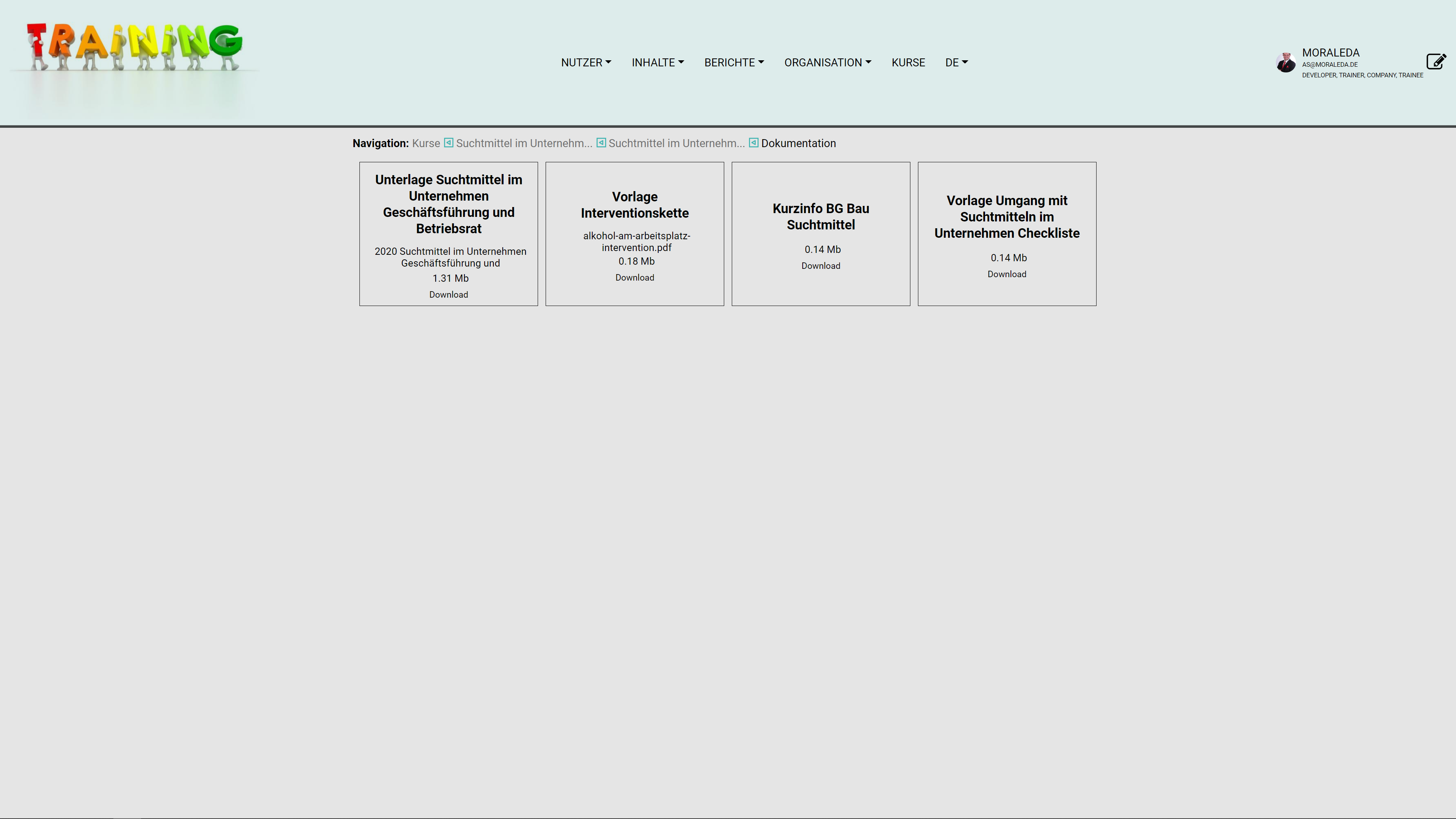
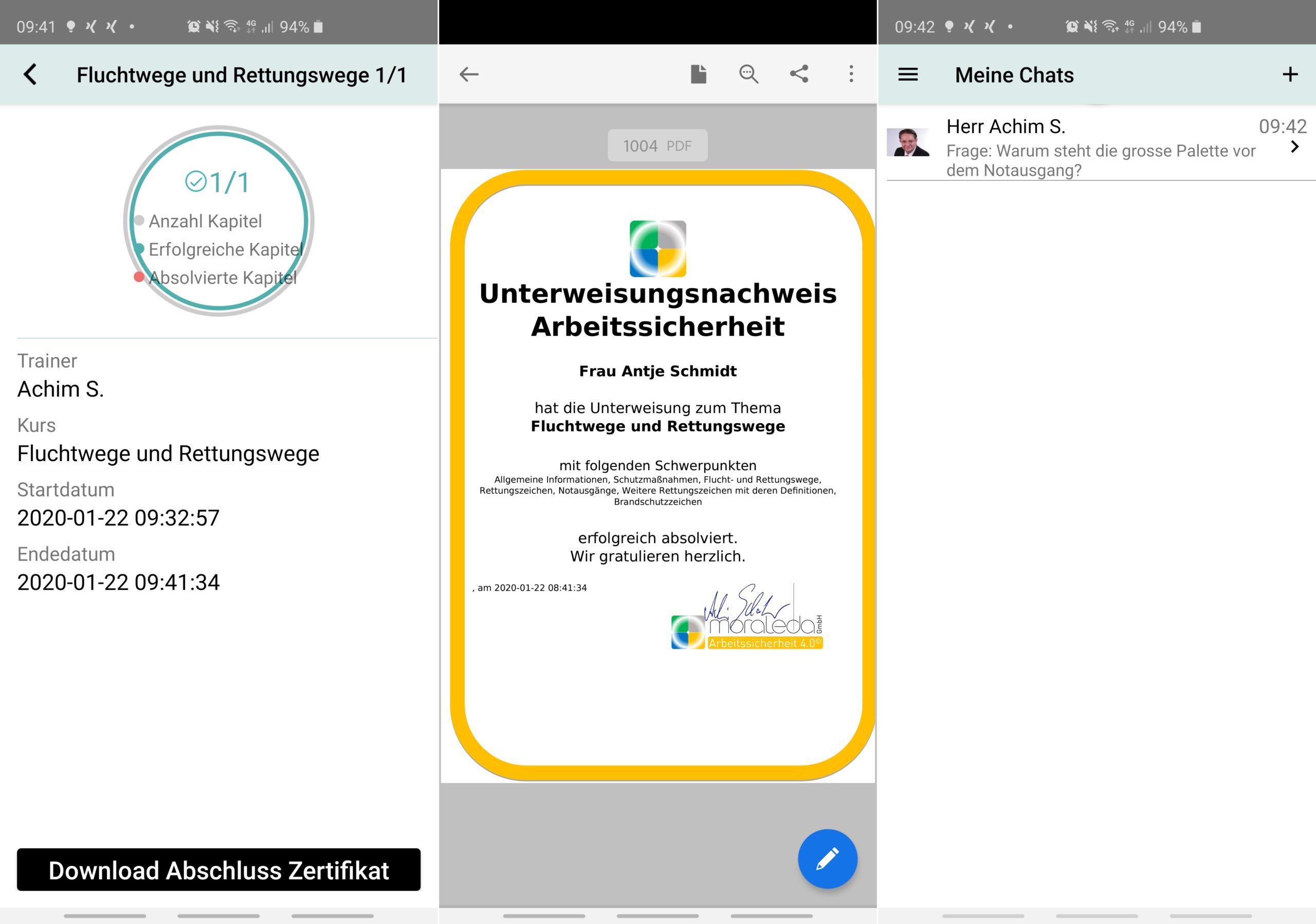
- Download function for evidence and certificates
Own content
- Create your own comments and upload images
Chat function
- Ask questions directly to the manager or the person responsible
- Group chat for those responsible (RTT = Reply to Team)
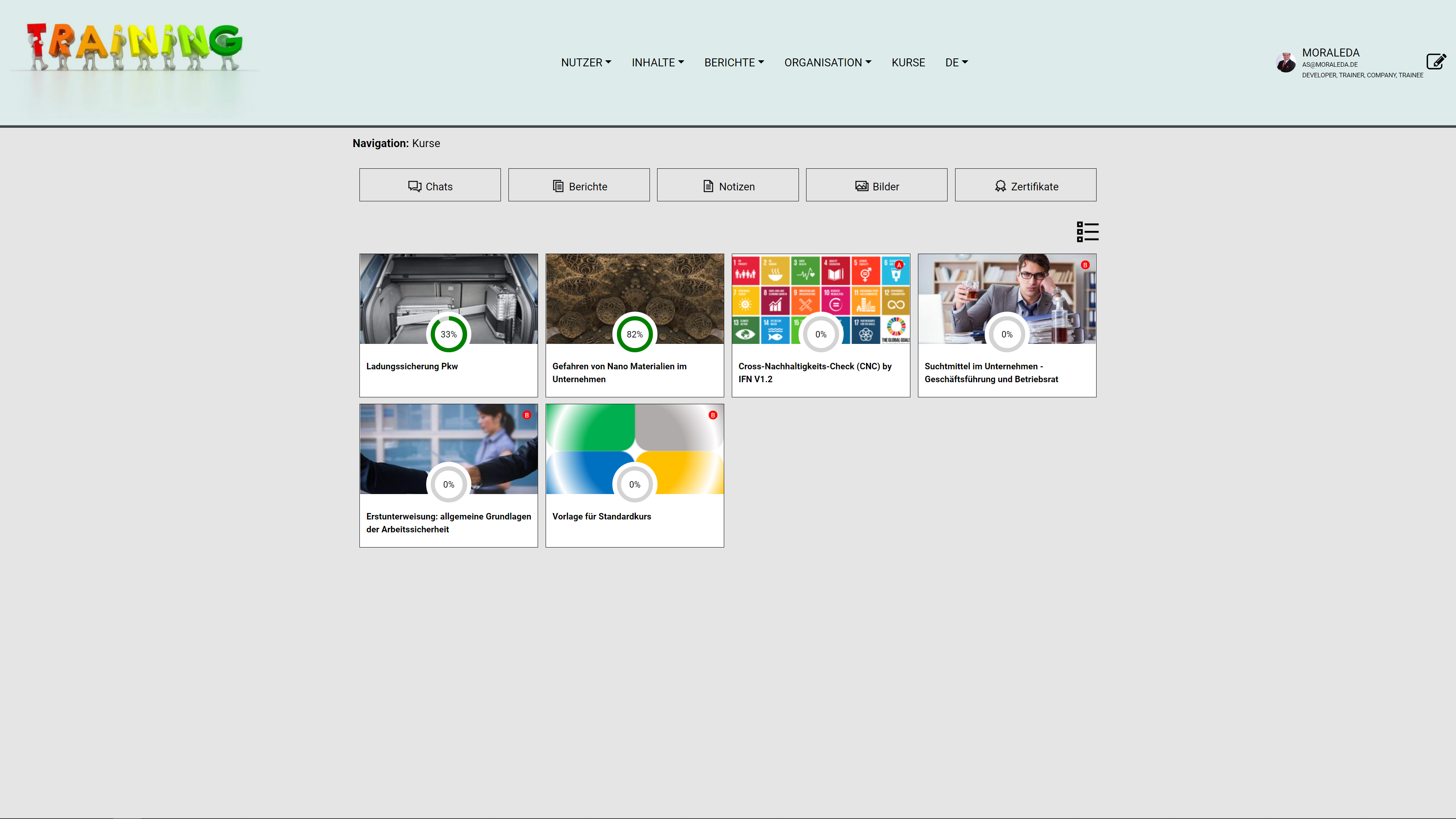
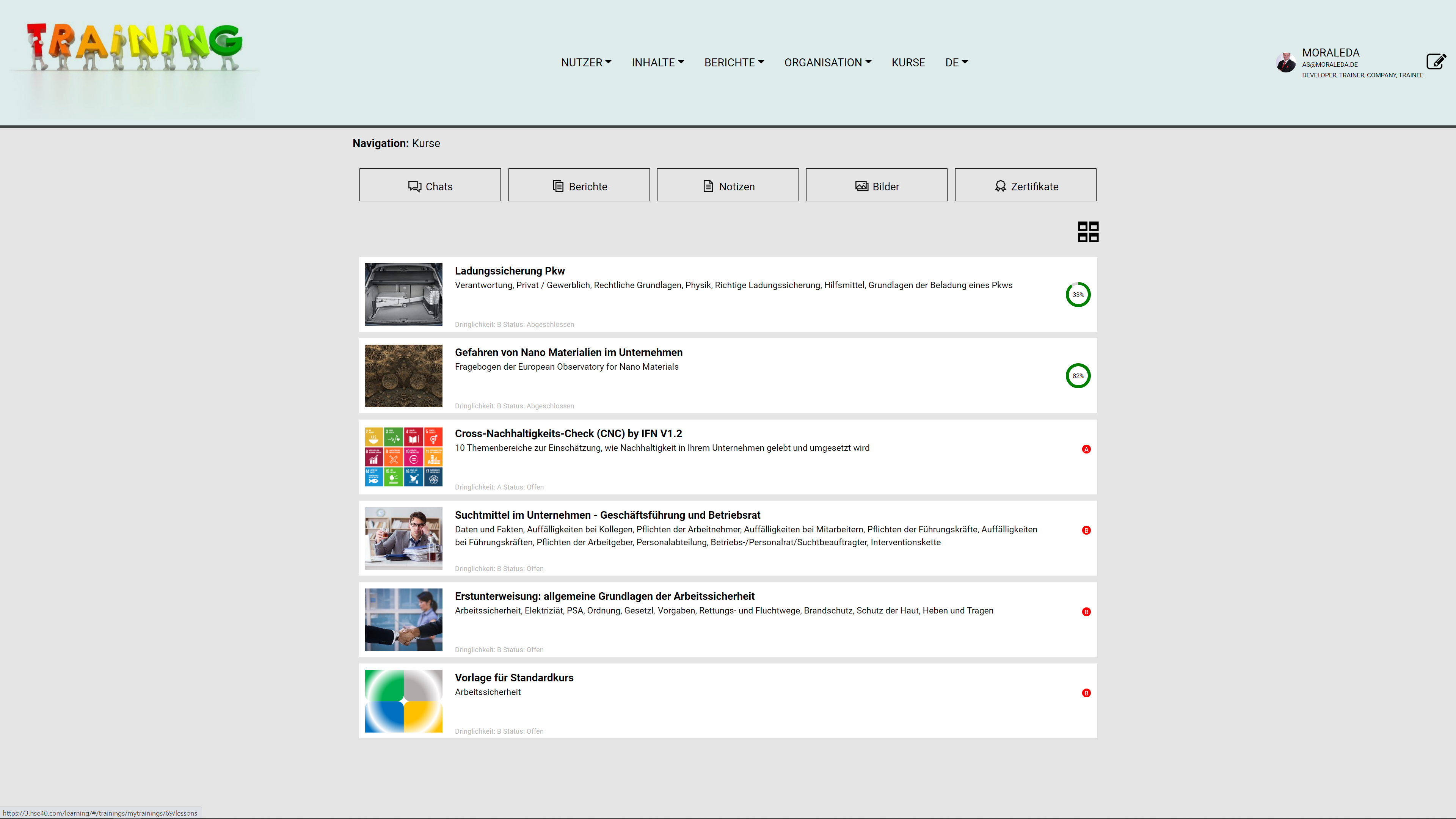
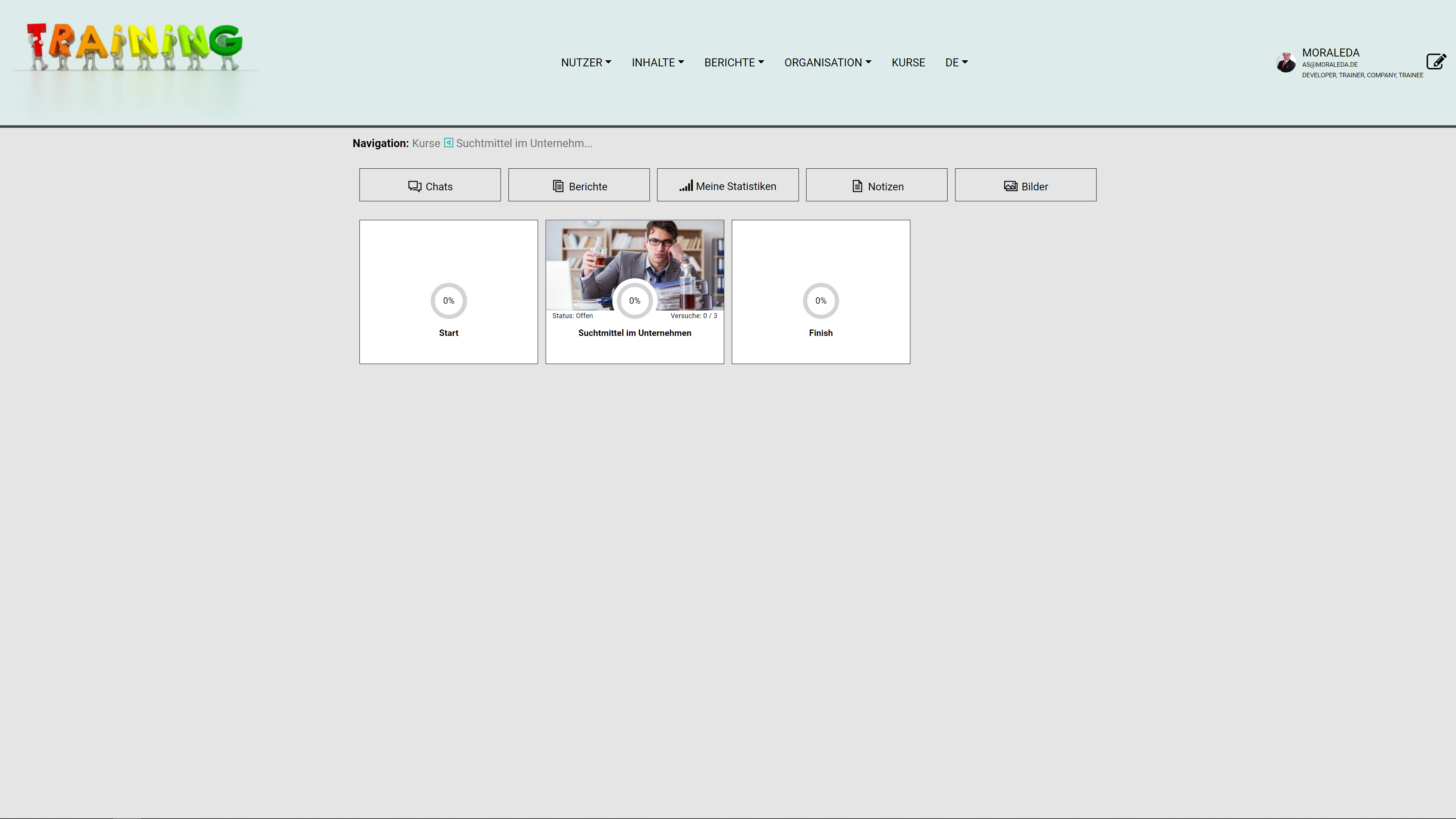
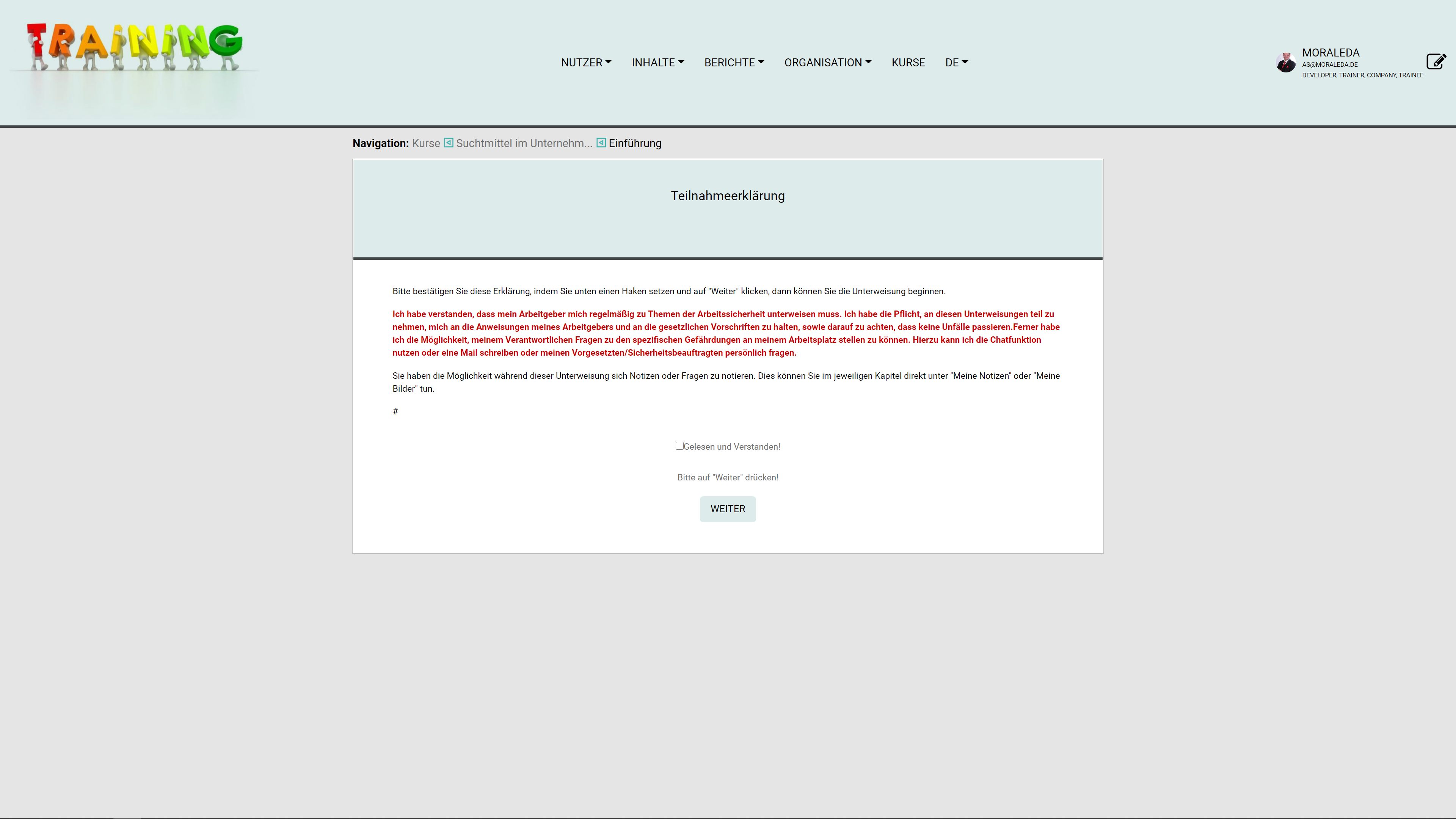
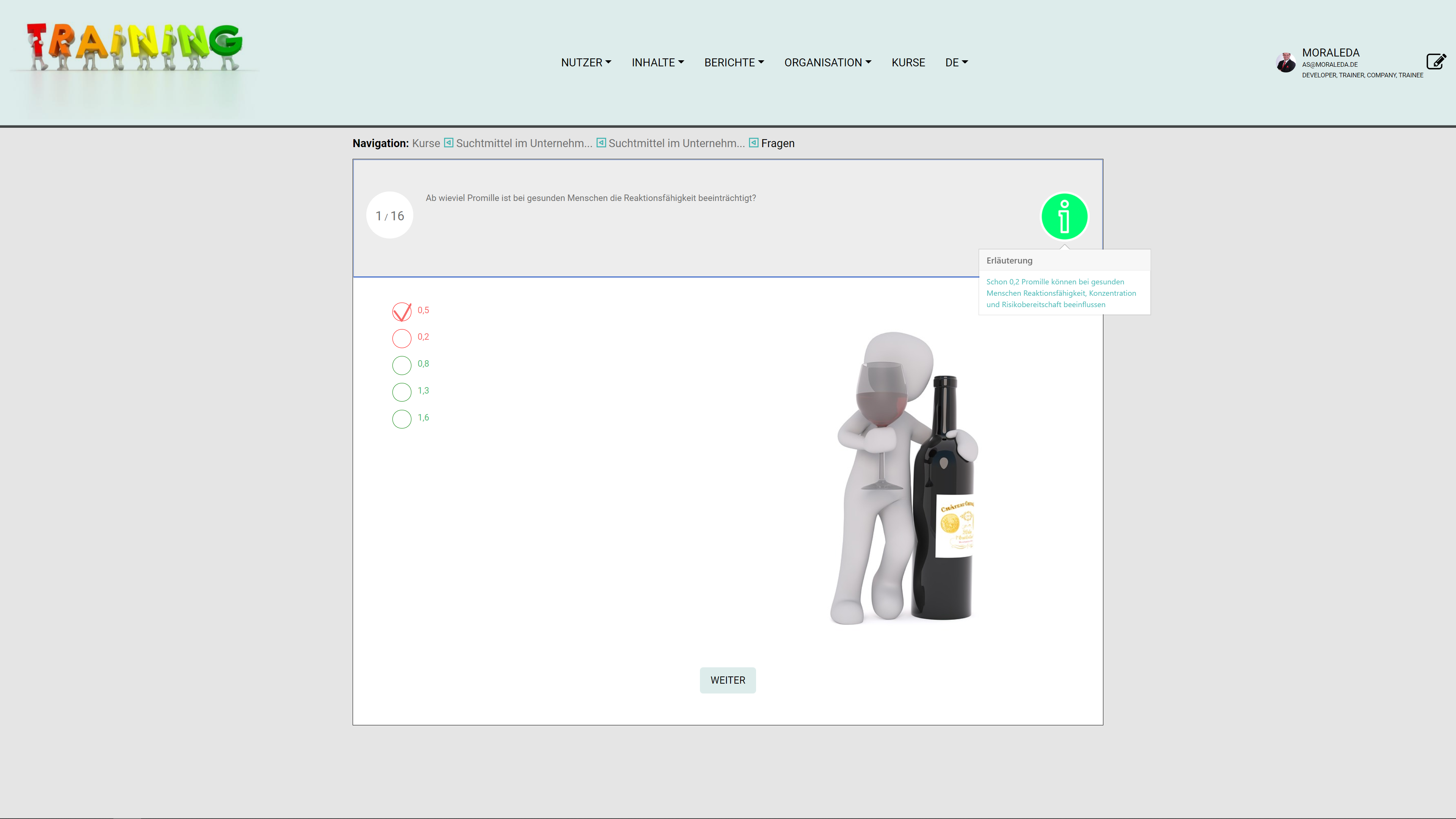
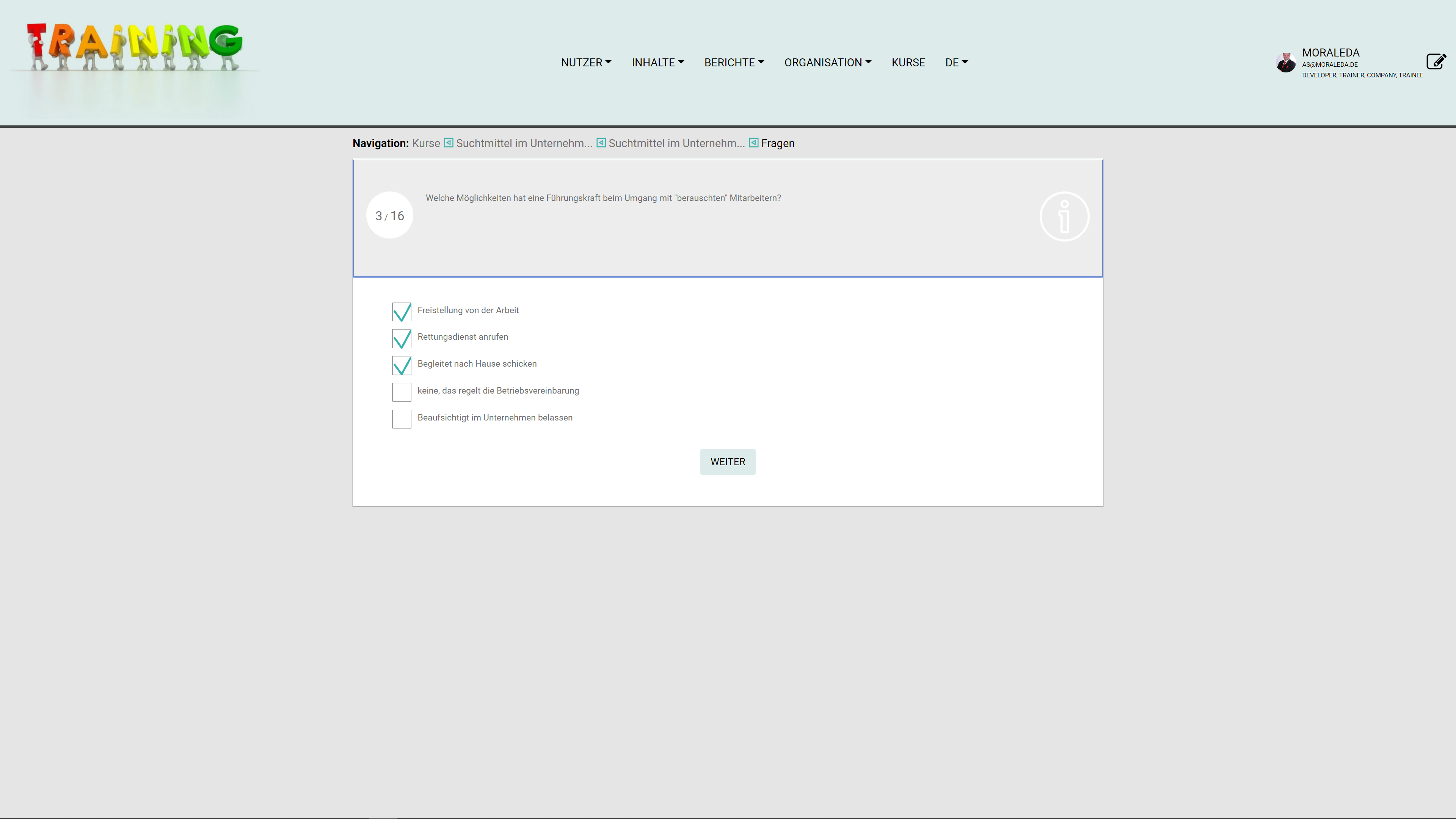
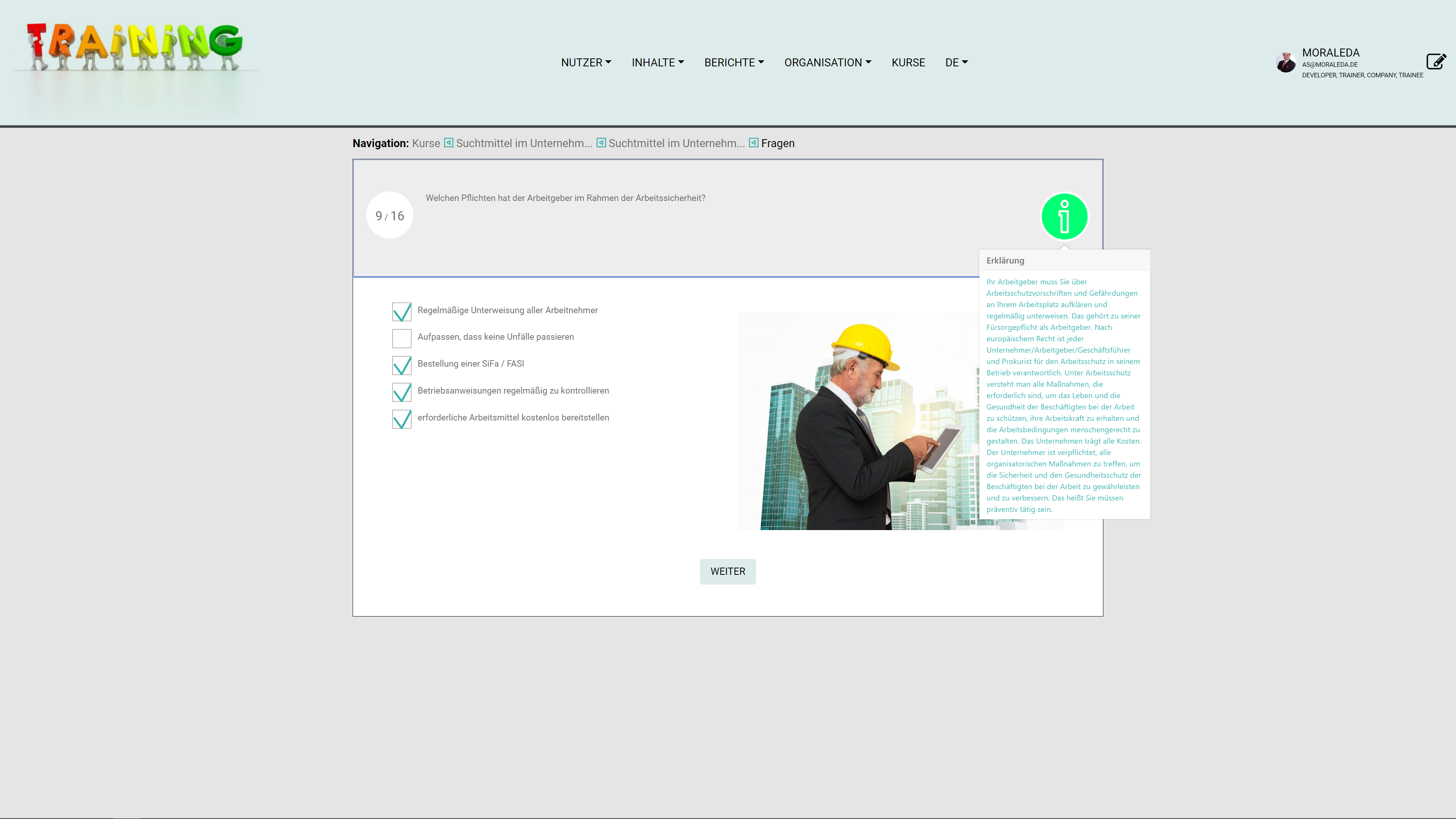
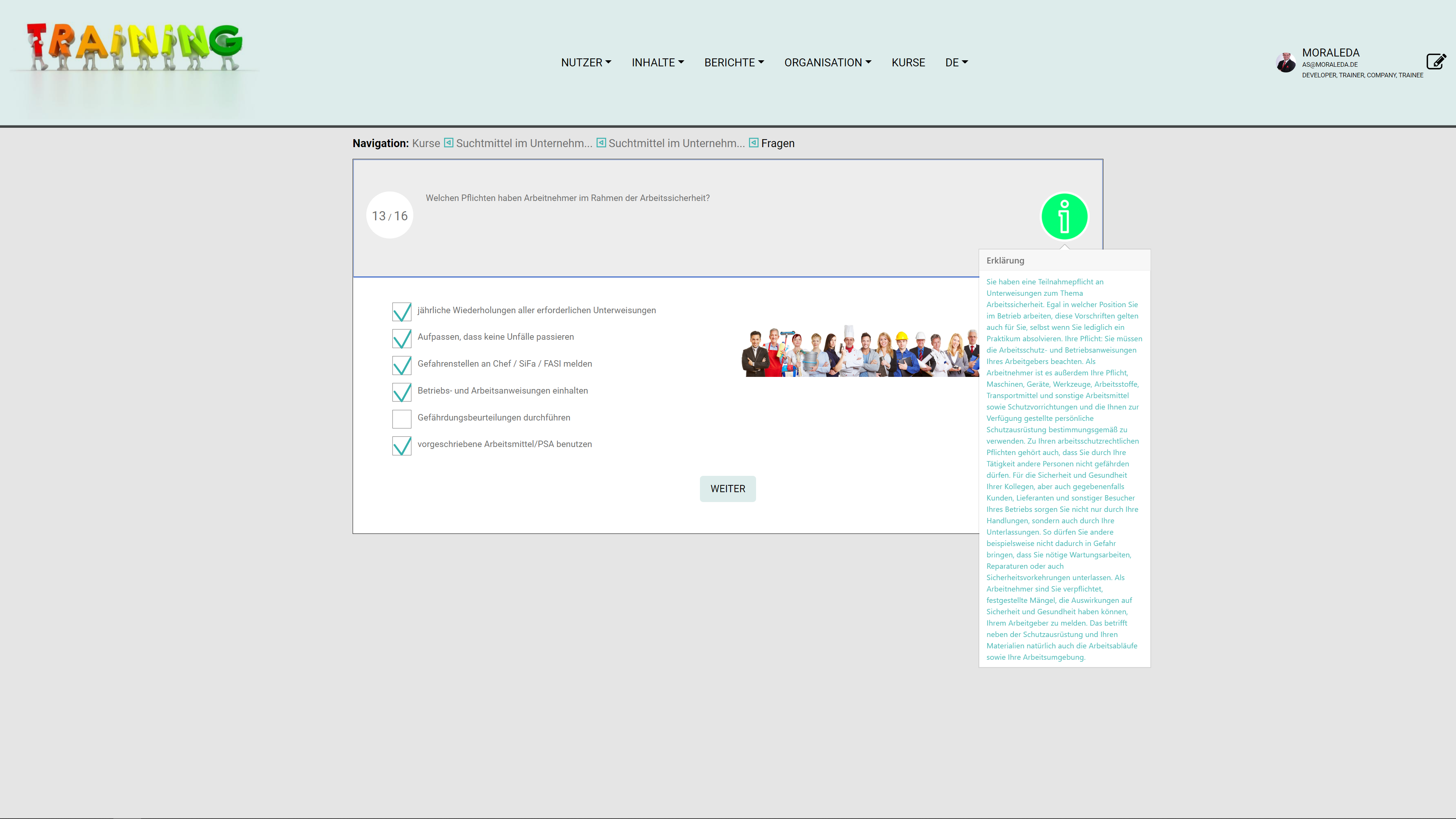
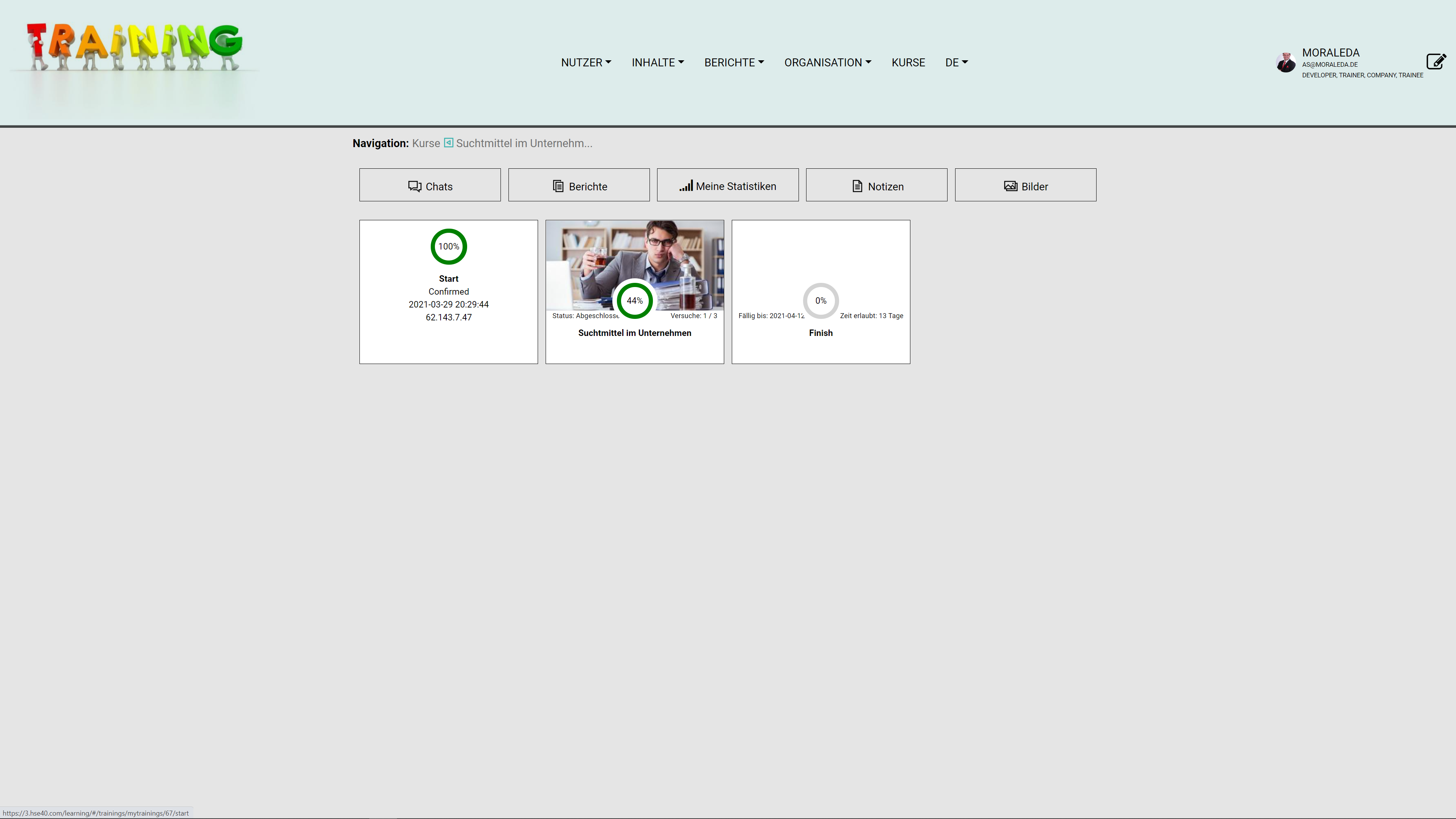
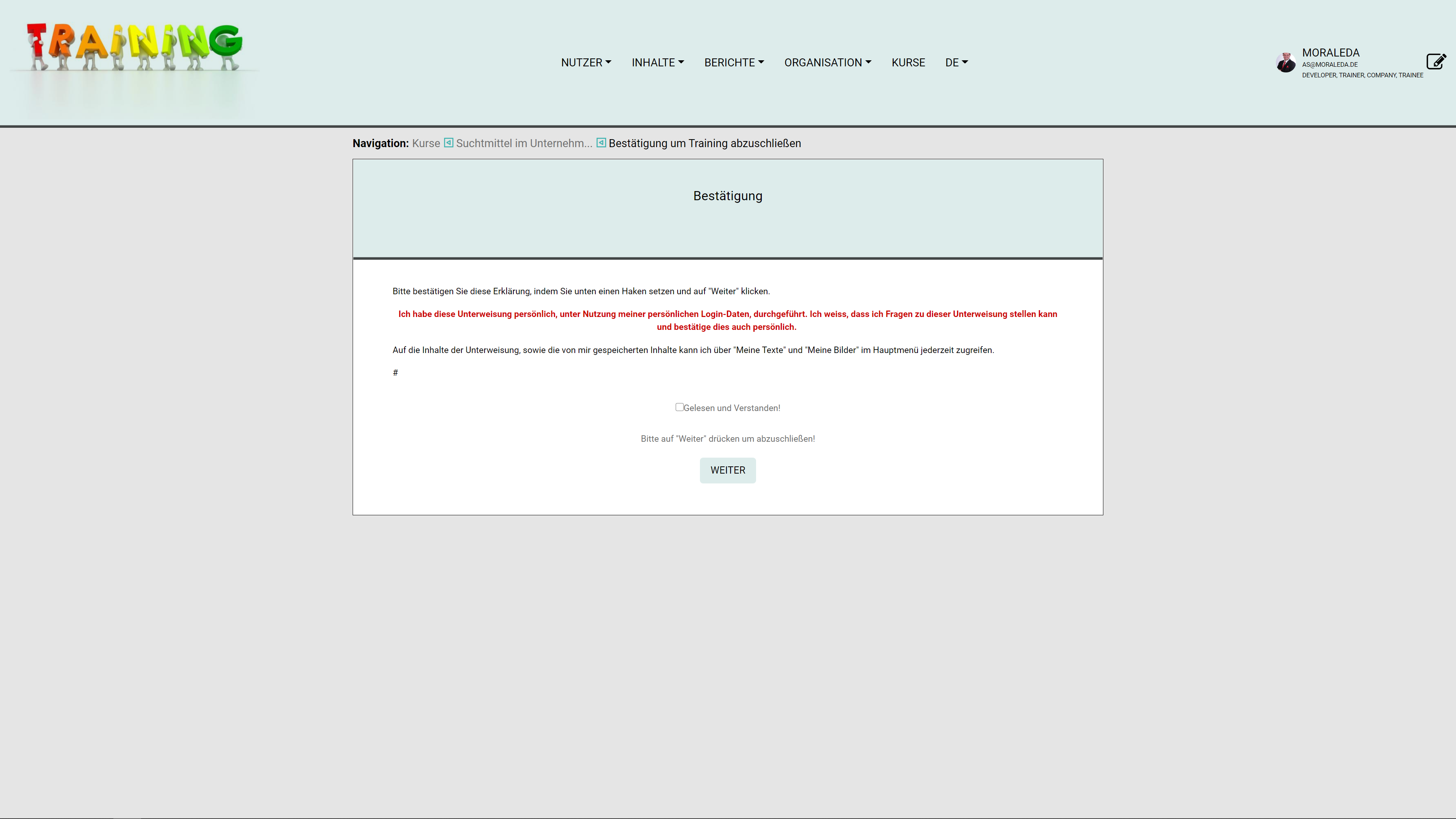
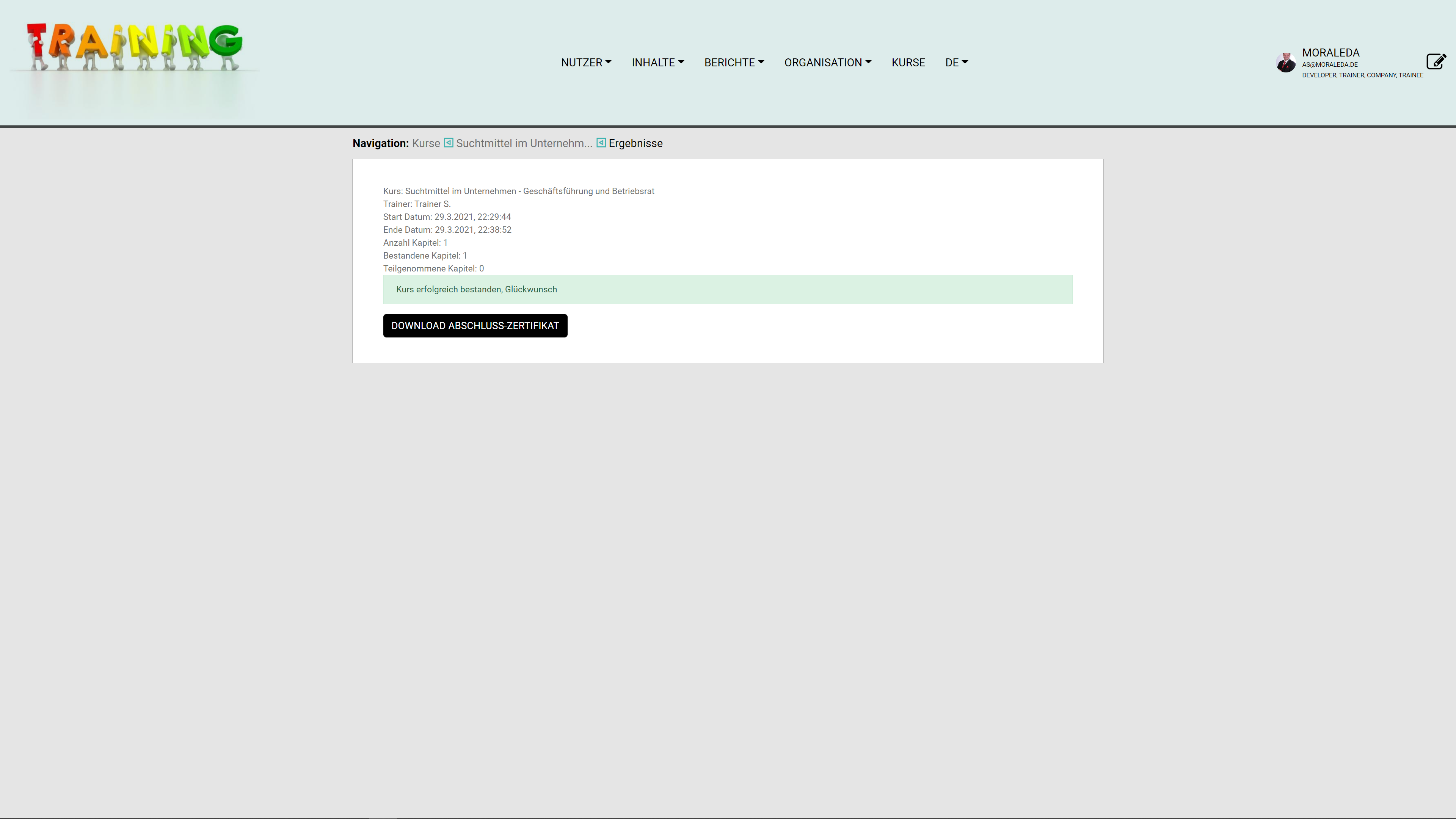
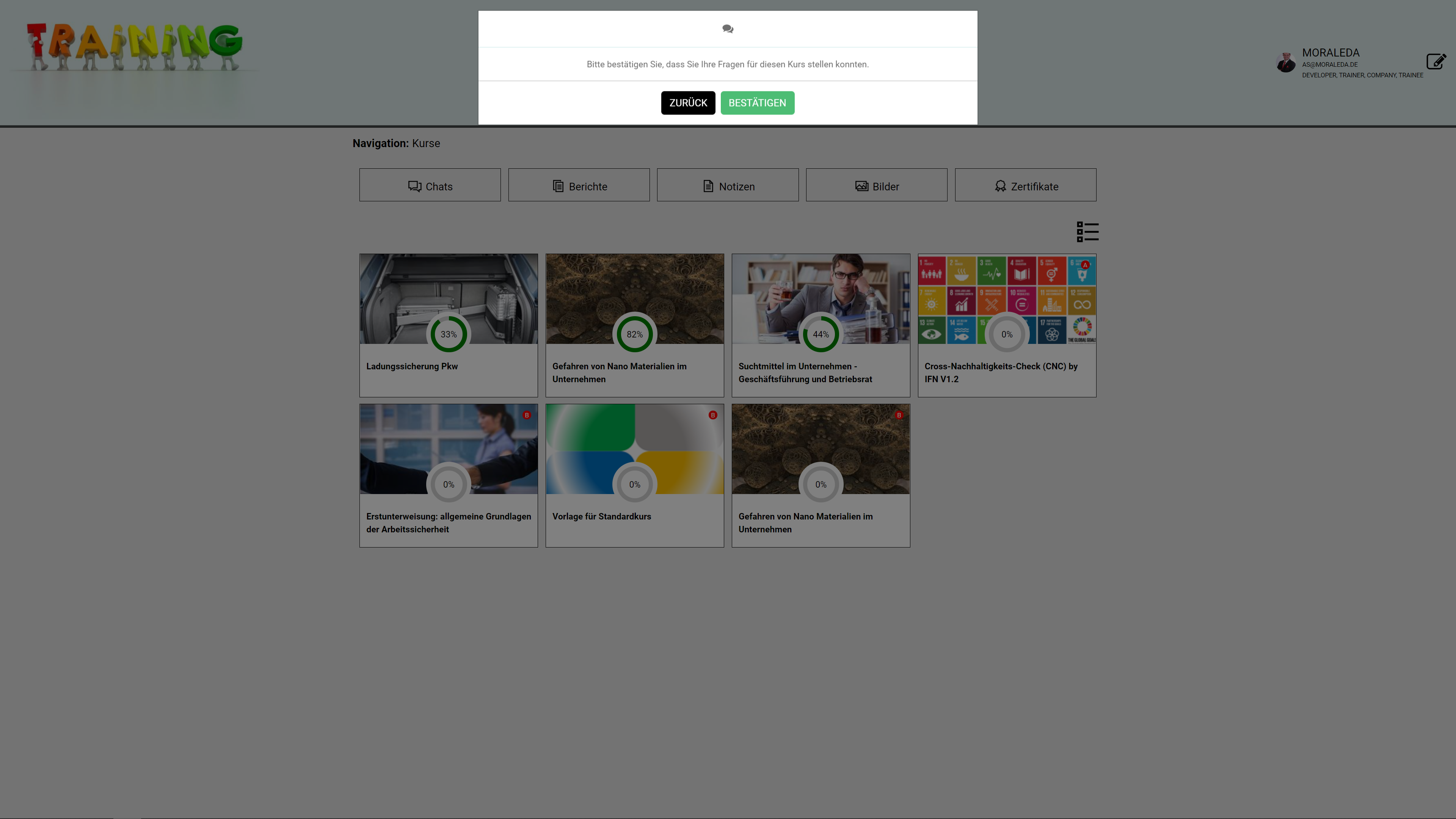
HSE 4.0 App
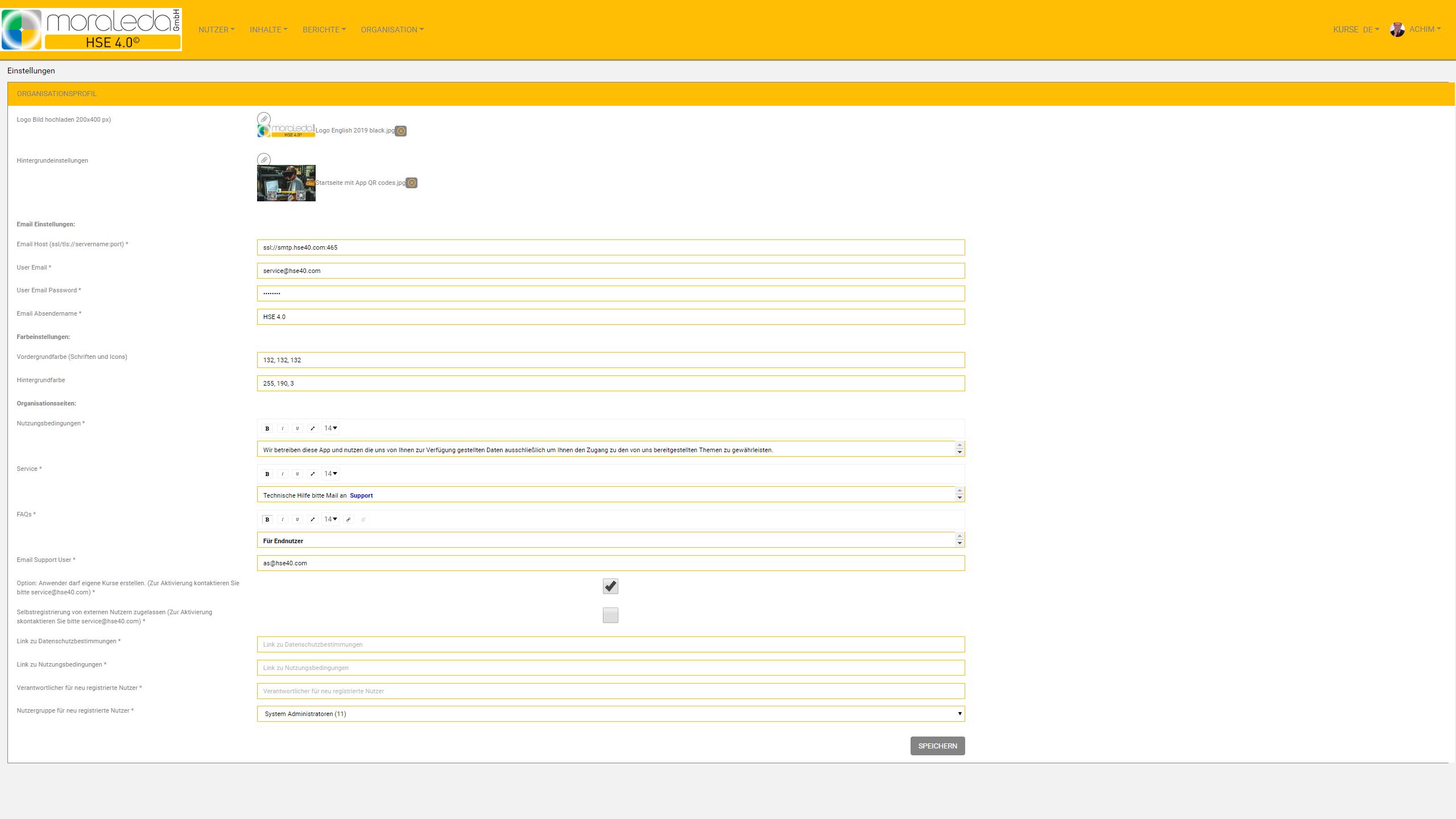
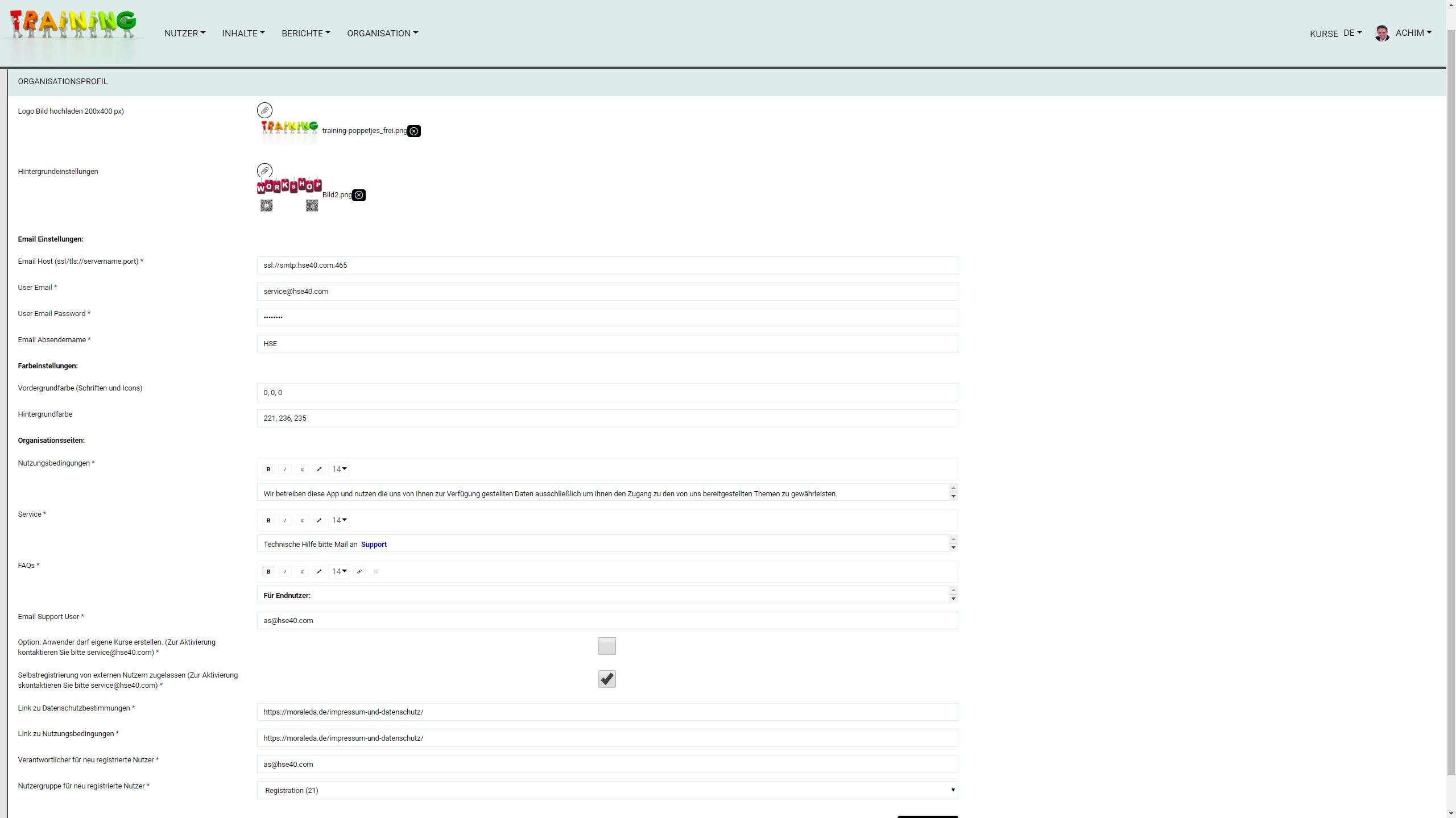
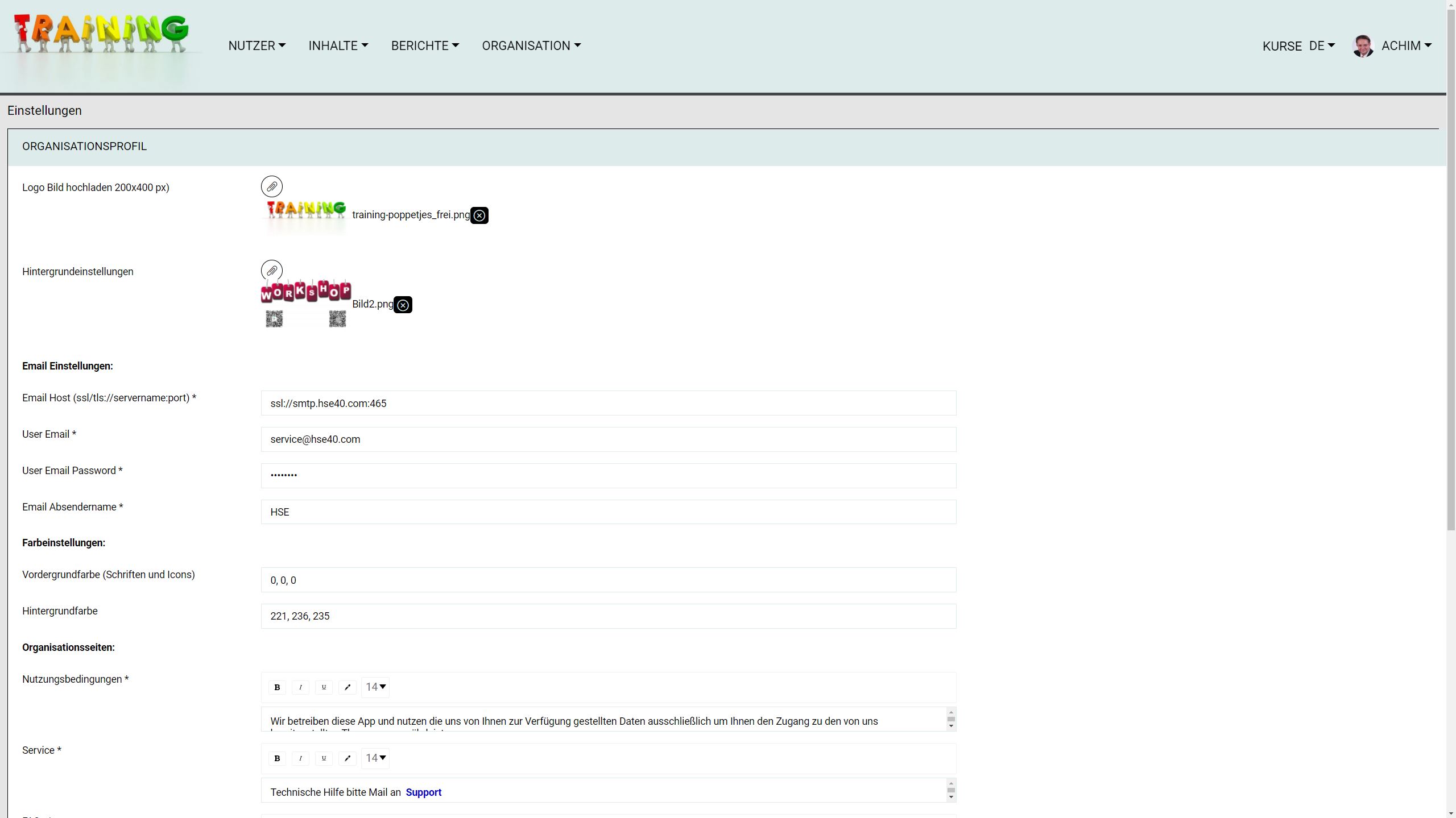
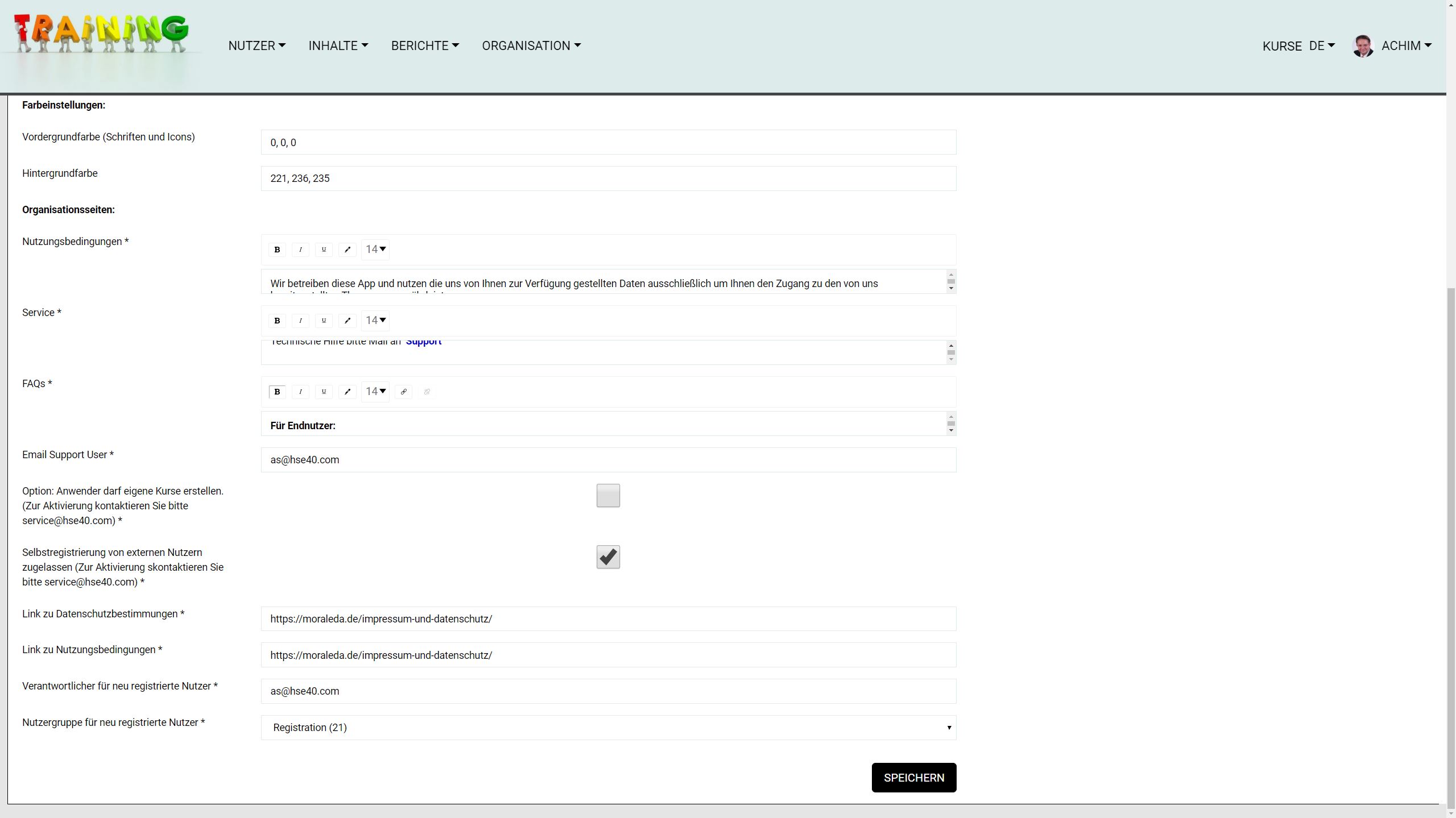
Branding
- App icon and homepage in your own design
Logo and colors in your own design
profile
- Edit profile (upload image, edit personal hashtags)
Request password (new password will be sent to the user & manager by email)
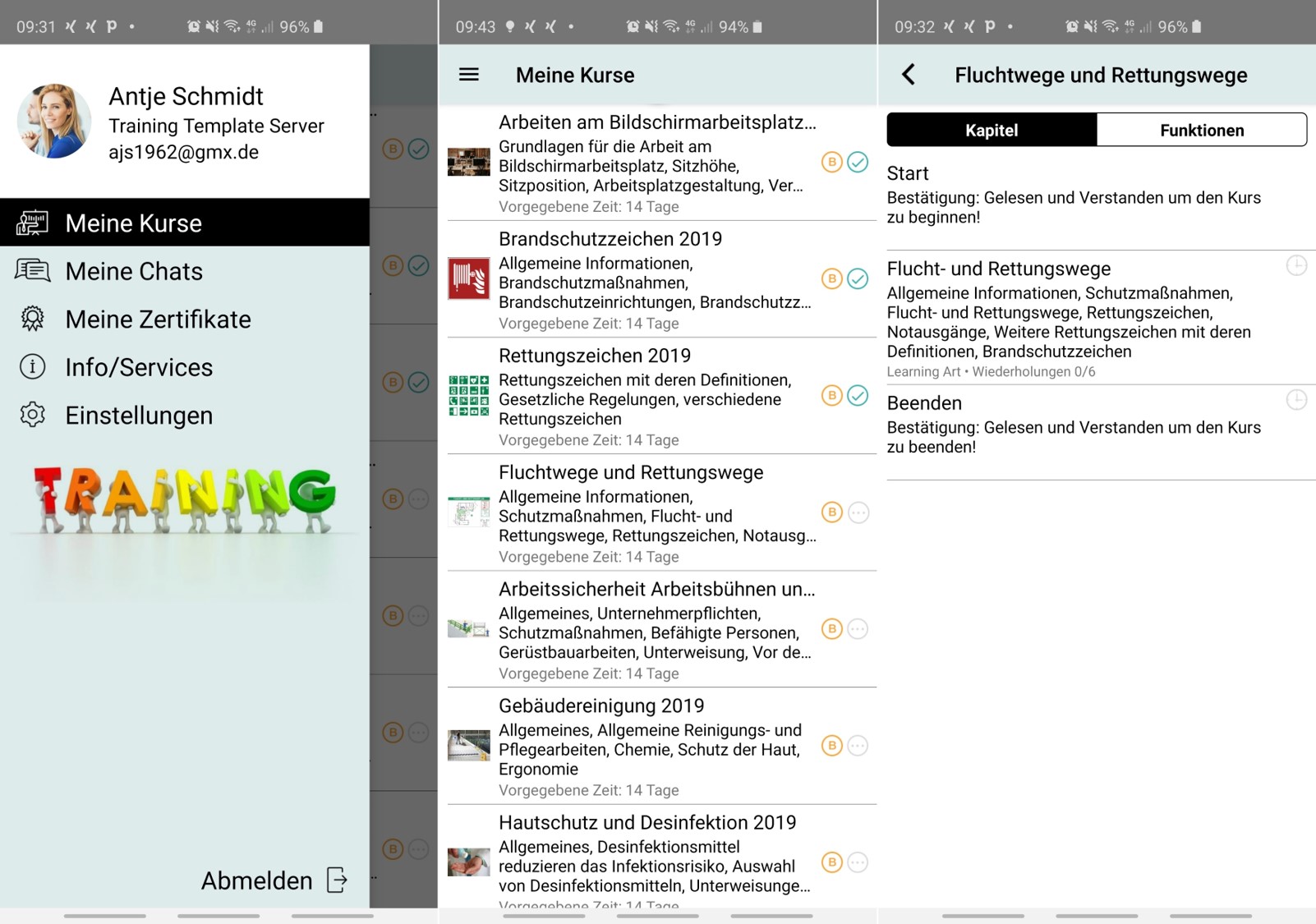
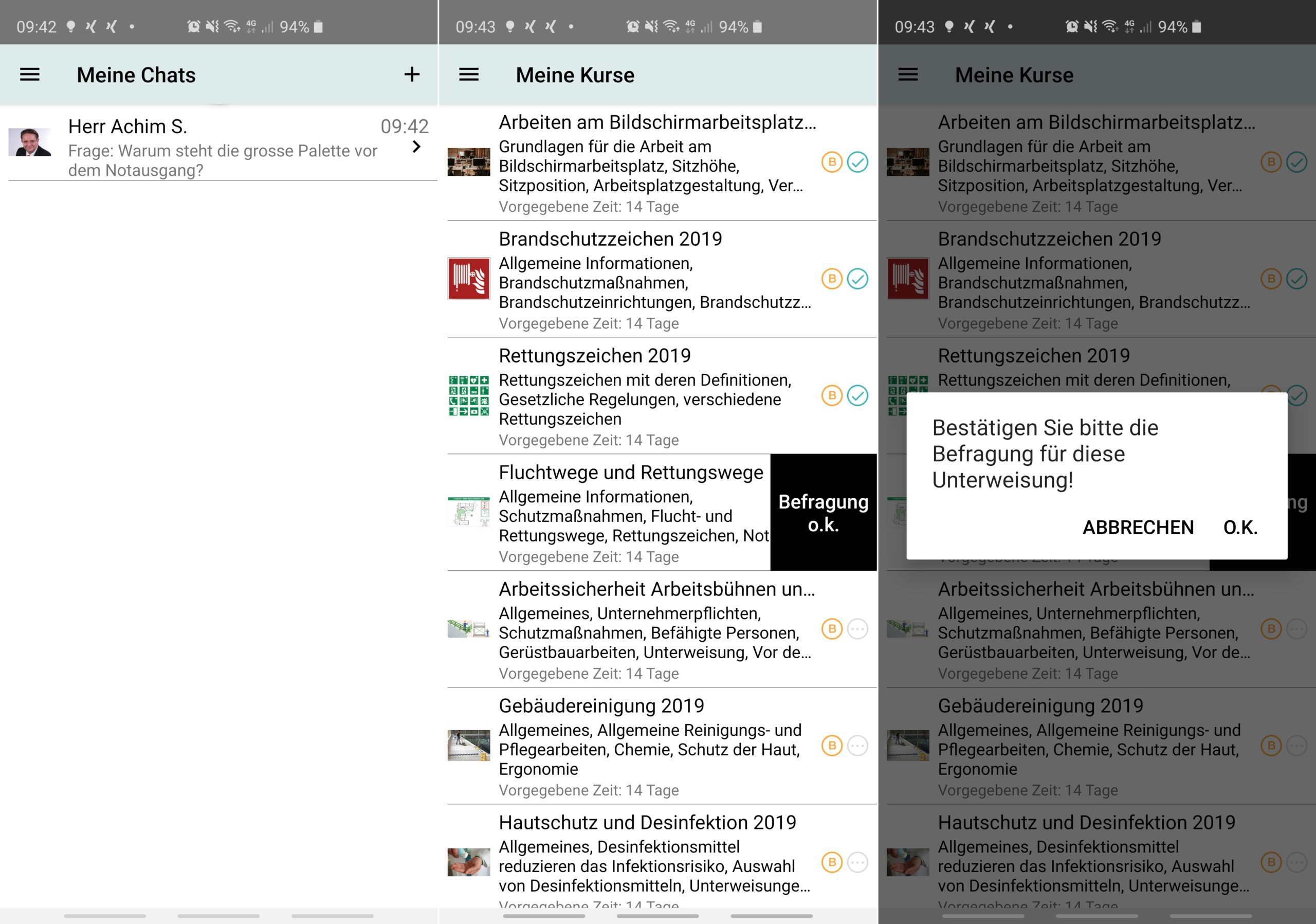
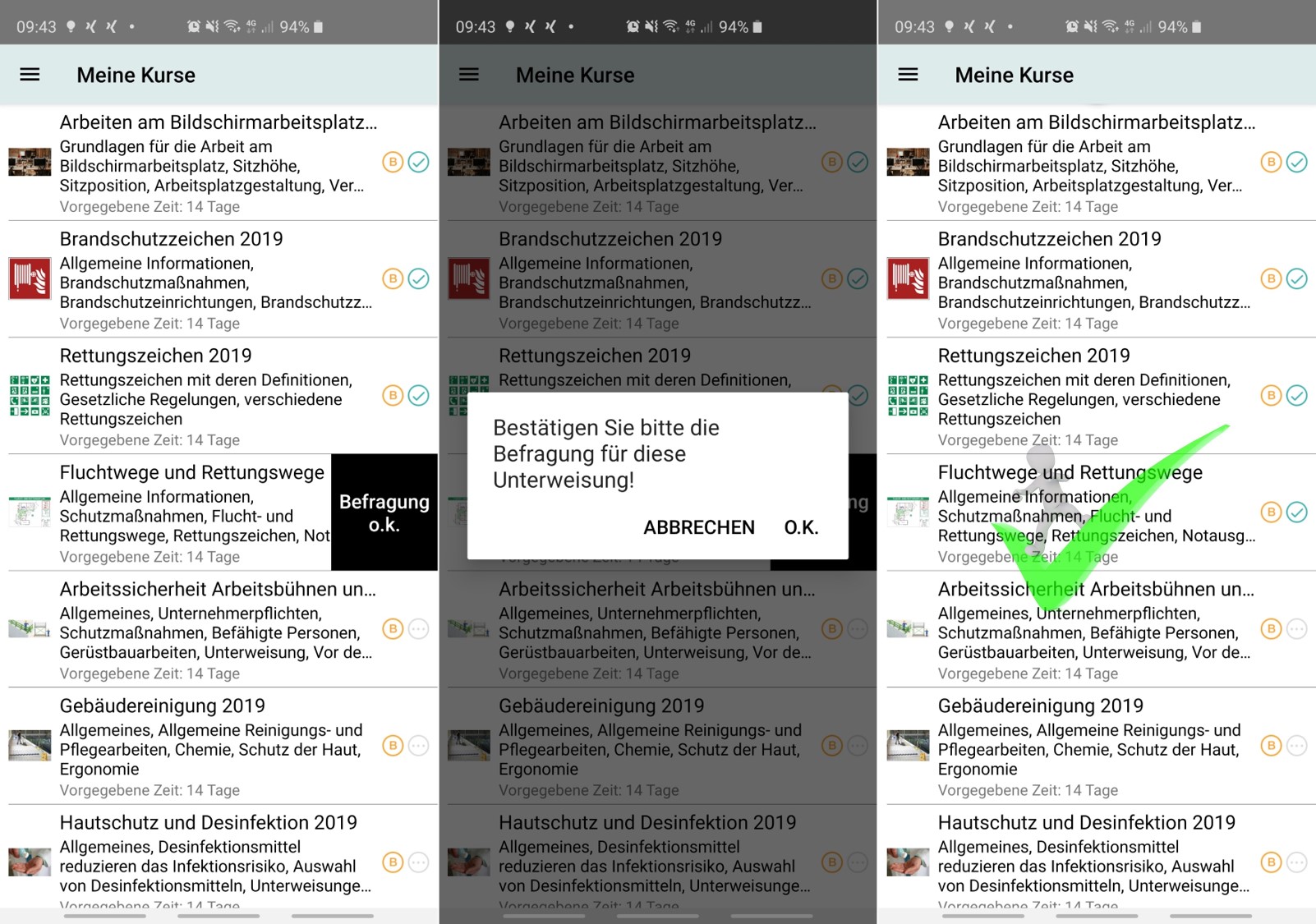
My courses
- Up to 4 completed and 4 open courses visible
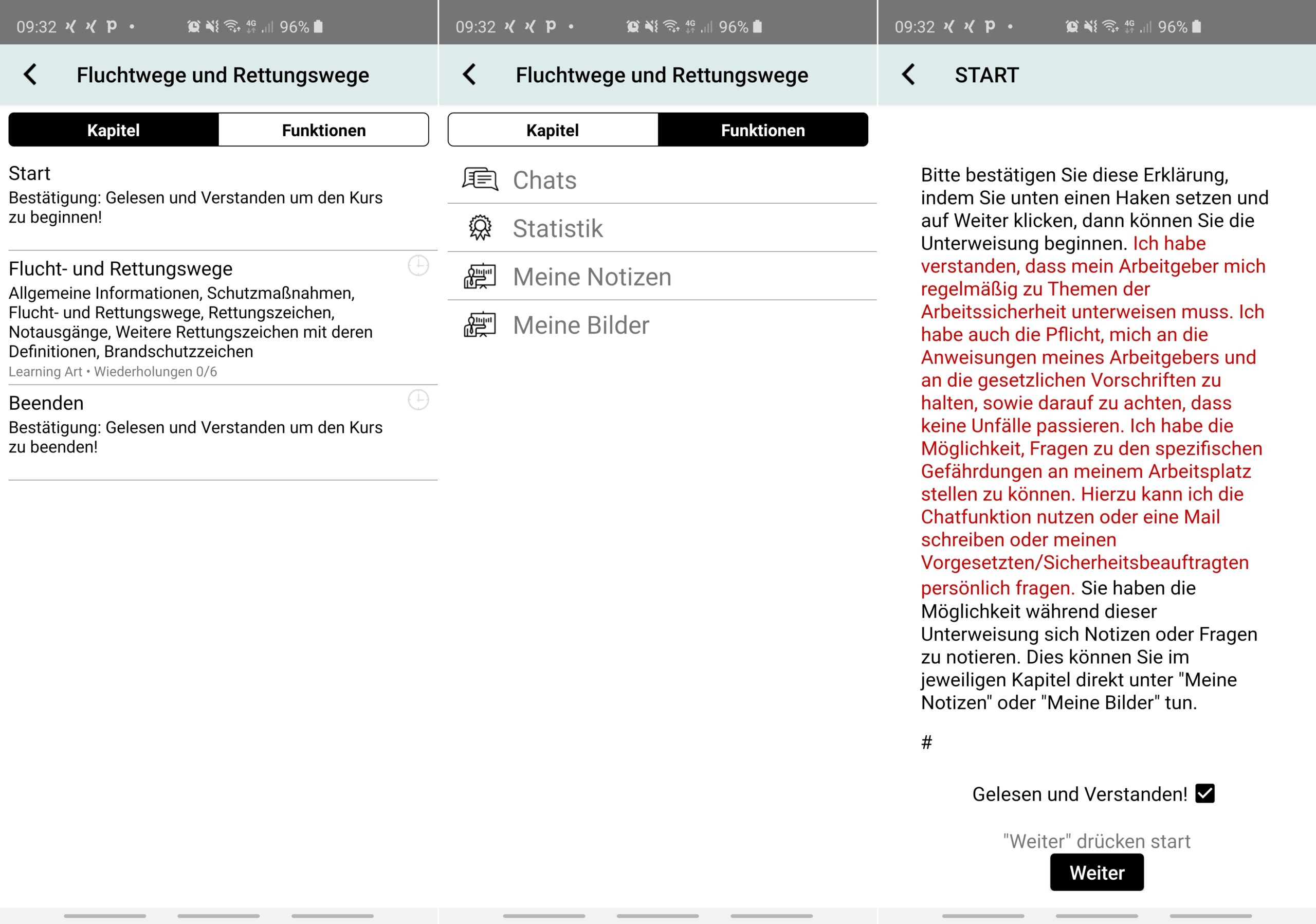
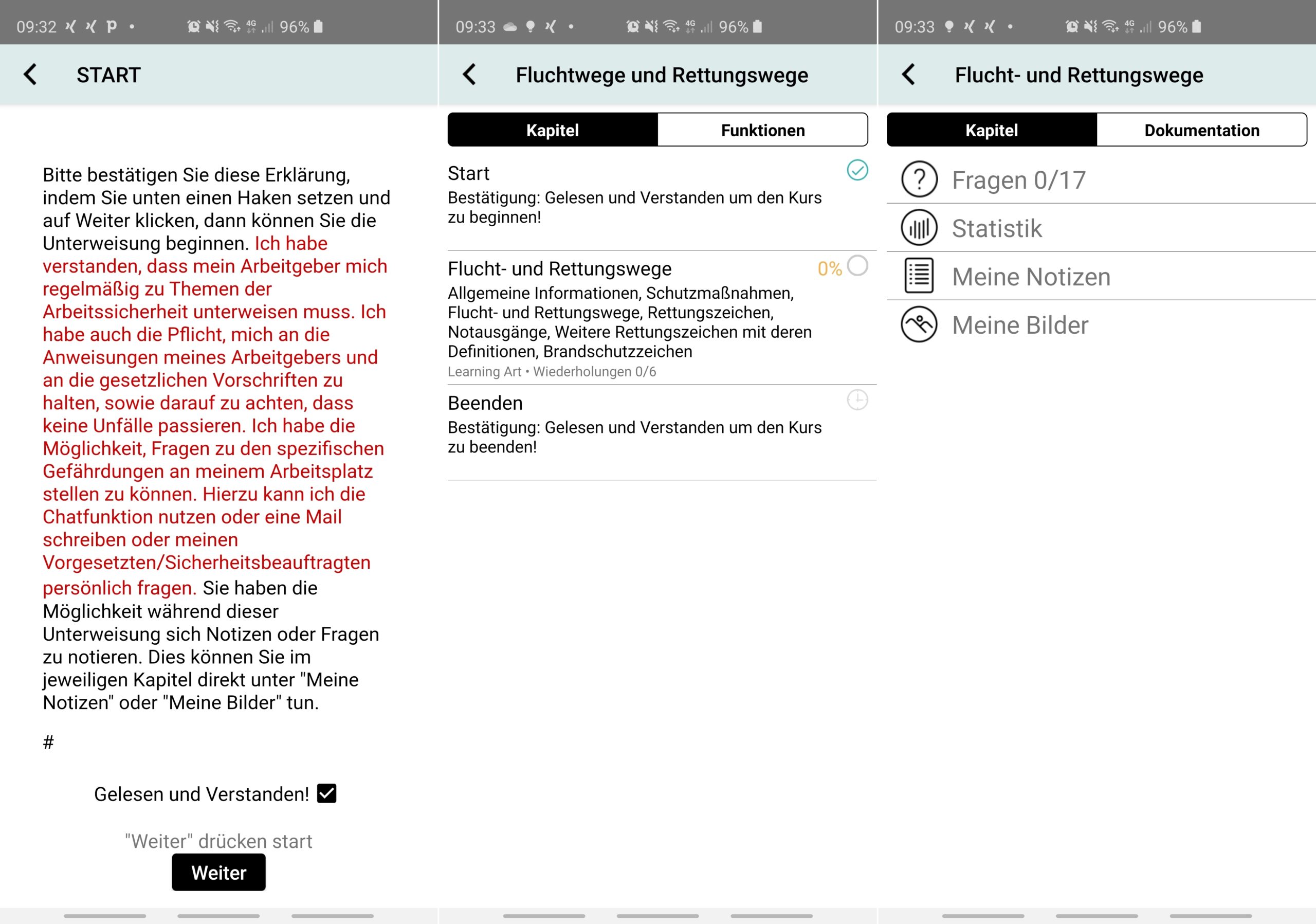
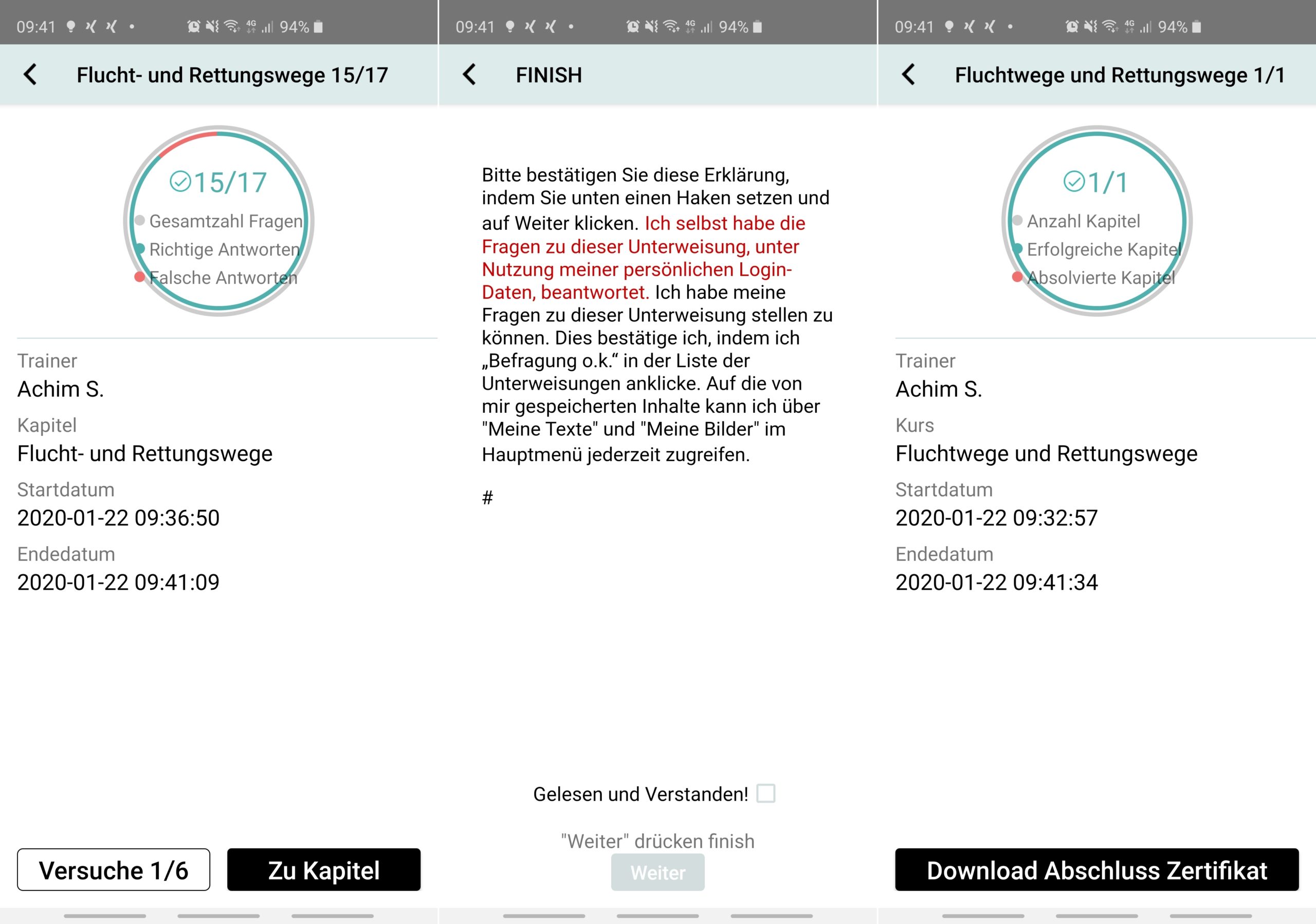
Confirmation of the initial declaration (e.g. information about the rights and obligations of the employee)
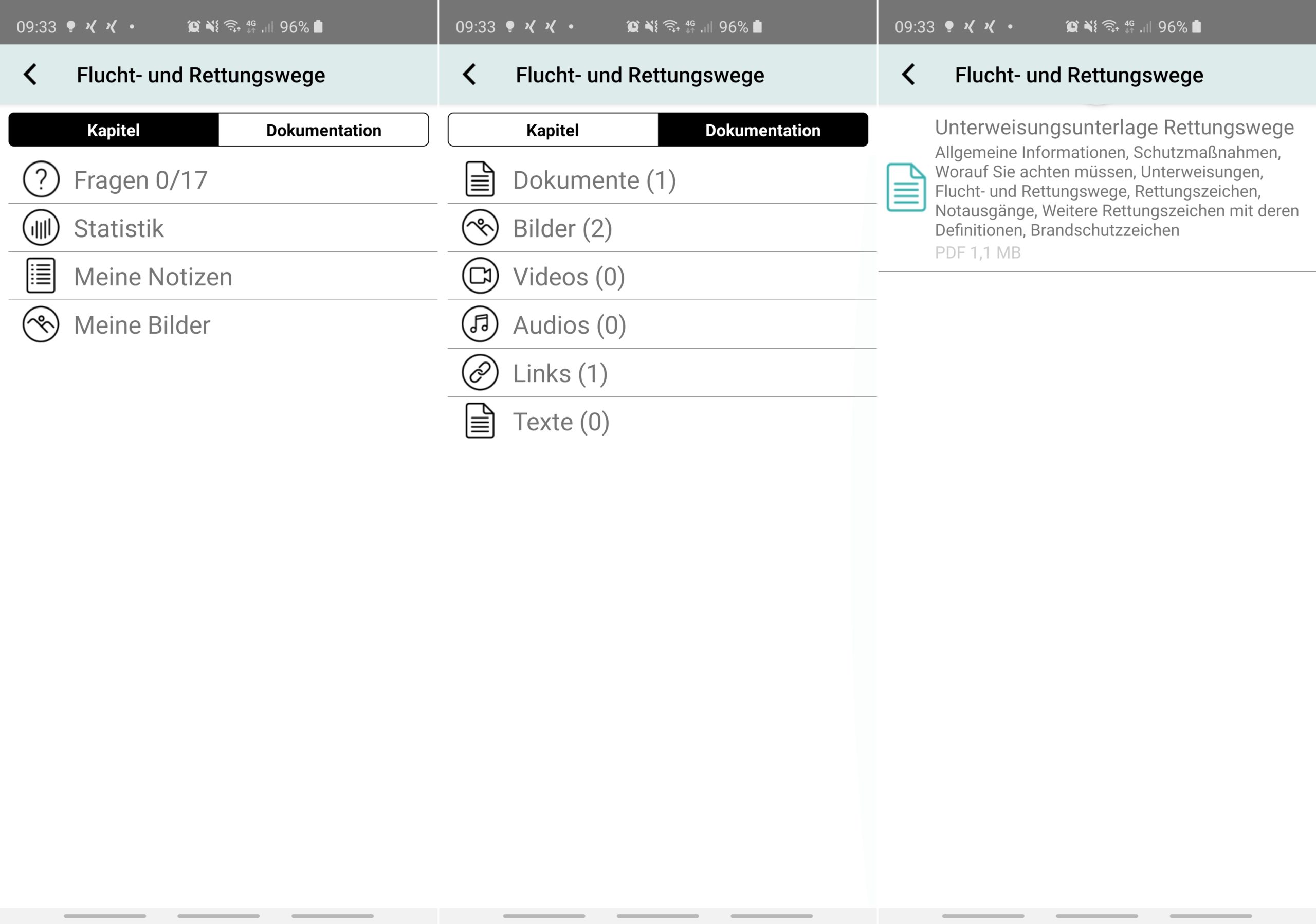
Processing the lessons, viewing (downloading) the content and answering the comprehension questions
Confirmation of the completion declaration (e.g. confirmation that the user has completed the instruction independently, note that the user can ask questions and must then confirm this)
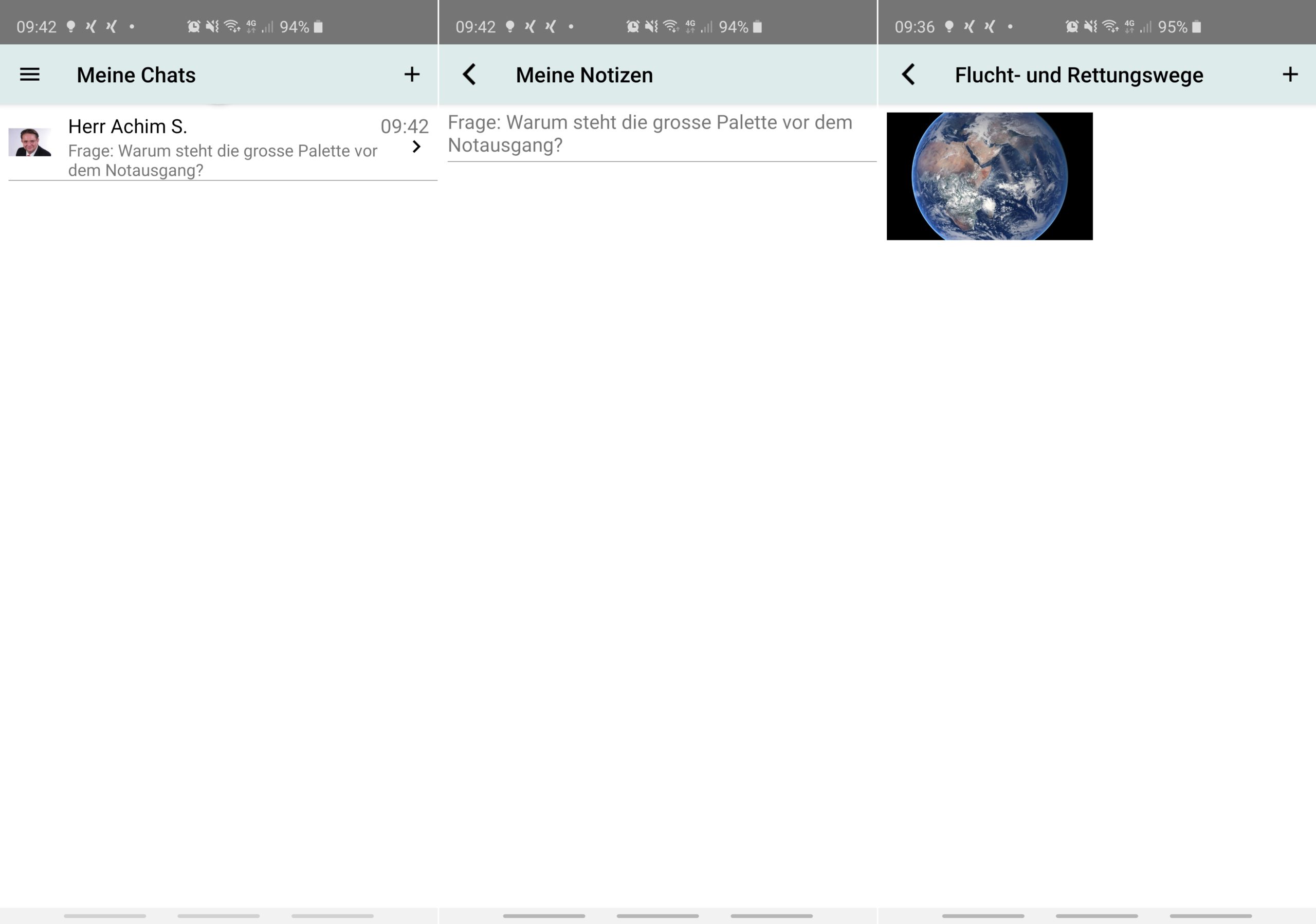
Ability to save your own comments and images
My chats
- Exchange messages/images/videos within the system with managers or occupational safety specialists
My certificates
- Overview and download of all evidence and certificates
Info/services for users
- Privacy Policy
Terms of Use
FAQs
Technical support
Settings
- Setting the language
Set reminders
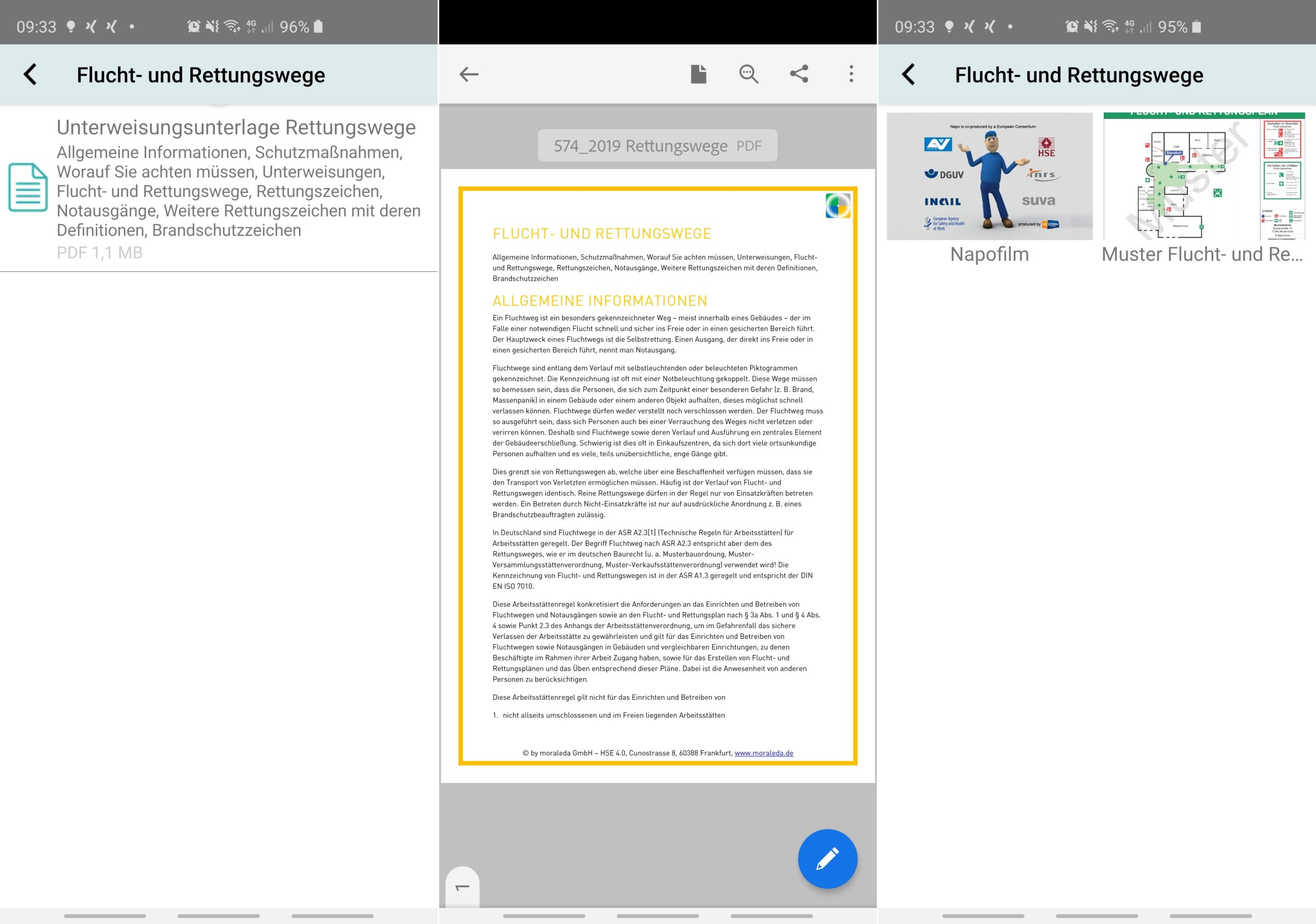
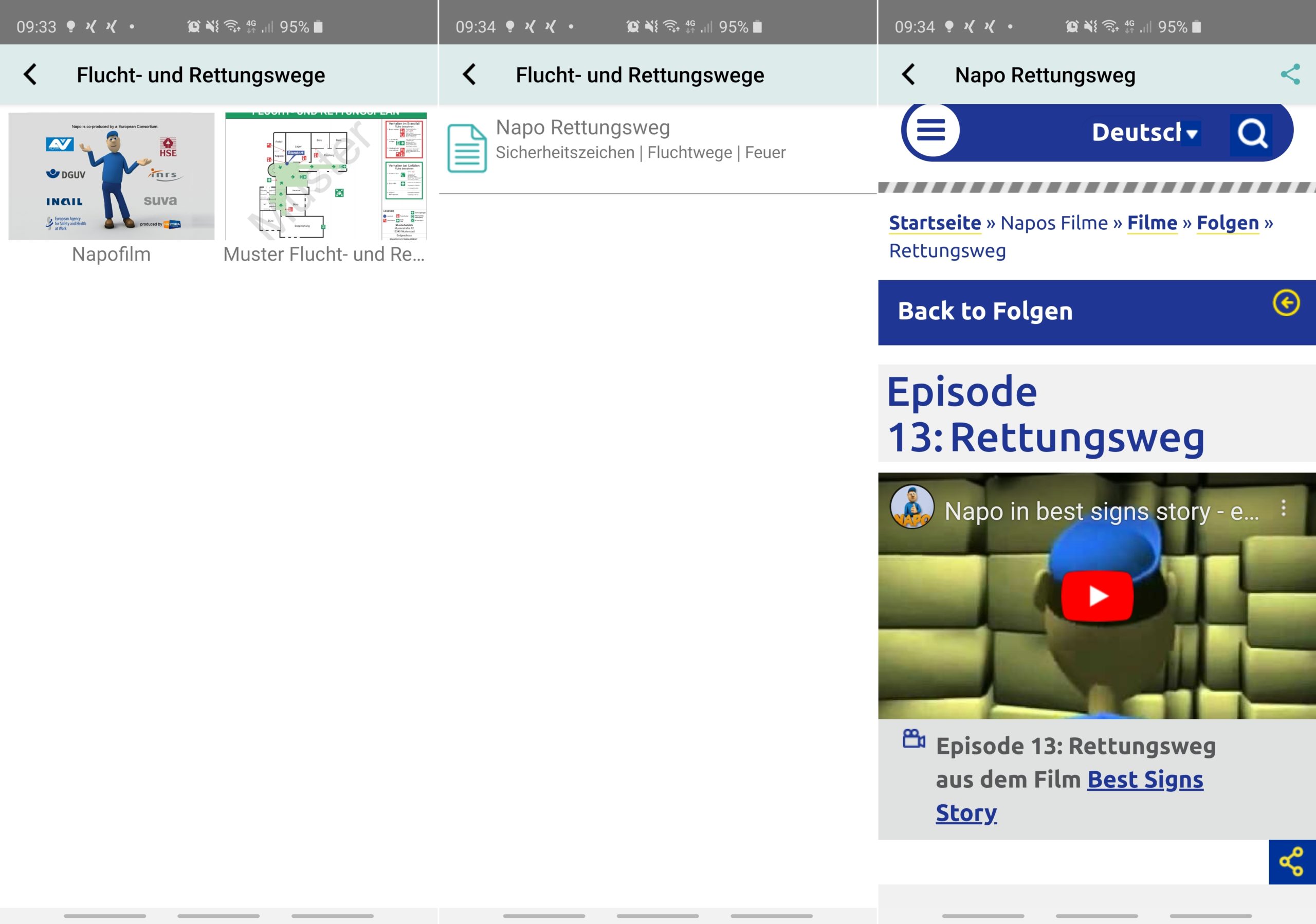
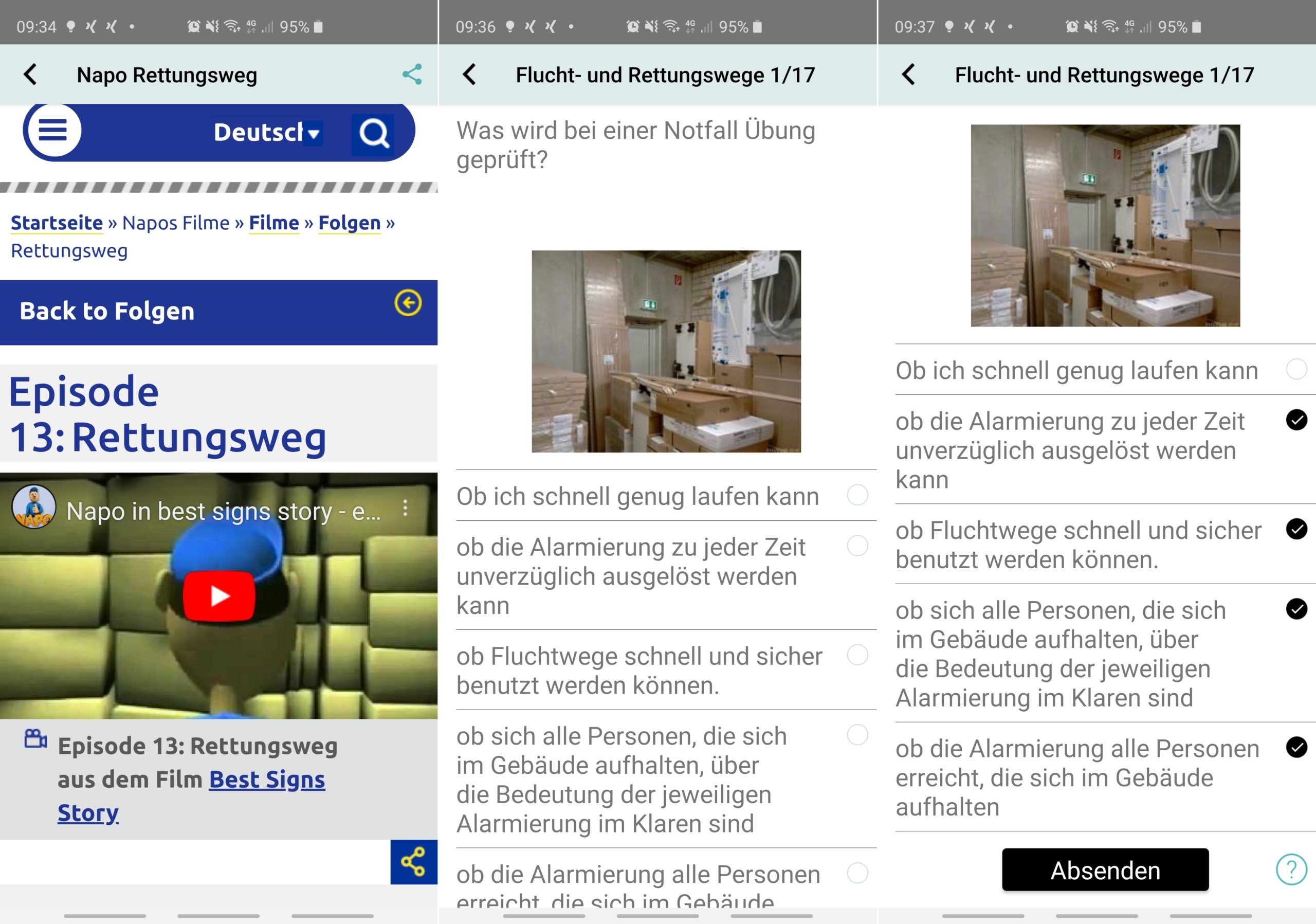
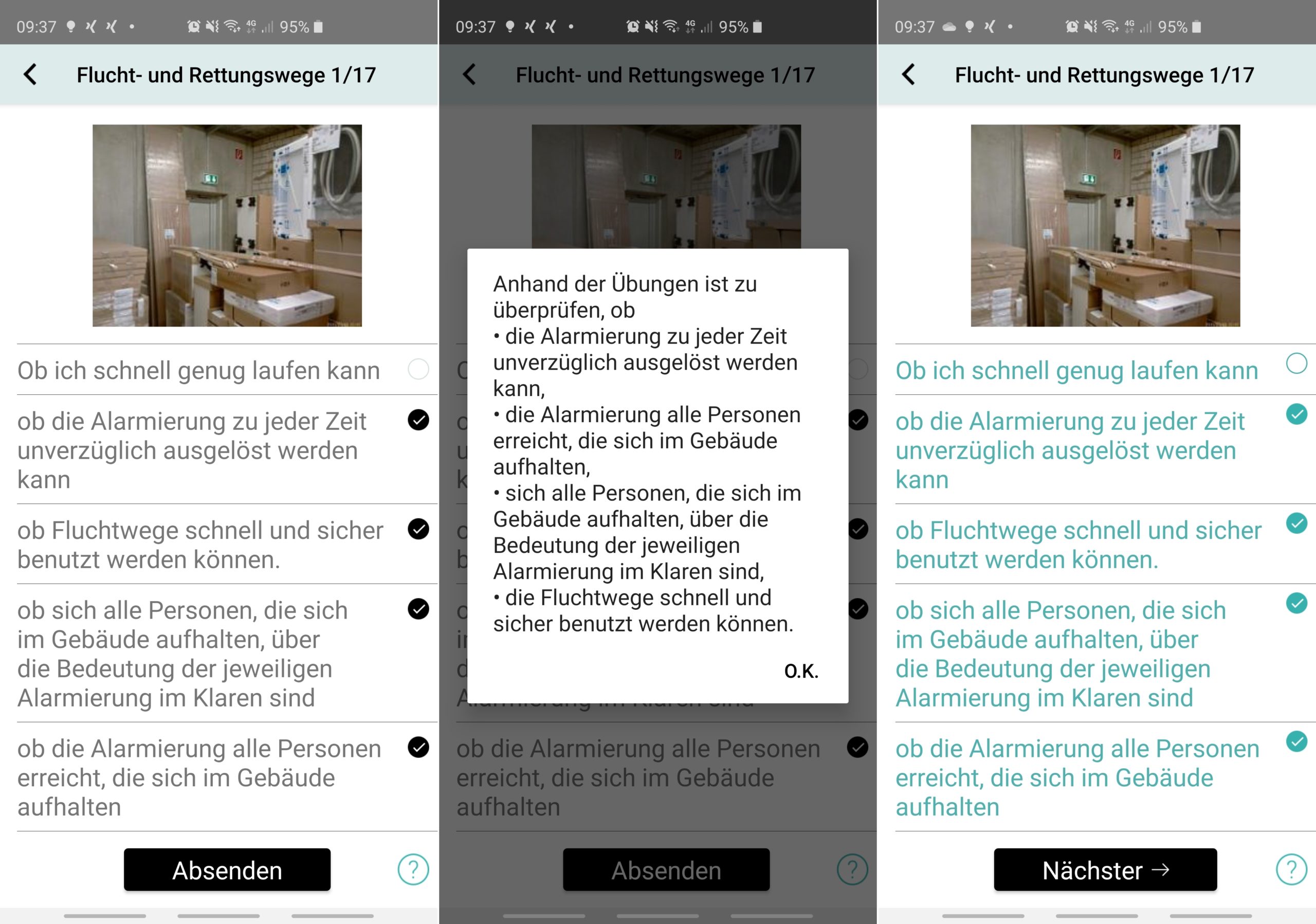


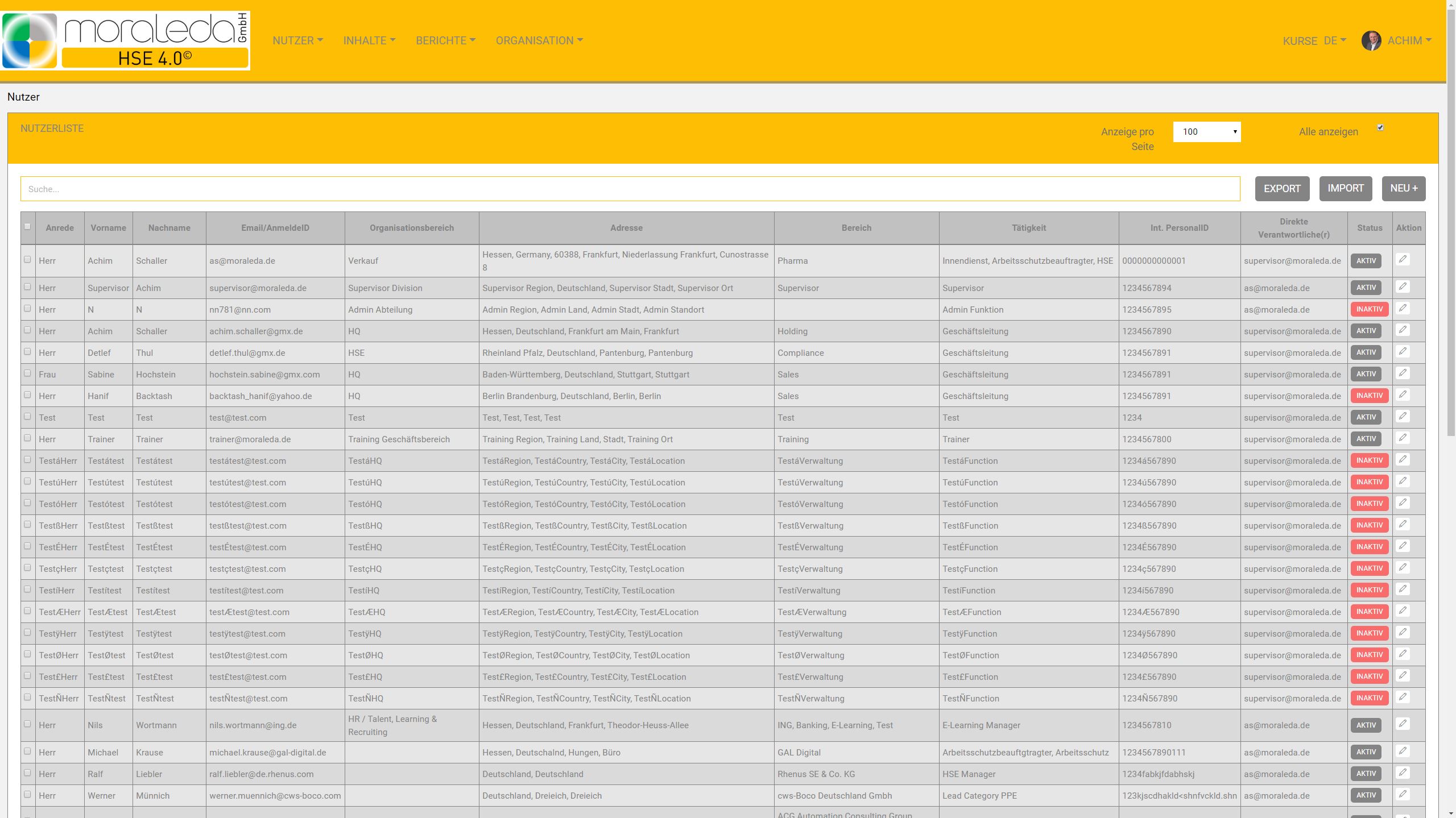
HSE 4.0 user management
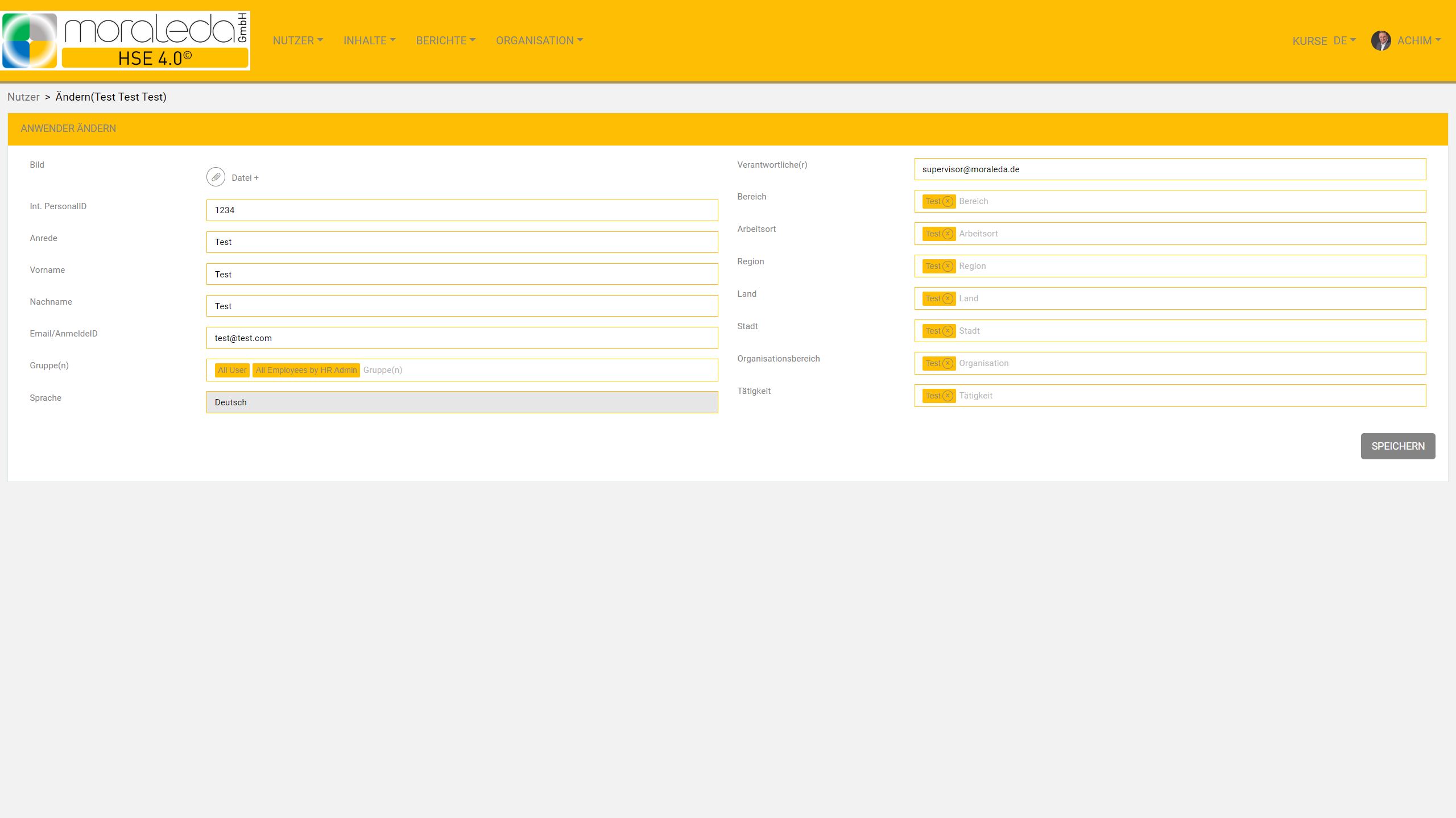
Manual editing
- Create new
Edit
Activate
Set inactive
Automatic management through user database
- Import new users
Edit user (update)
Activate or inactive user
Export of the user database
SAP connection and connection to other ERP systems(optional)
Flexible
- Database fields freely usable (except login name/email)
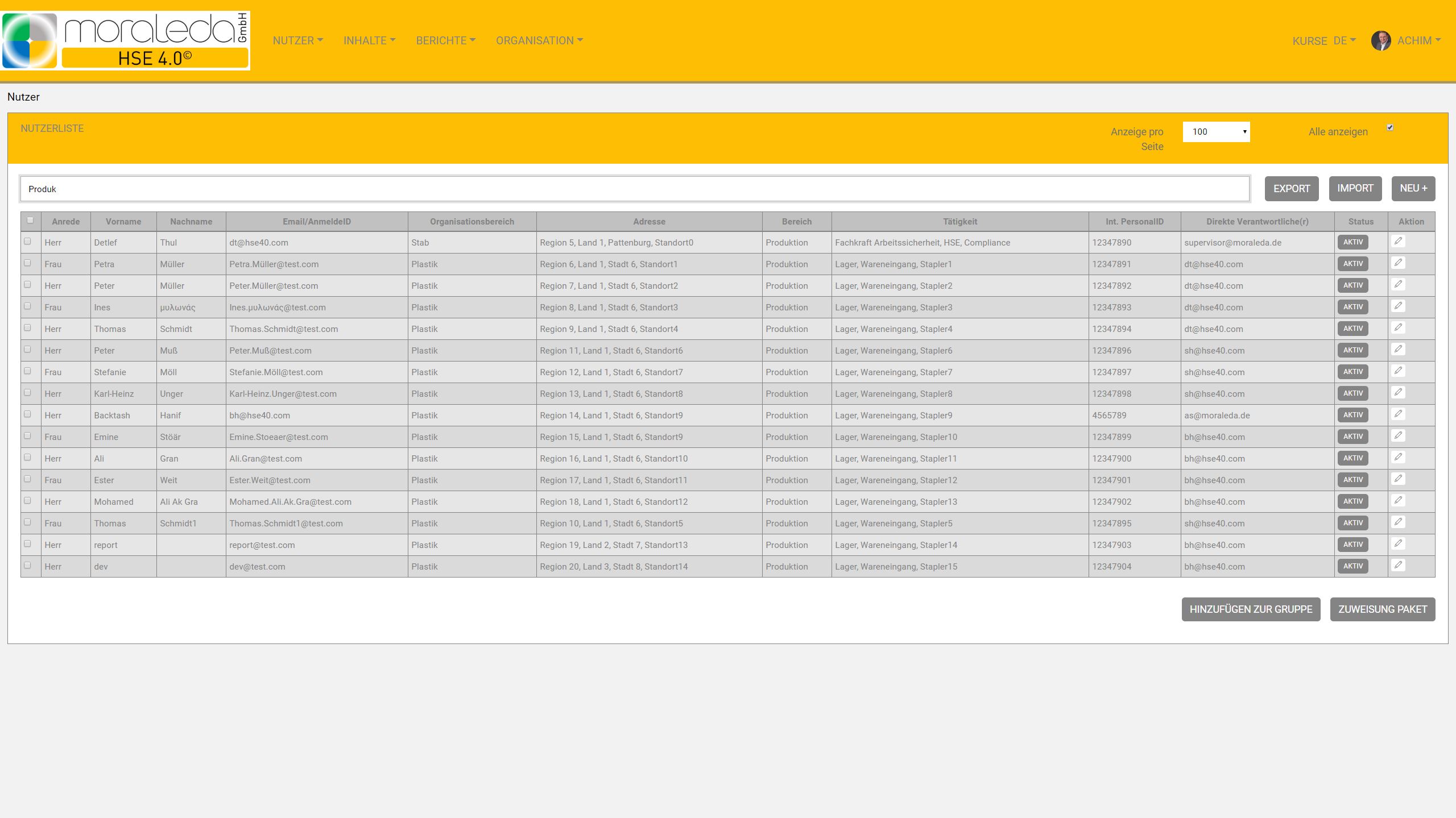
Hashtags for easy assignment (e.g. locations, regions, activity, etc.)
Designate a responsible person for each user
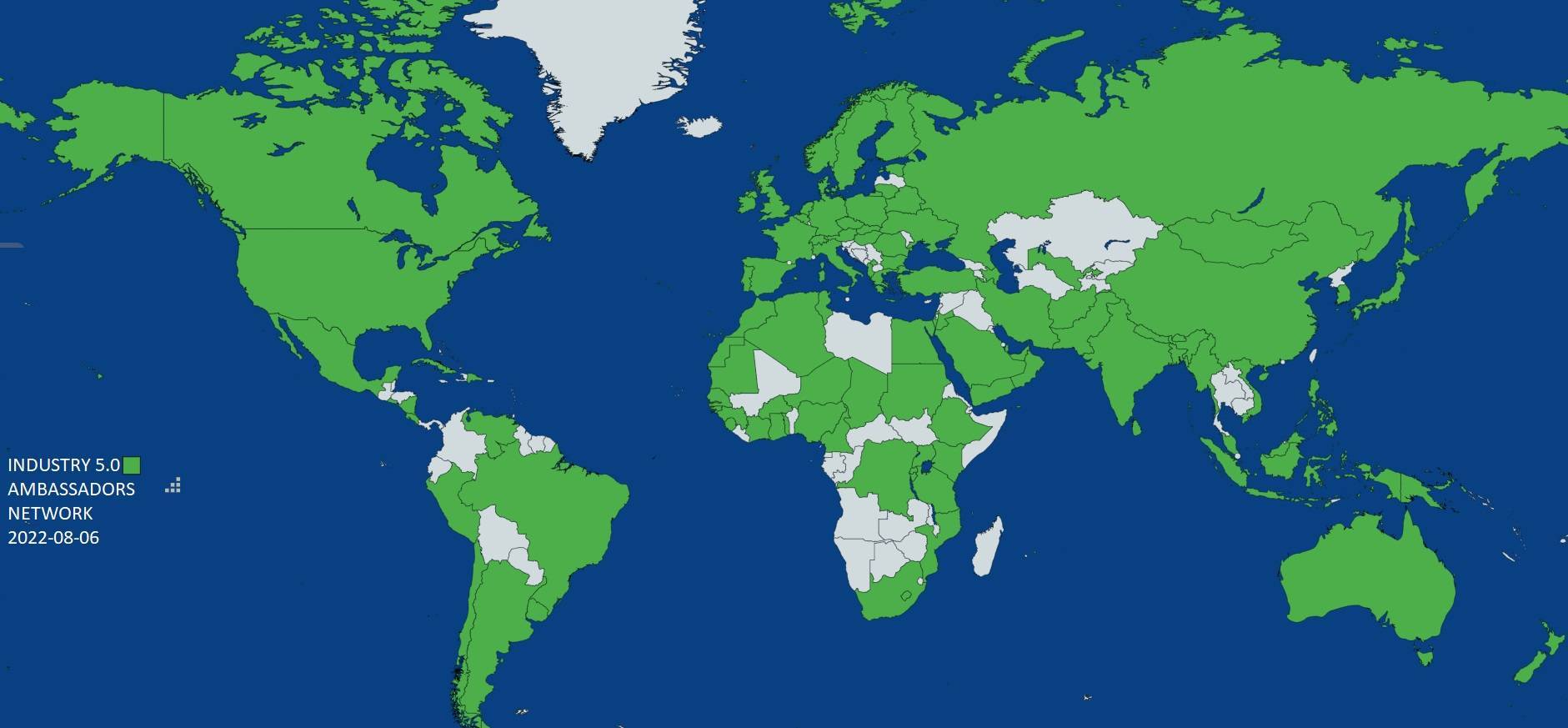
Worldwide usage
- UTF8 character set can be used
Data security
- Personal login and password
Login name freely selectable (even without email verification)
Recording of all external workers and service providers who need to be trained
Carrying out onboarding courses before starting work (onboarding process)
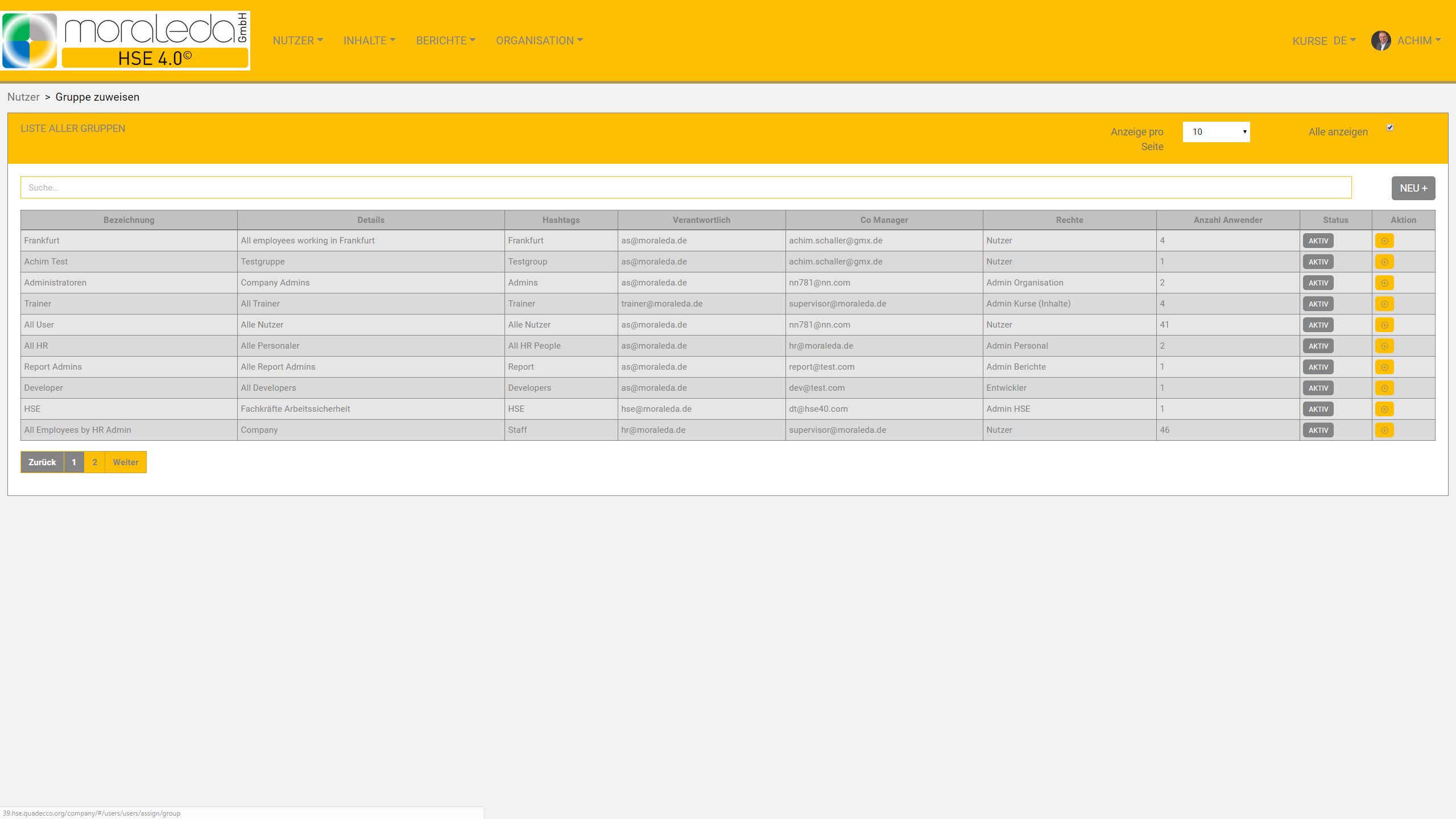
Creating user groups with different roles and dedicated access rights (multi-role concept)
HSE 4.0 content and courses
Course management
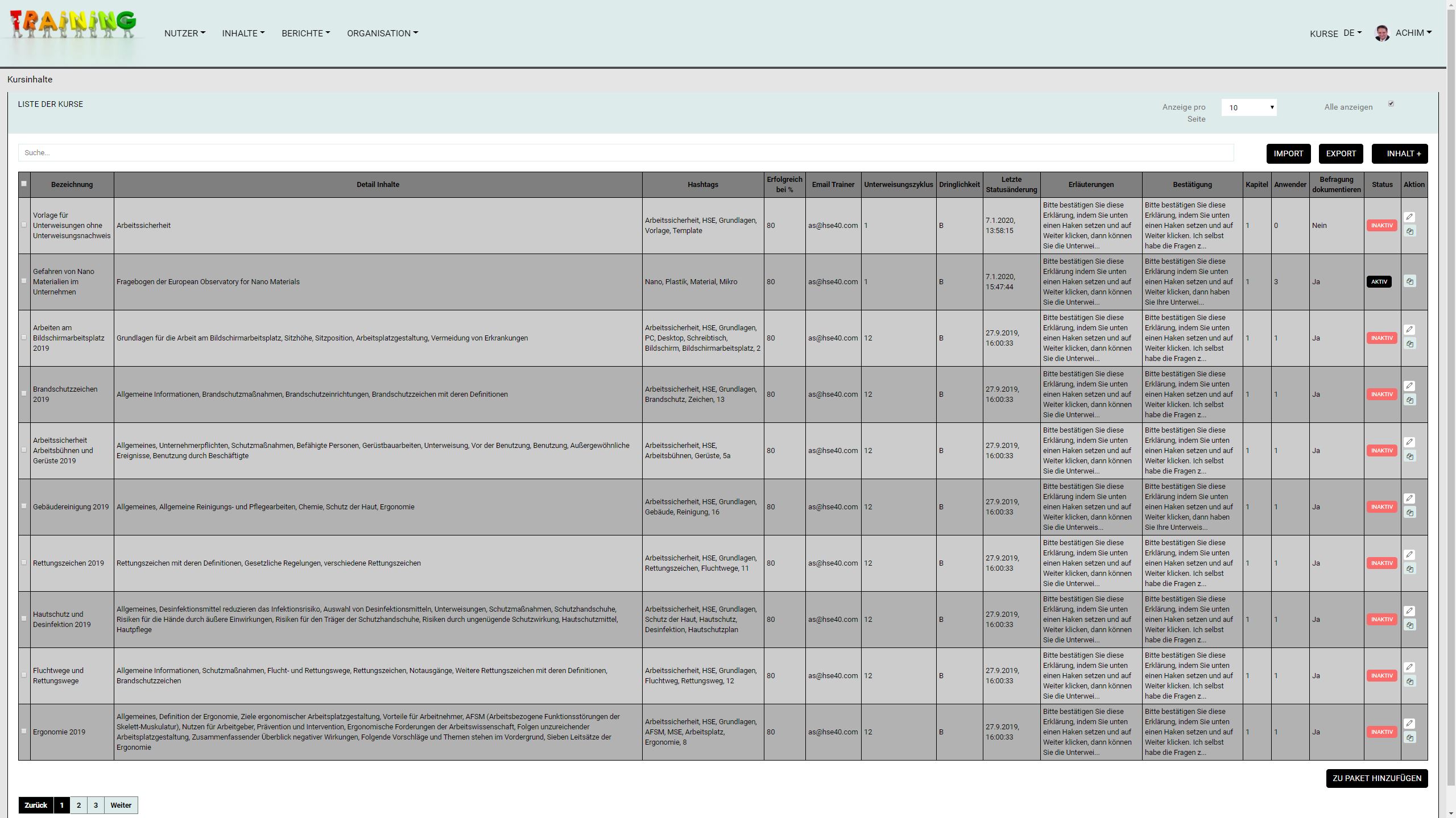
- New course
Duplicate course
Edit inactive course
Activate (unlock) course
Archive course (for audit security)
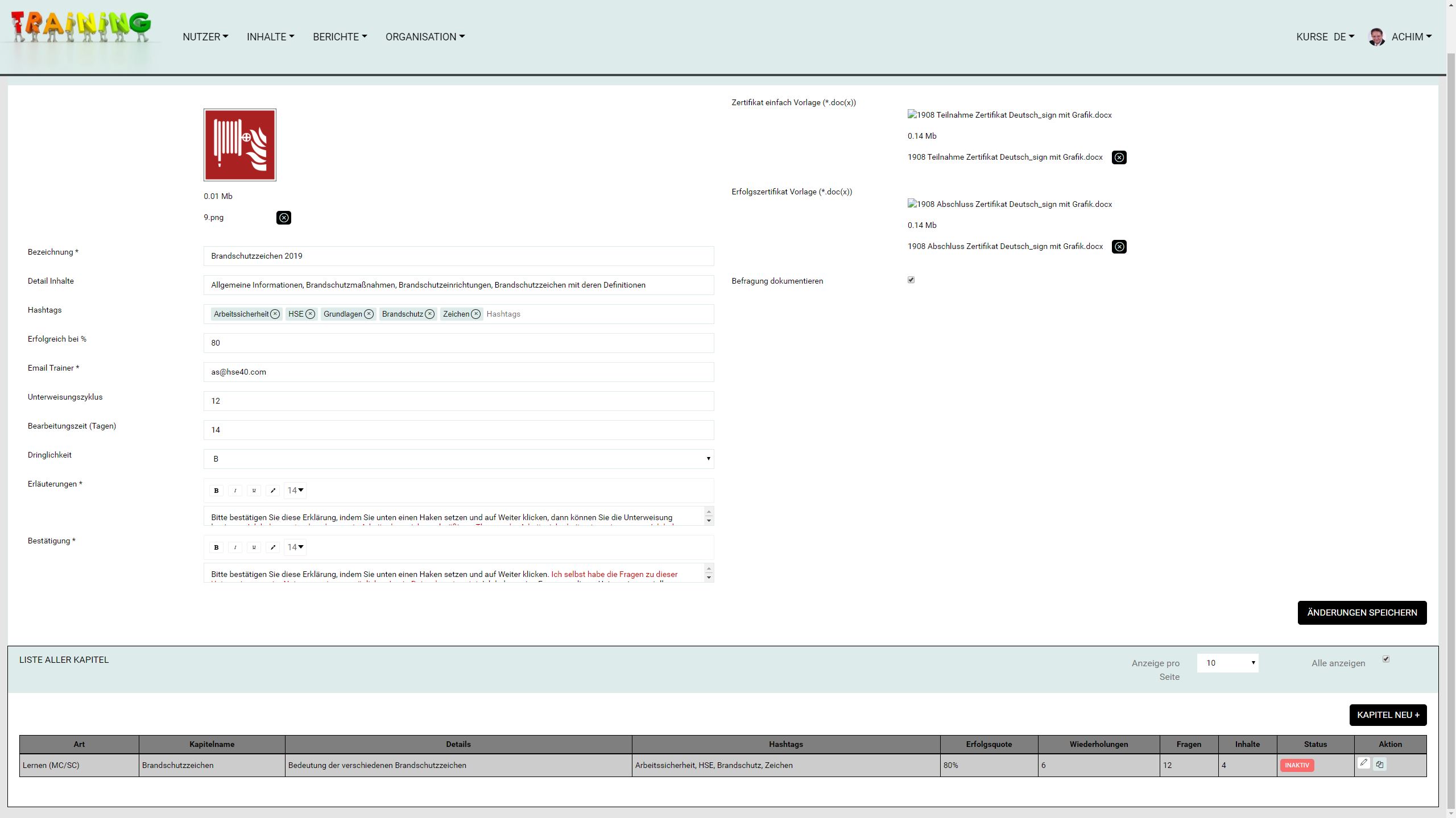
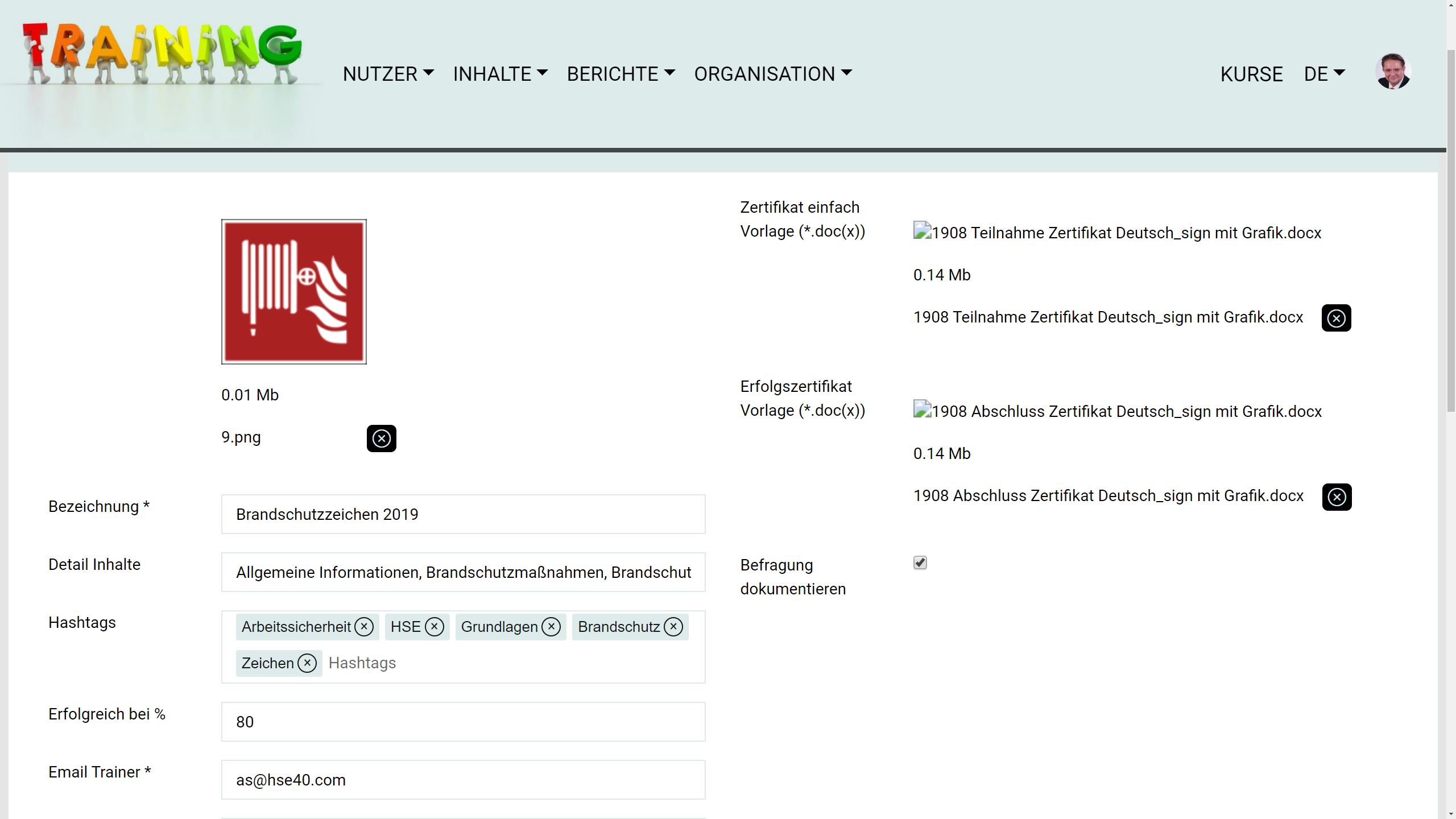
Assigning an image for each course
Individualized (also multi-page) instruction records and certificates for each course (MS-Word file)
TaT function: Trace and Track (for legally required documentation)
Determine the period of repetitions
Set time for course processing
Set priority (to prioritize important courses or work instructions)
Minimum requirements can be set individually for each course
Specify confirmation of receipt and completion (DGUV requirement)
Lessons
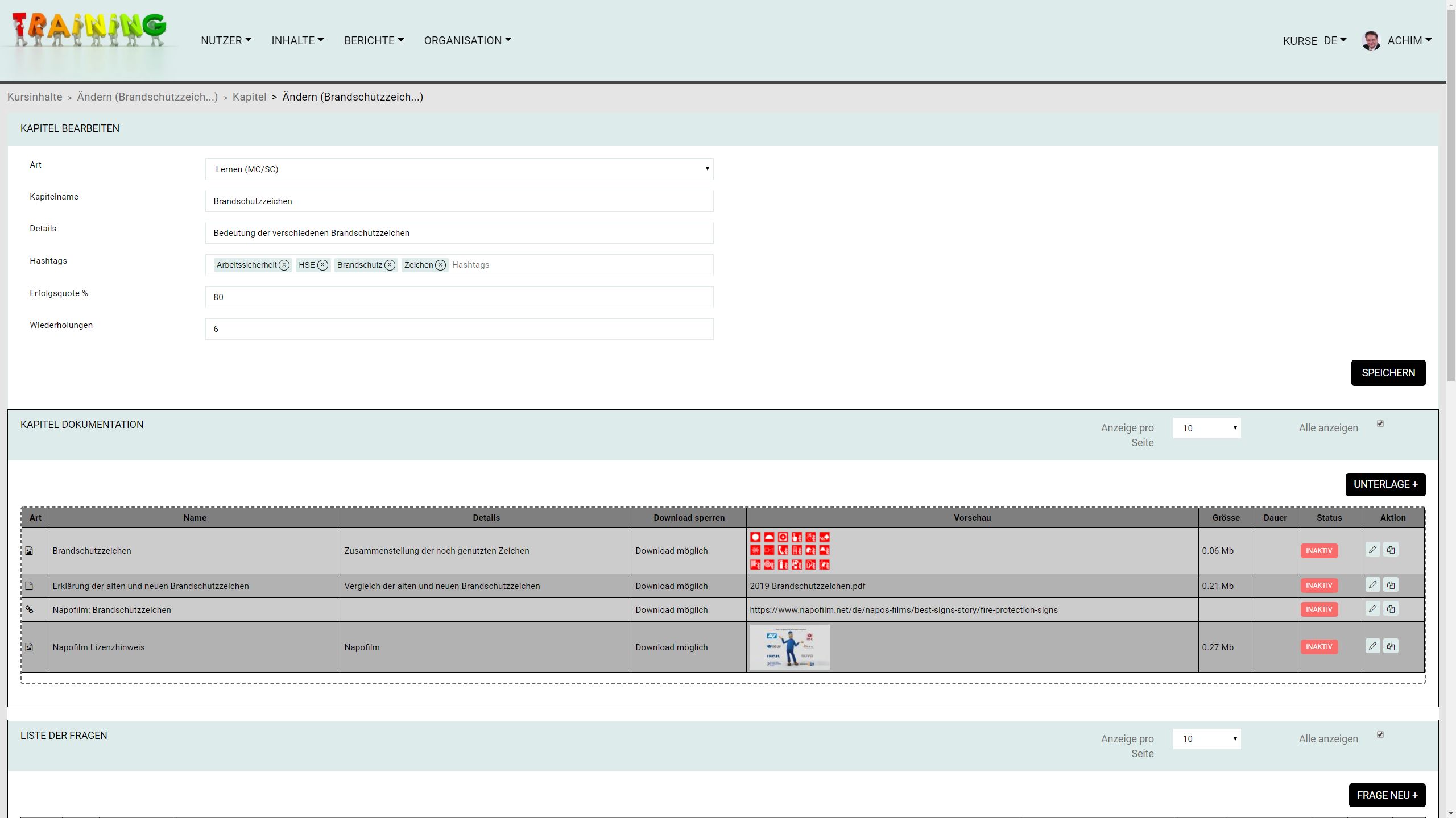
- A course can contain several lessons
Create
Duplicate
Edit
Activate
Archive
Lesson types
- Instruct: The user receives immediate feedback after answering each question, whether correct or incorrect
Check: After answering all questions, the user receives the result of how many % were answered correctly
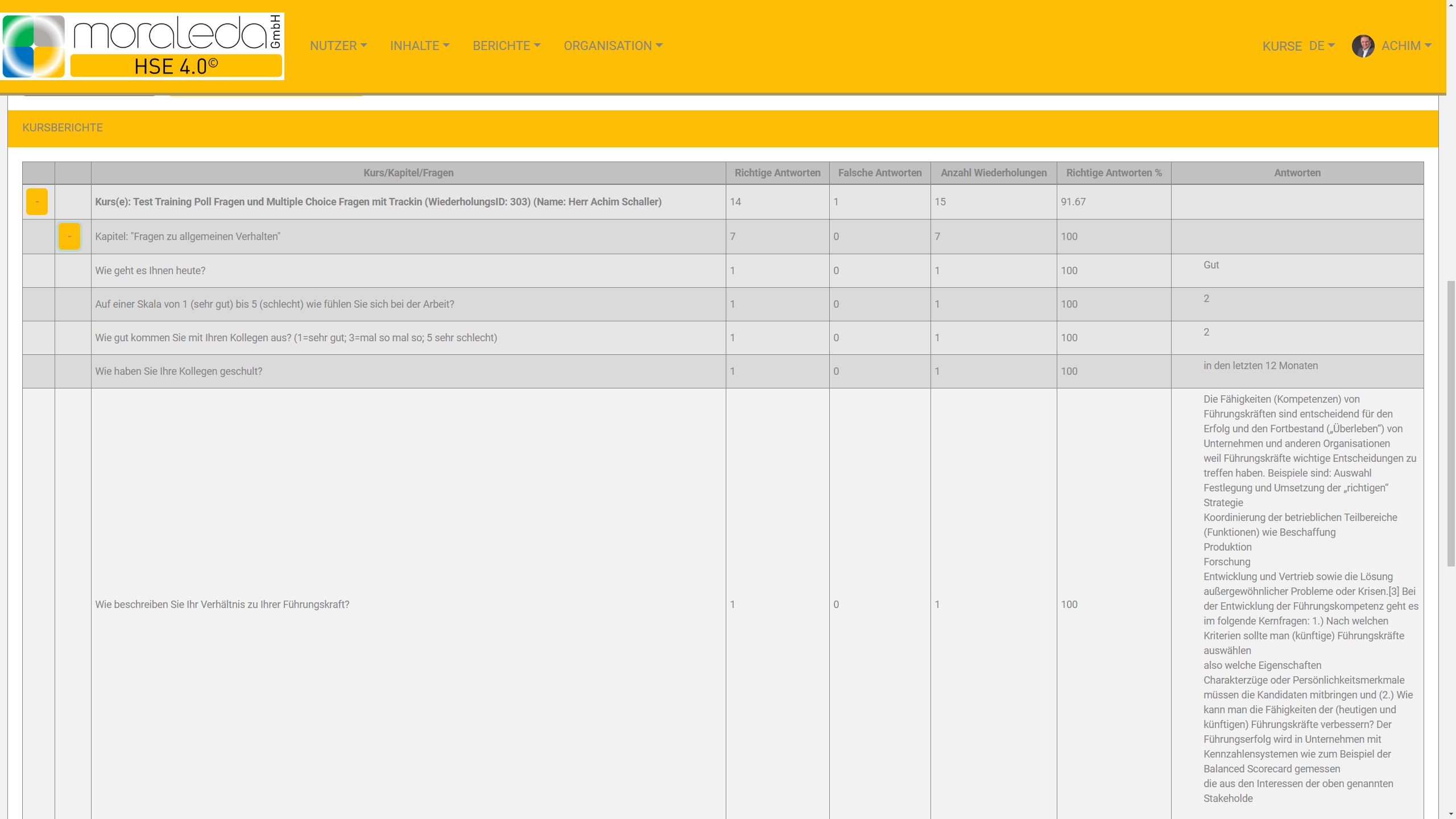
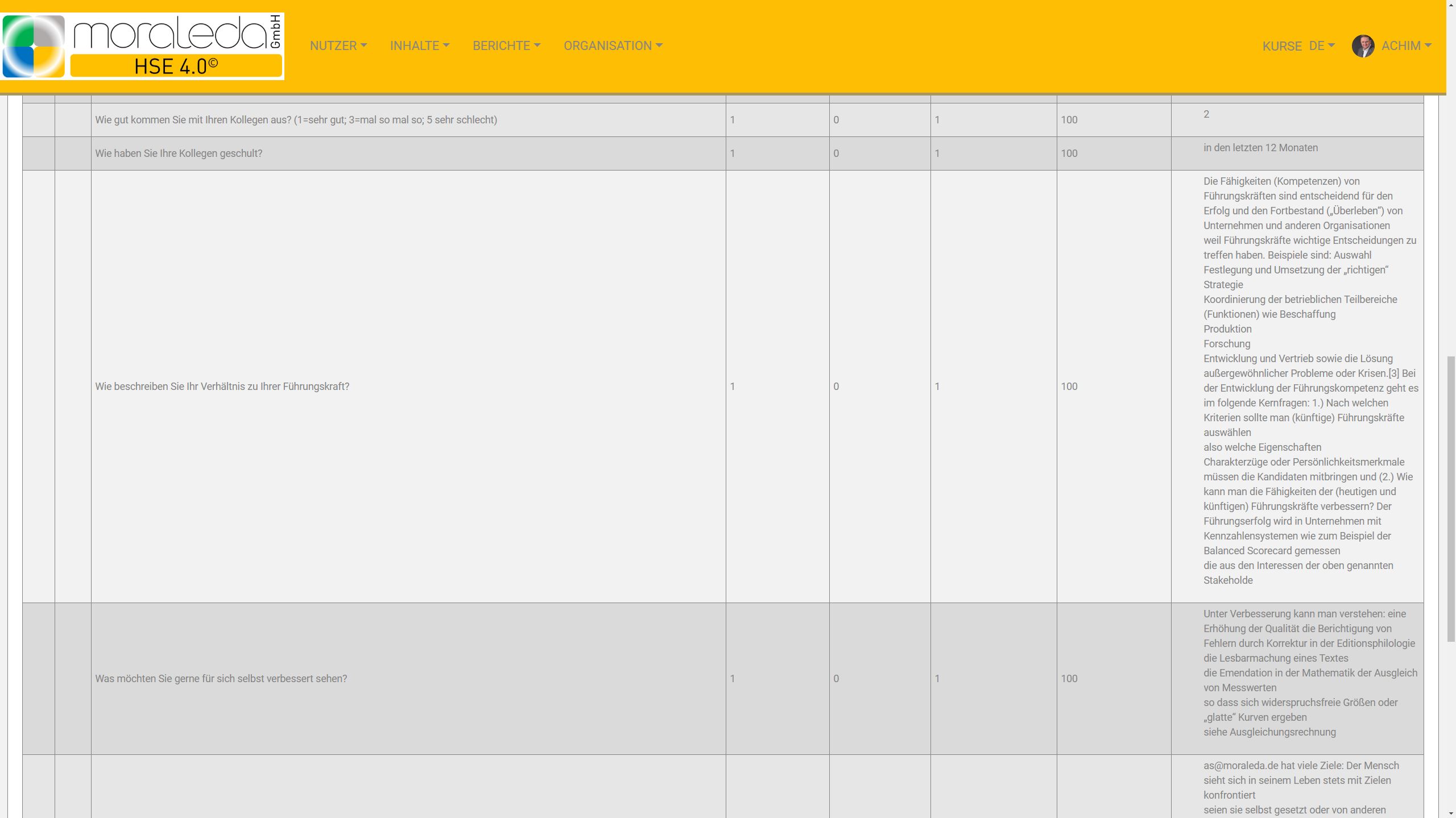
Survey: The user can rate or enter free text answers, which are output as plain text in the reports (e.g. for inspections, psychological stress)
Information lesson: consists of content without comprehension questions
Specify the minimum requirement for completing the lesson
Set repeat options for users
Content
- Upload content individually
Upload multiple content using drag and drop
Edit existing content
Activate/archive content
Content Types
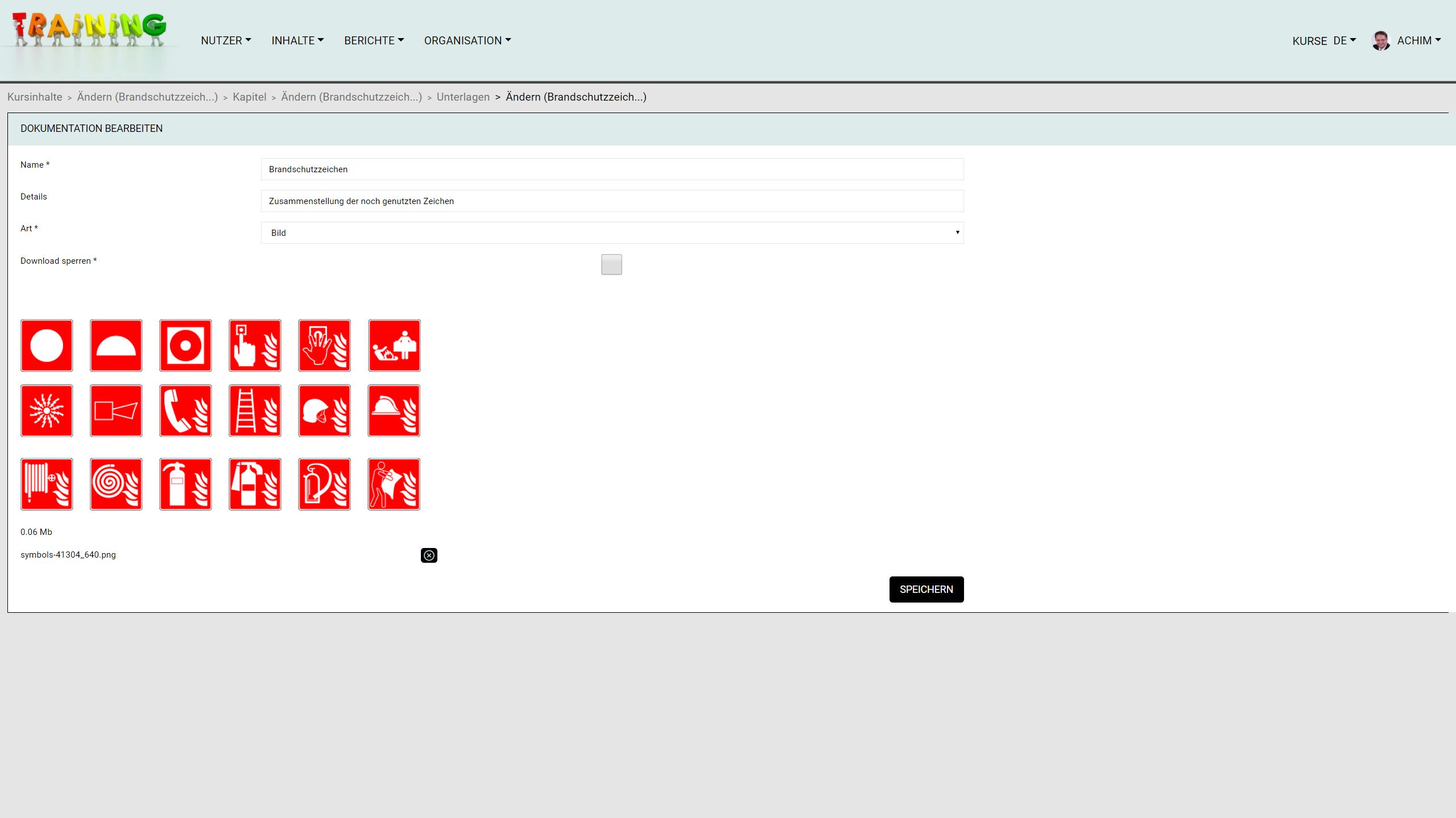
- Dokumente inkl. MS-Office, Open-Office, PDF
Audios and videos in MP3 and MP4
Images in JPG, PNG, GIF
Links
Text
Maintain confidentiality of content: Block downloads individually
File size for upload limited to 5MB to increase user experience online
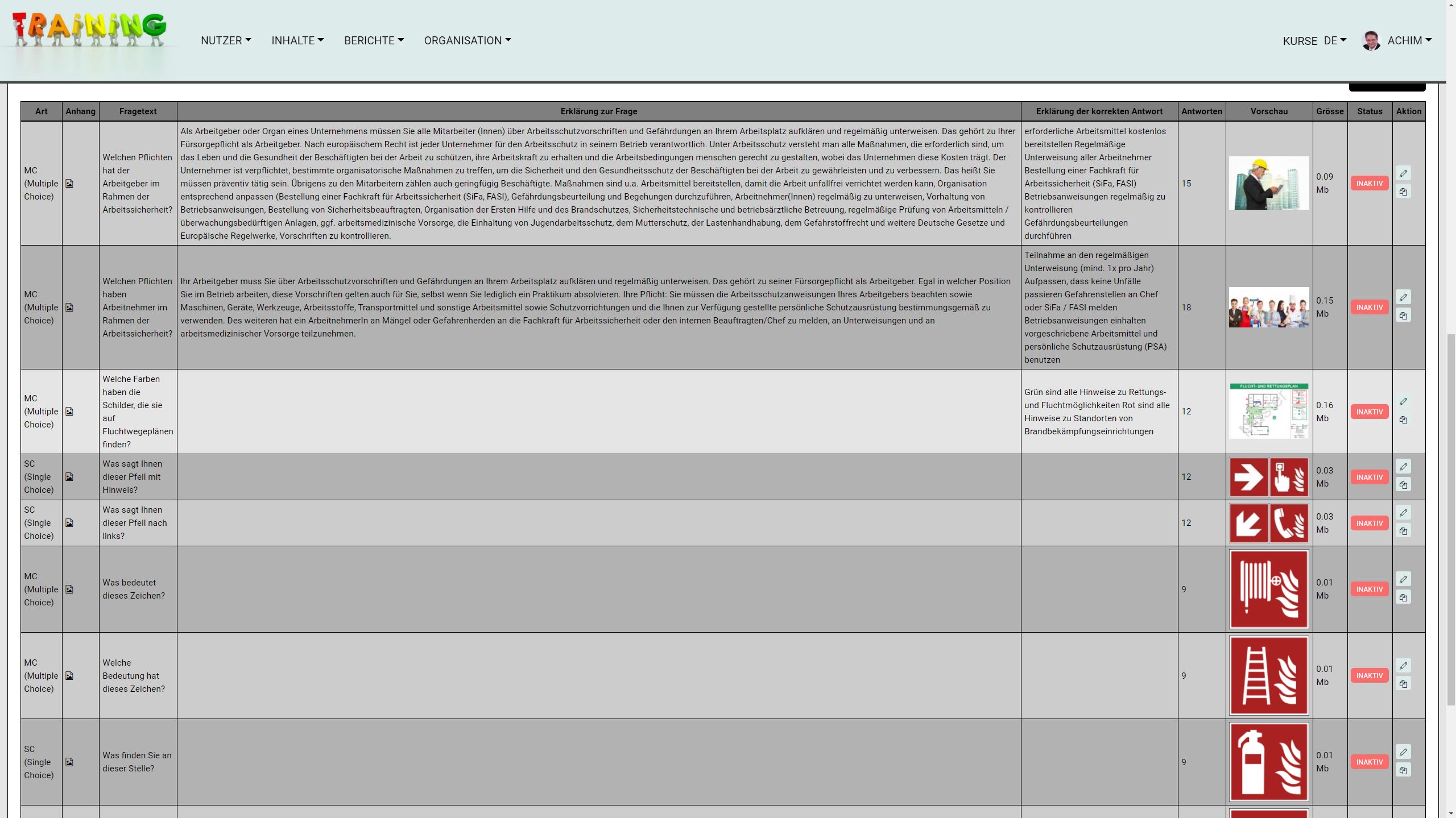
Comprehension questions
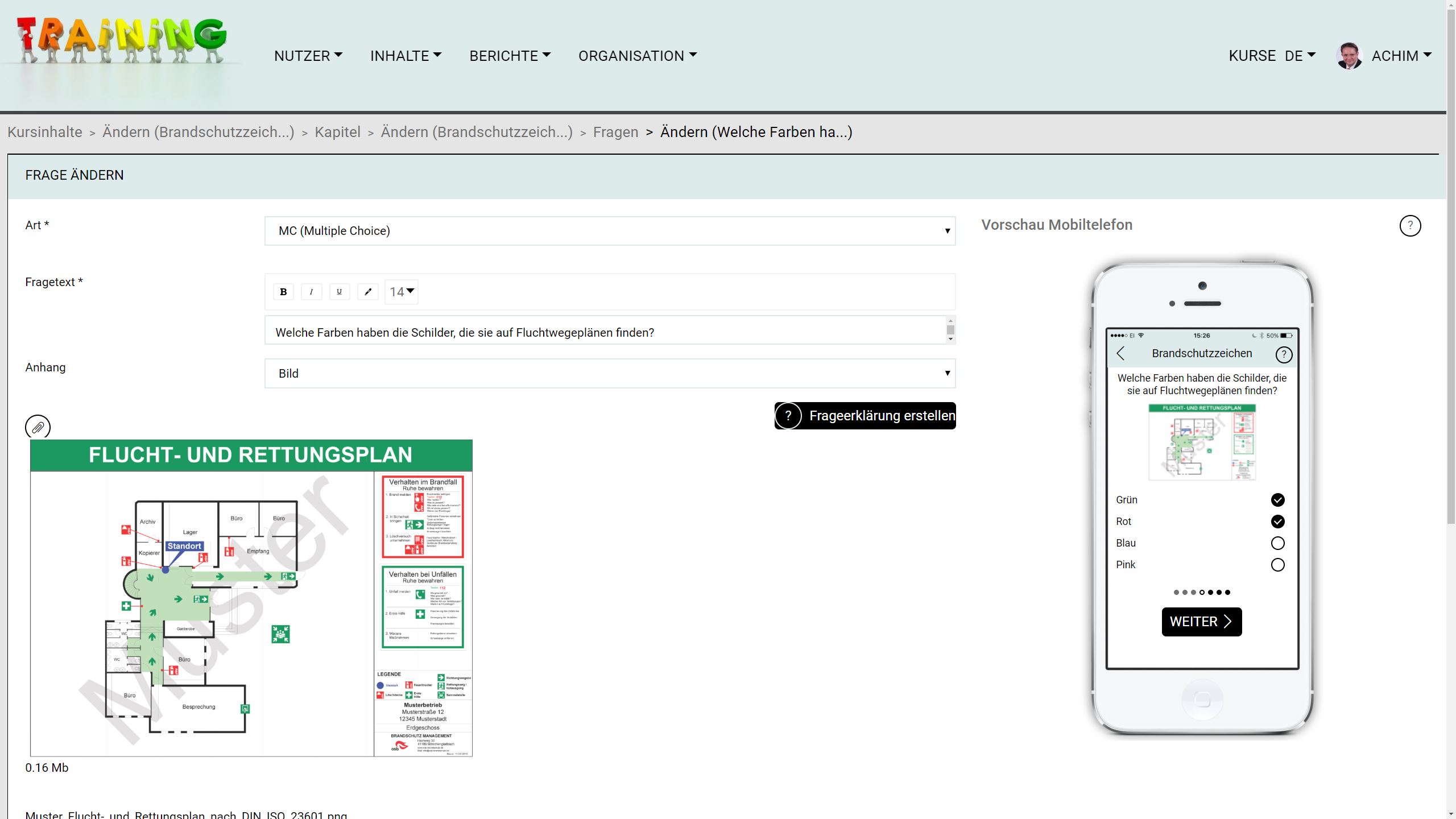
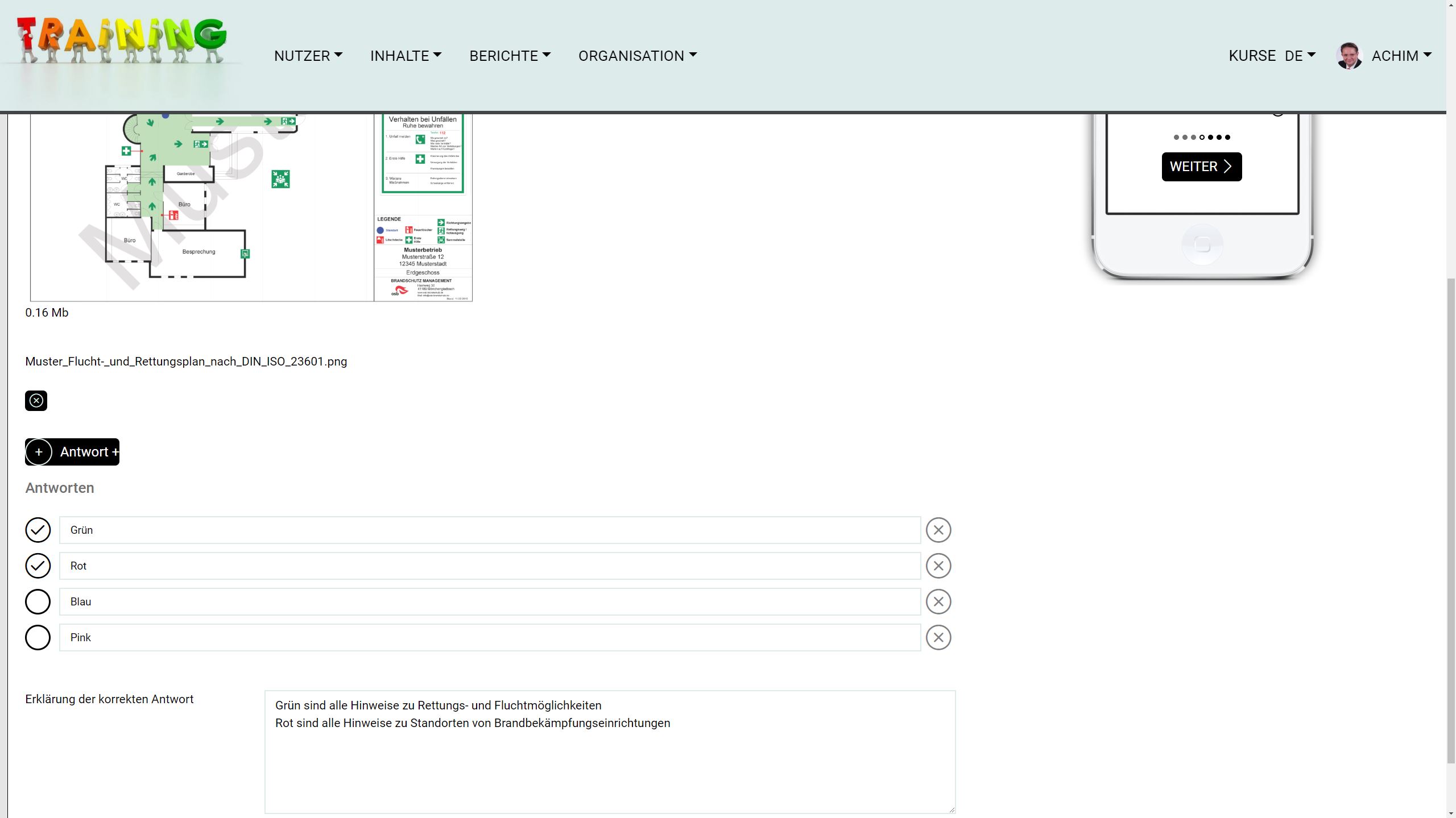
- Single/Multiple Choice
Assessment questions
Open questions
Add image or A/V to question
User support: Add explanations for questions and answers
User experience: Direct display on a mobile device through responsive design
HSE 4.0 user groups and content packs
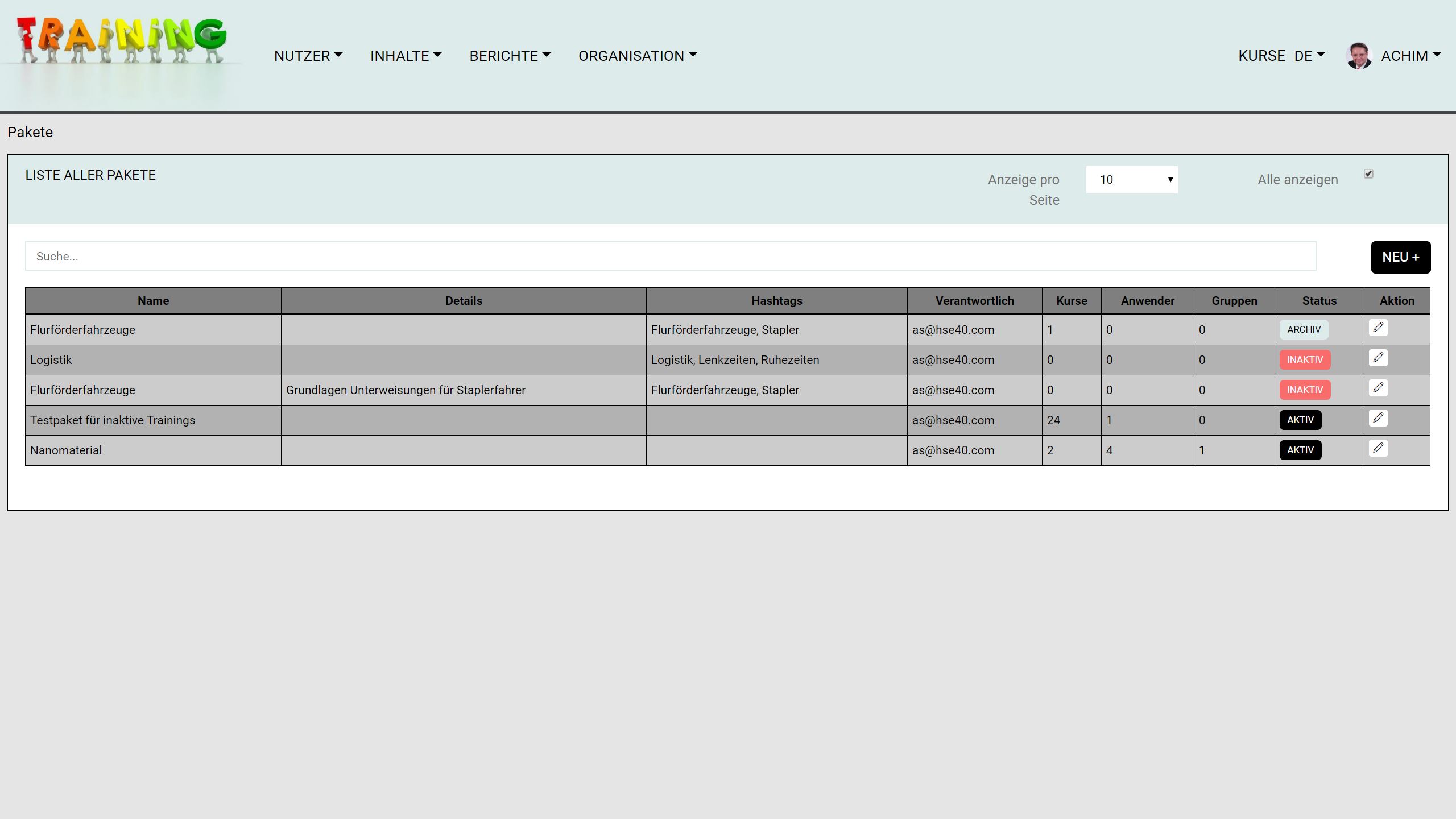
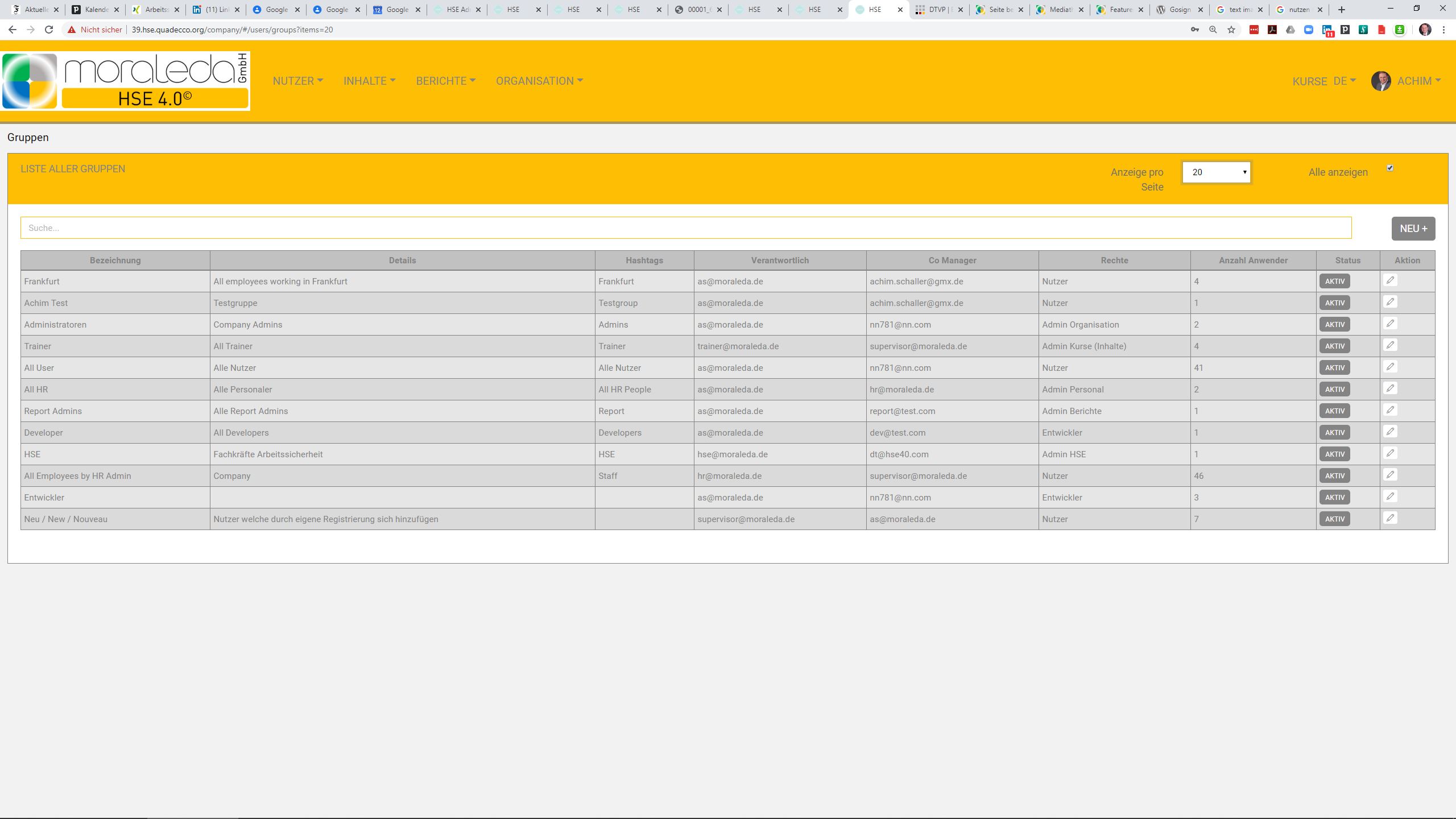
User groupsgroup individual users (e.g. with the same risks, activities, at the same locations) into larger groups and regulate user rights.
Content packsbundle several courses into one package so that all courses for certain user groups are already combined (e.g. activities in the warehouse, activities in the office, activities on the construction site, industrial trucks, driving and rest times).
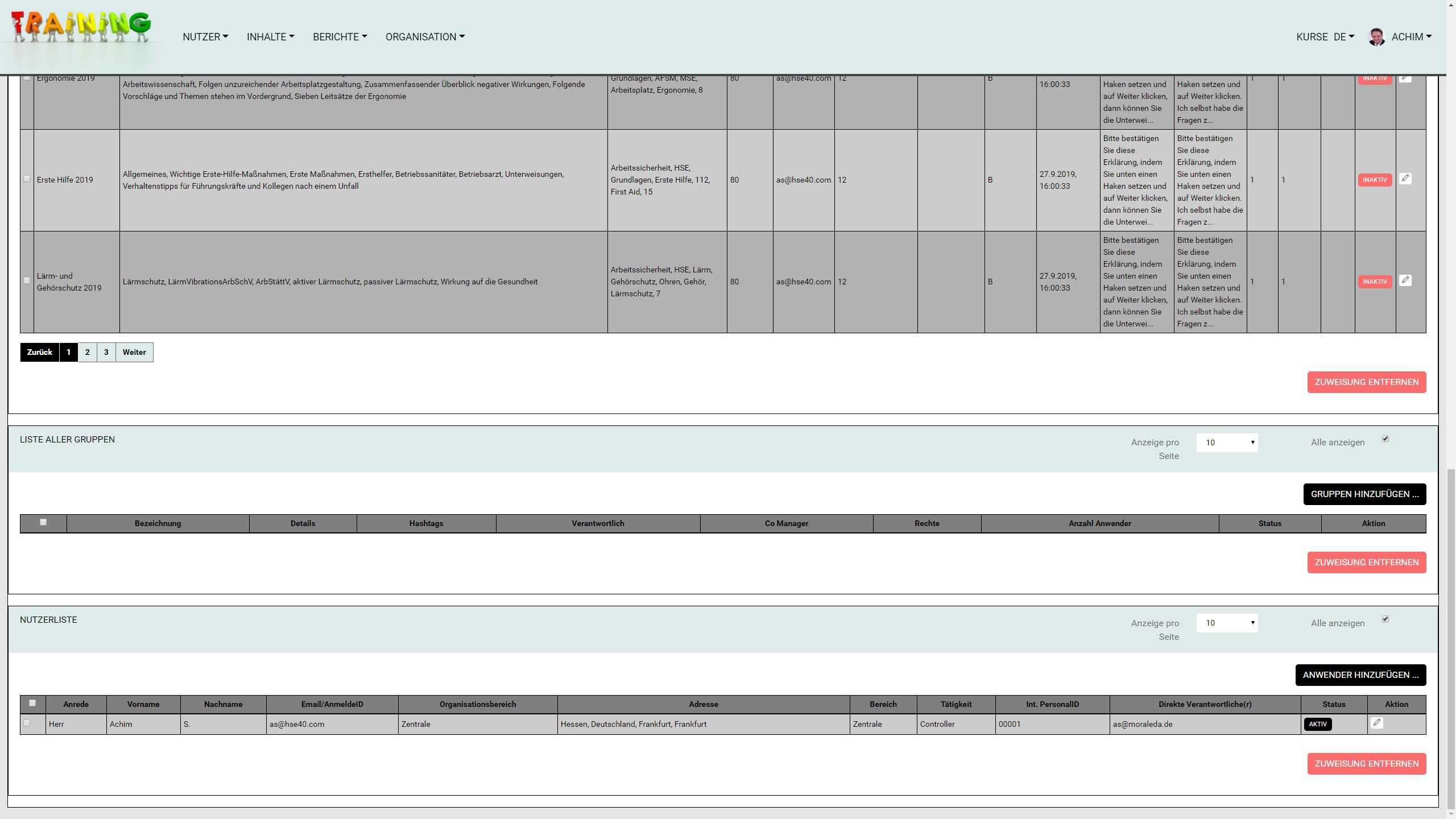
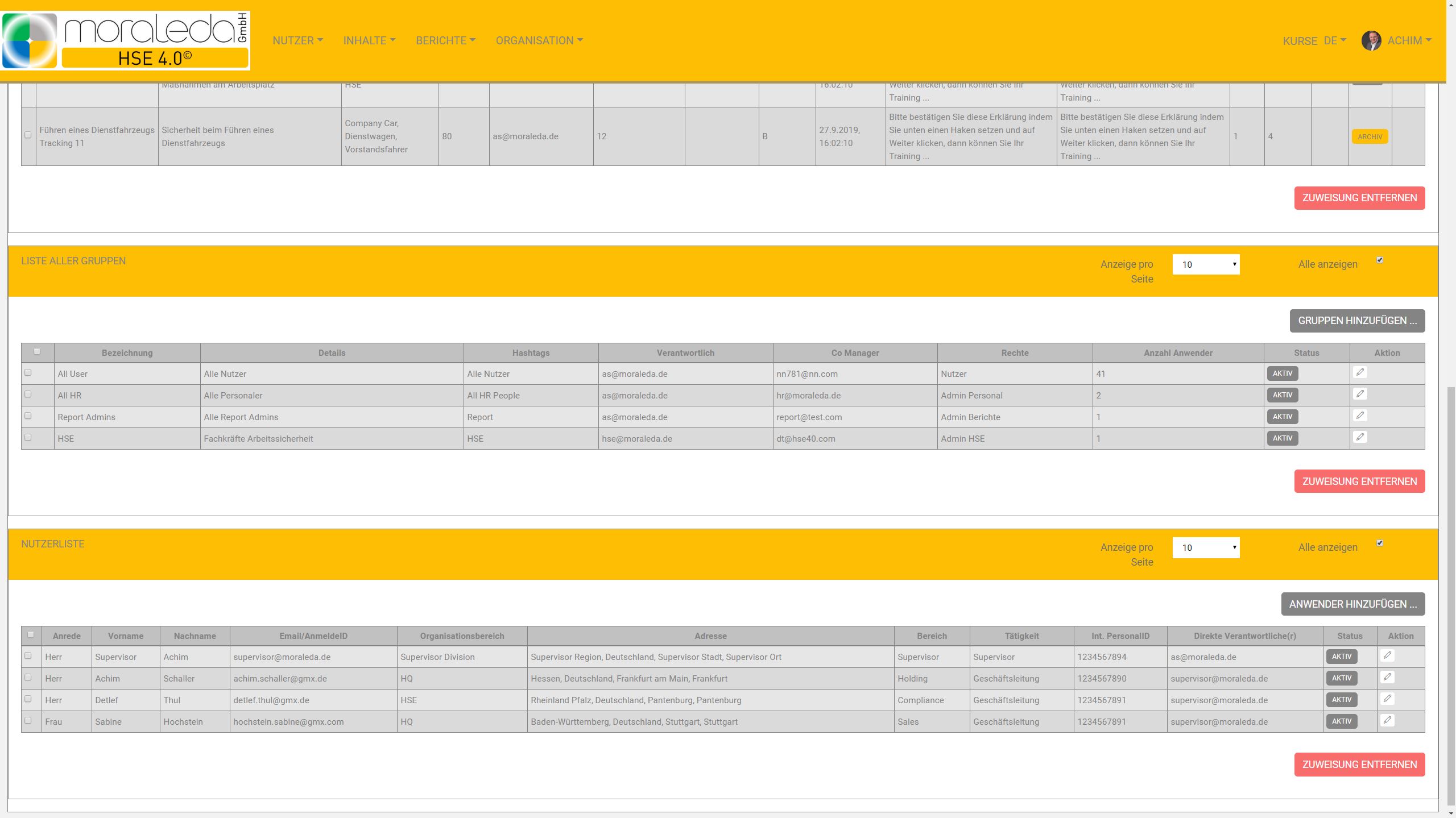
Effective, quick and easy: Content packages (multiple courses) are assigned to users or user groups with 2 mouse clicks. This way you can manage all the necessary instructions for large numbers of users easily and clearly.
- New group/package
Edit group/package
Activate/set group/package inactive
Add users/content
Remove users/content
HSE 4.0 reports
Reporting
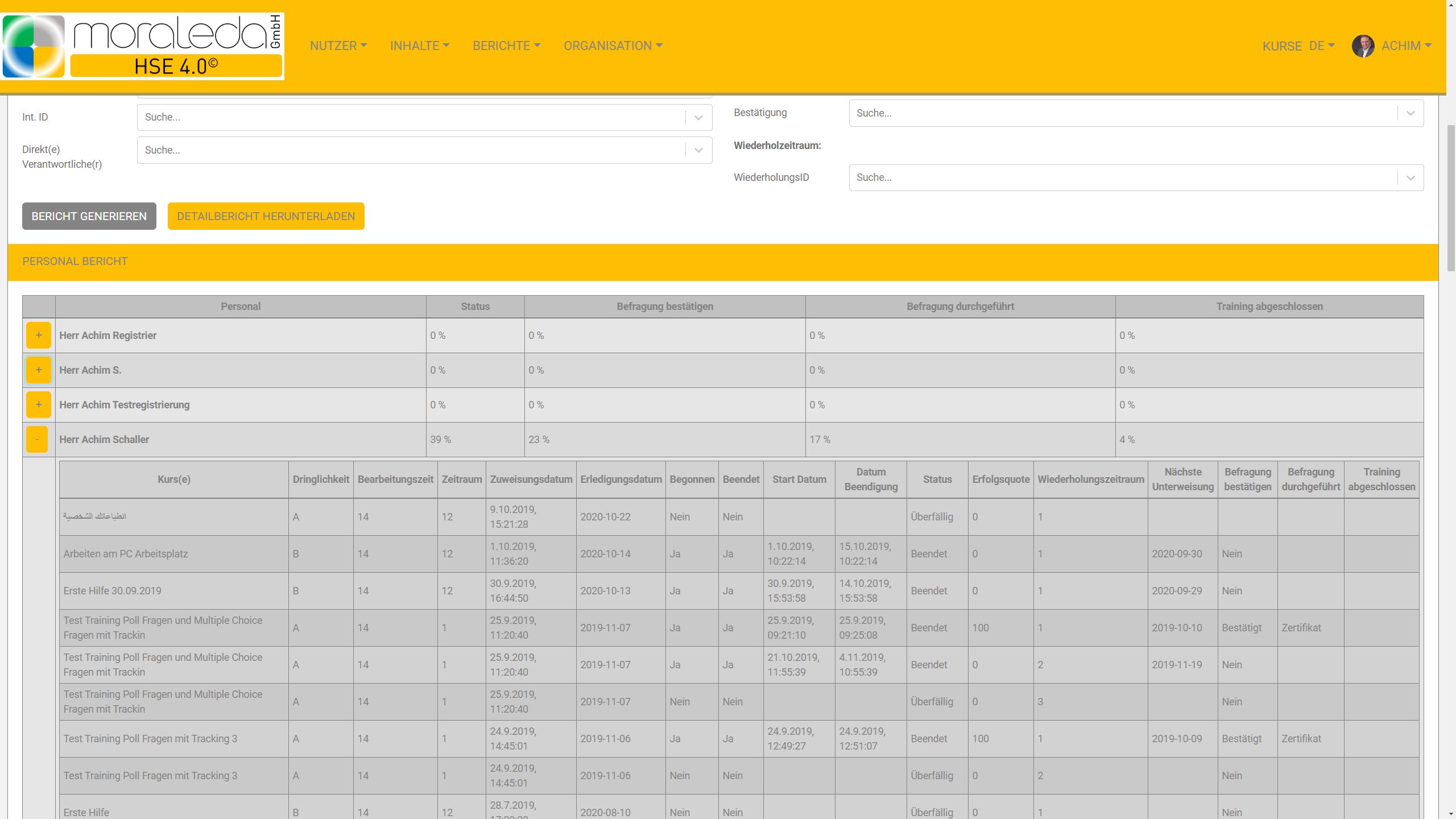
- Extensive user reporting
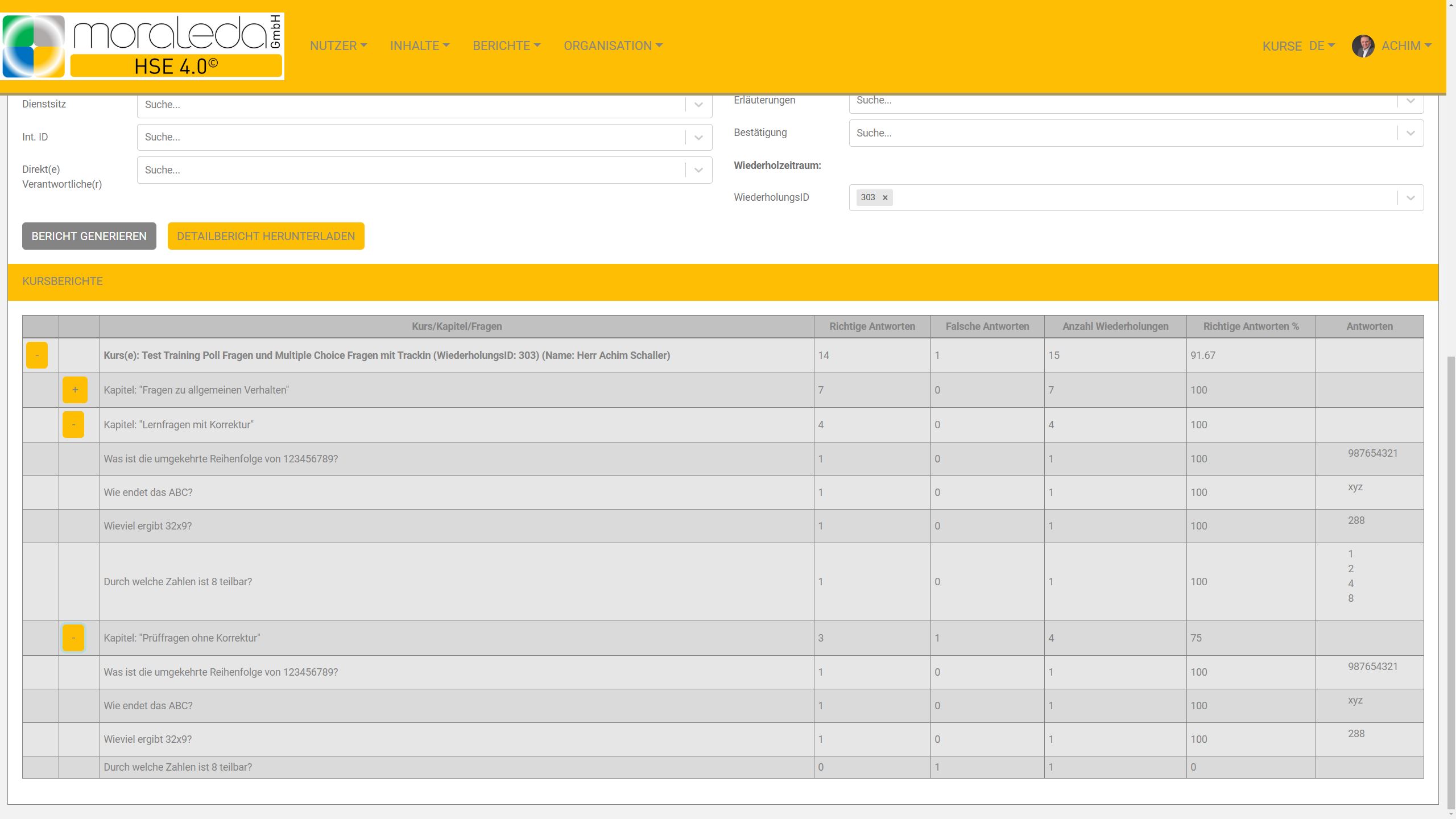
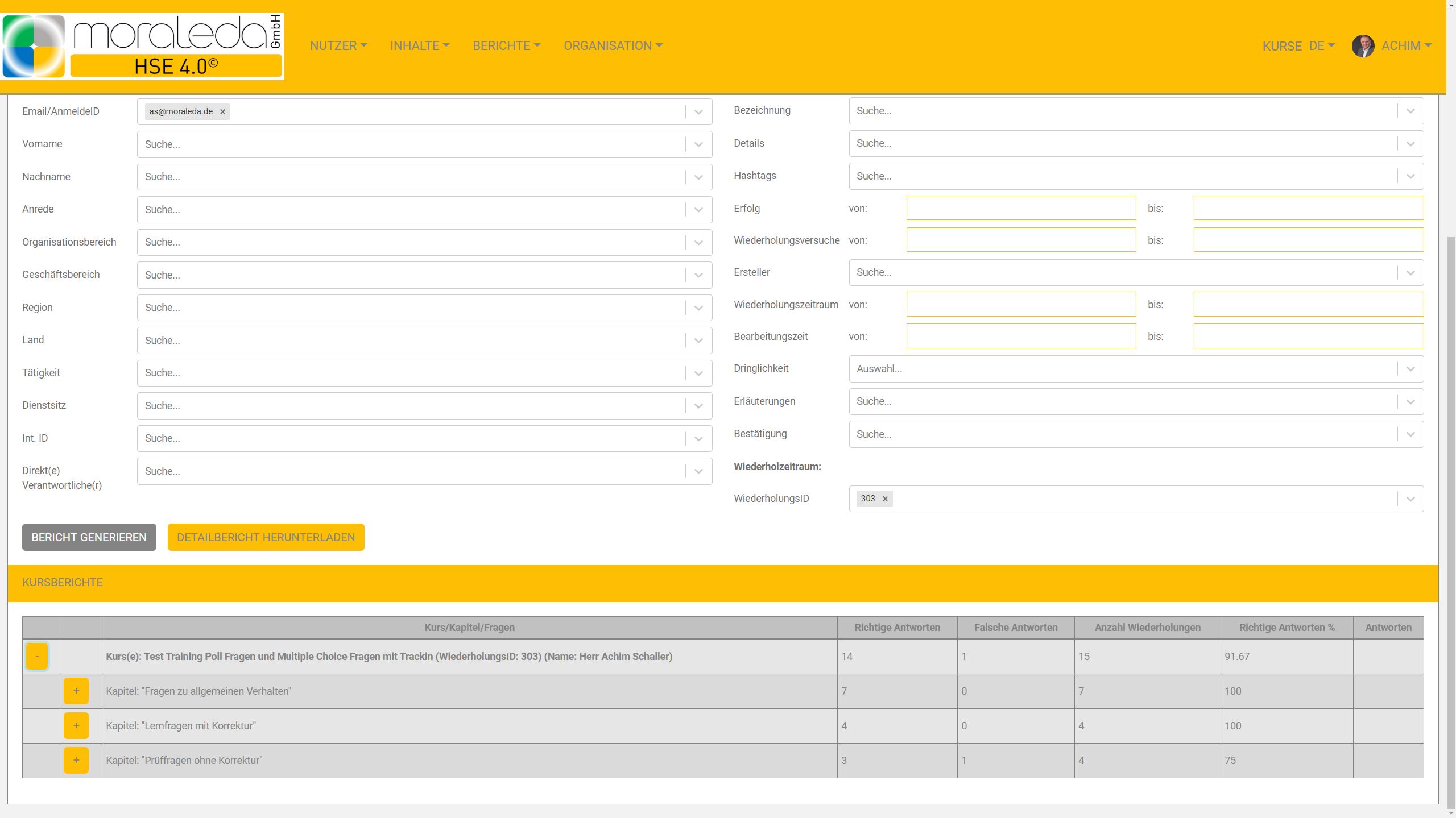
Comprehensive course reporting
Detailed reporting on individual results
Process control (confirmation of the implementation of the survey and confirmation of the completion of the instruction (six-eye principle))
Involving those responsible
Management responsibility: department head -> team leader -> employees
Overview of overdue courses/inspections
Overview and working with results
Comprehensive course reporting with a summary of results by course and user
Reporting period freely selectable
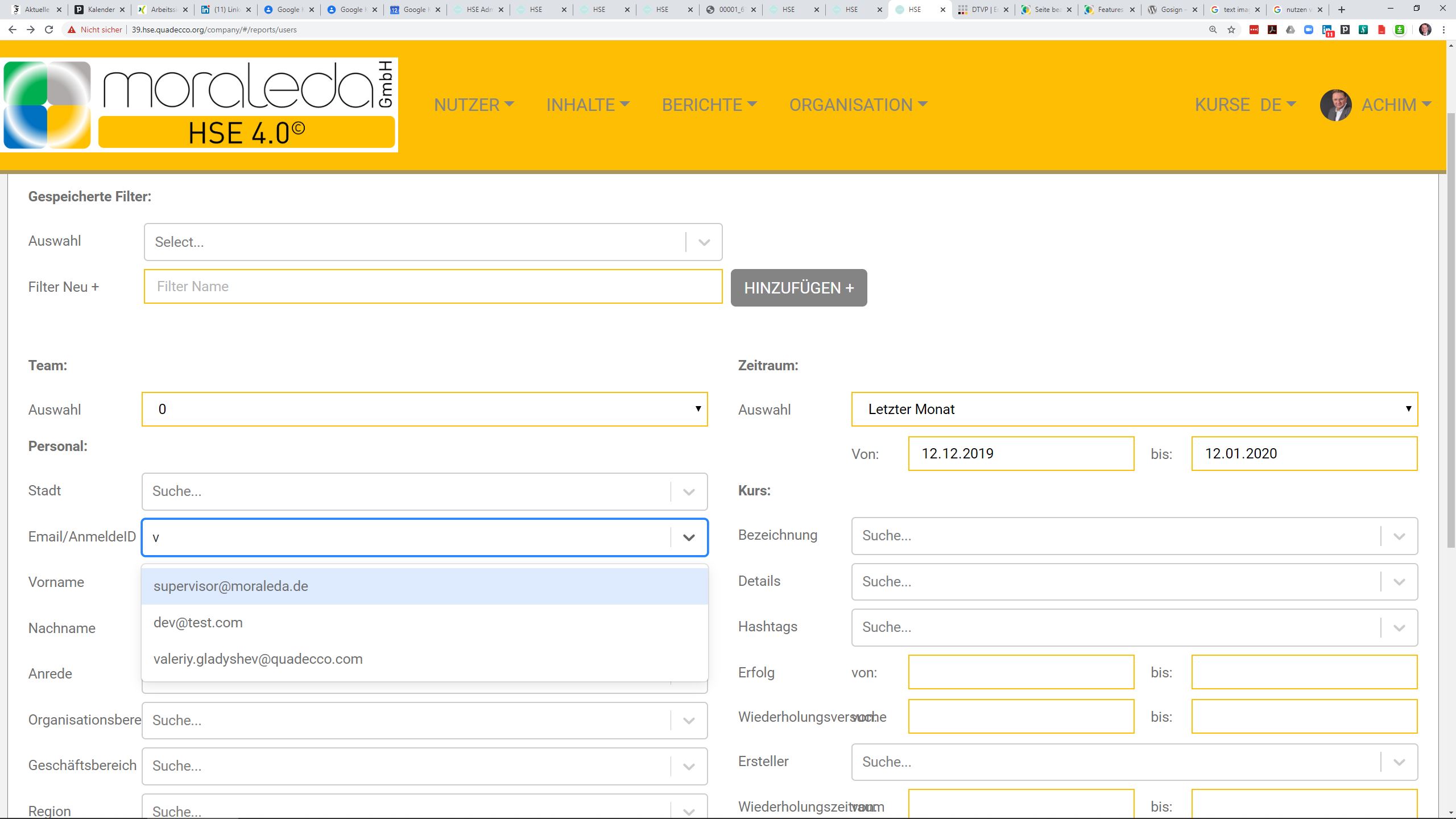
Free text filter using hashtags
Database content suggestion function
Download option for all proof of instruction and certificates signed with IP address/date-time stamp
Detailed reports for each instruction per user for psychological stress
Detailed reports for each inspection including all comments and findings
All reports can be downloaded as an Excel file